
Overview
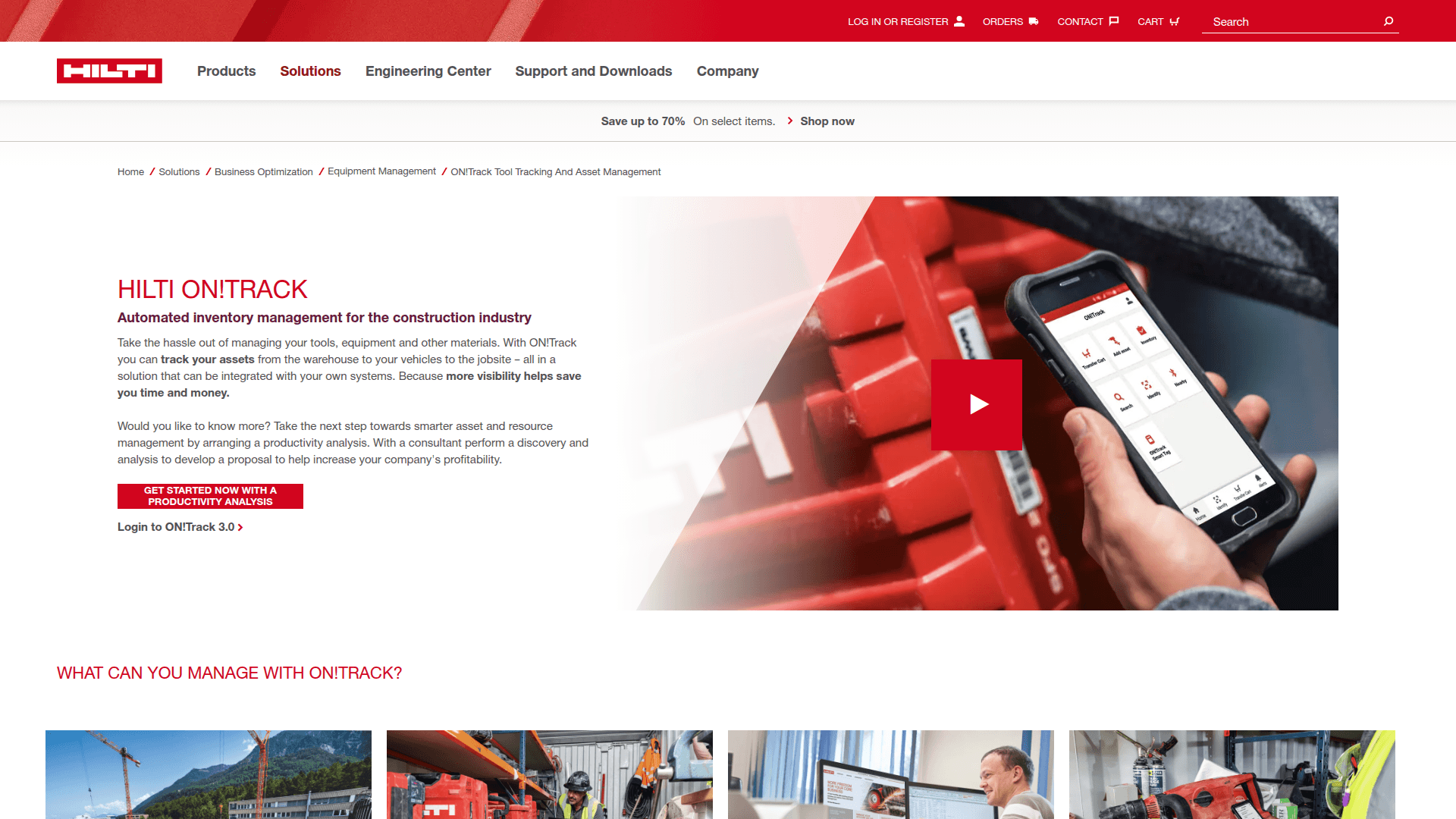
What is Hilti ON!Track: Hilti ON!Track is a tool tracking and asset management platform for the built world. ON!Track uses durable asset tags and inventory gateways to manage assets from any brand, including small drill drivers, heavy equipment, and vehicle fleets, and exposes asset, location, worker, and transfer records through the ON!Track Unite API.
How to integrate Hilti ON!Track with Datagrid
Configure the integration first, then review the OAuth 2.0 authentication and data sync details. The ON!Track UI remains the credential-generation path; Datagrid handles synchronized records through ON!Track Unite after setup.
Configure the integration
Follow these setup steps to connect the ON!Track tenant to Datagrid.
In Datagrid, open Integrations and select Hilti ON!Track.
Gather your four ON!Track tenant credentials: Client ID, Client Secret, technical user Username, and Password.
In ON!Track, go to Company Settings > ON!Track Unite (API), note the Client ID and Client Secret, then click Generate password for the technical user.
Enter the credentials in Datagrid and confirm the connection.
Use this configuration shape when documenting the integration setup for internal teams.
integration: Hilti ON!Track
authentication:
  client_id: "<Client ID>"
  client_secret: "<Client Secret>"
  technical_user_username: "<Username>"
  technical_user_password: "<Password>"
sync:
  interval: "up to once every 5 minutes"
  bidirectional:
    - assets
    - quantity items
    - locations
    - workers
  read_only_export:
    - transfers
    - geolocation
  import_actions:
    - transfer triggering
Authenticate with OAuth 2.0
ON!Track Unite uses OAuth 2.0 exclusively. ON!Track Unite is available only for ON!Track generation 3 and requires the ON!Track Pro License bundle. ON!Track Unite API calls do not transmit usernames or passwords. Access tokens expire after 60 minutes, and ON!Track Unite does not support refresh tokens; Datagrid obtains a new token after each expiry. Regenerating ON!Track Unite technical-user credentials immediately invalidates the previous password.
Use this token-lifecycle artifact to set expectations for internal integration runbooks.
authentication_flow: OAuth 2.0
api_call_credentials:
  username_password_sent_in_api_calls: false
token_lifecycle:
  access_token_expires_after: "60 minutes"
  refresh_tokens_supported: false
  renewal_pattern: "obtain a new token after each expiry"
credential_rotation:
  regenerate_password_effect: "previous technical-user password is immediately invalidated"
Review data sync details
The ON!Track Unite API does not expose location delete; archive locations instead. ON!Track Unite returns data as JSON. The default pagination limit is 50 records per page, as documented in API Basics.
Use this response-shape example when planning pagination handling.
{
  "format": "JSON",
  "pagination": {
    "default_limit_per_page": 50
  },
  "location_delete": {
    "supported": false,
    "recommended_action": "archive locations instead"
  }
}
After these steps, Datagrid polls ON!Track Unite on the configured cadence and executes mapped asset workflows.
Why use Hilti ON!Track with Datagrid
Connecting ON!Track to Datagrid turns tool-tracking data into executed workflows for cost, maintenance, inventory, and reporting teams.
Automated asset data extraction: Datagrid's agents continuously pull asset status and location records, as well as employee assignments, from ON!Track Unite, normalizing manufacturer-independent data across tool brands without manual export.
Job cost allocation from transfer data: Agents convert transfer history into job cost allocation records for ERP workflows.
Condition-based maintenance: Agents use connected asset records and, where available, Nuron IoT data to flag tools approaching service thresholds and to route maintenance actions, rather than relying solely on fixed schedules.
Inventory replenishment automation: Datagrid monitors quantity item stock levels, detects low-stock conditions, and triggers procurement actions across connected supplier platforms.
Cross-platform data movement: Datagrid is the execution layer between ON!Track and your ERP, BI, and project management systems, blending asset data with records from 100+ platforms.
Bidirectional write-back: Agents write supported locations and worker records back to ON!Track, keeping jobsite and personnel data consistent with your project systems.
What you can build with Hilti ON!Track Datagrid integration
Project teams can build these workflows after they connect ON!Track asset data to Datagrid's execution layer.
Job cost allocation pipeline: Pull asset transfer and location data from ON!Track, calculate residence time per jobsite, and push allocations into your ERP, supporting automatic job-allocation workflows across any ERP Datagrid connects to.
Predictive maintenance agent: Ingest Nuron runtime and idle-time data where available, run analysis to detect tools nearing service thresholds, and generate maintenance alerts. Agents flag fleet patterns and route follow-up tasks across connected systems.
Consumables replenishment workflow: Monitor PPE and consumables stock, apply thresholds to detect low inventory, and automatically trigger purchase orders or supplier notifications, extending ON!Track's low-stock alert logic to any procurement platform.
Utilization reporting dashboard: Pull scheduled asset and location data, including utilization records, aggregate utilization rates by project and cost per asset and then load the results into BI tools or Excel.
Resources and documentation
ON!Track Get Started: Integration scenarios and developer resources.
API Basics: REST architecture, versioning, pagination, and JSON response expectations.
Authorization guide: OAuth 2.0 credential setup for ON!Track Unite.
Object guides: Field-level behavior for assets, locations, workers, and transfers.
Known Limitations: Limitations by object type.
ON!Track Connector: Hilti's official getting started guide for integration setup.
Frequently asked questions
Can ON!Track workflows run instantly from events?
No. Datagrid-to-ON!Track Unite workflows run after synchronization makes ON!Track records available. Instant theft alerts need another event source outside ON!Track Unite.
How many API credential sets can an ON!Track tenant have?
ON!Track offers only one set of API credentials per tenant, sufficient to connect one external application. If Datagrid uses those credentials, a separate ERP or BI tool cannot use a different credential set at the same time. Hilti states it is working to change this constraint.
What mandatory fields are required to create an asset through the ON!Track Unite API?
An asset requires scan code type, scan code, inventory number, default location (warehouse required), and responsible worker, per the ON!Track object guides. Teams cannot edit fields for Hilti-template assets through ON!Track Unite; templates control those fields.
Which ON!Track license do I need for the Unite API?
The ON!Track Pro License bundle includes ON!Track Unite, which works only for ON!Track generation 3. Standard licenses do not include ON!Track Unite.
How does the master-slave data model work?
When ON!Track is the master for an item, teams write and edit data in ON!Track, and ON!Track Unite reflects that data in the external system. When the external system is the master, the reverse applies. Some fields that teams edit in the slave system need careful handling to avoid potential data losses.
Similar integrations
Procore: Sync ON!Track asset, transfer, and location data with Procore project records to automate RFIs, equipment allocations, and project financial reconciliation.
Fieldwire: Keep Fieldwire projects and ON!Track locations/workers in real time to reduce manual data entry and ensure field accountability.
Bridgit: Combine ON!Track asset assignments with Bridgit workforce scheduling to align equipment availability with crew planning across jobsites.
Trimble Connect: Integrate ON!Track asset and location data with Trimble Construction One for unified tool tracking and accurate, automatic job cost allocation.
Oracle Primavera Cloud (OPC): Add ON!Track equipment availability and location data to Primavera Cloud schedules, improving resource leveling and project variance detection.