
Overview
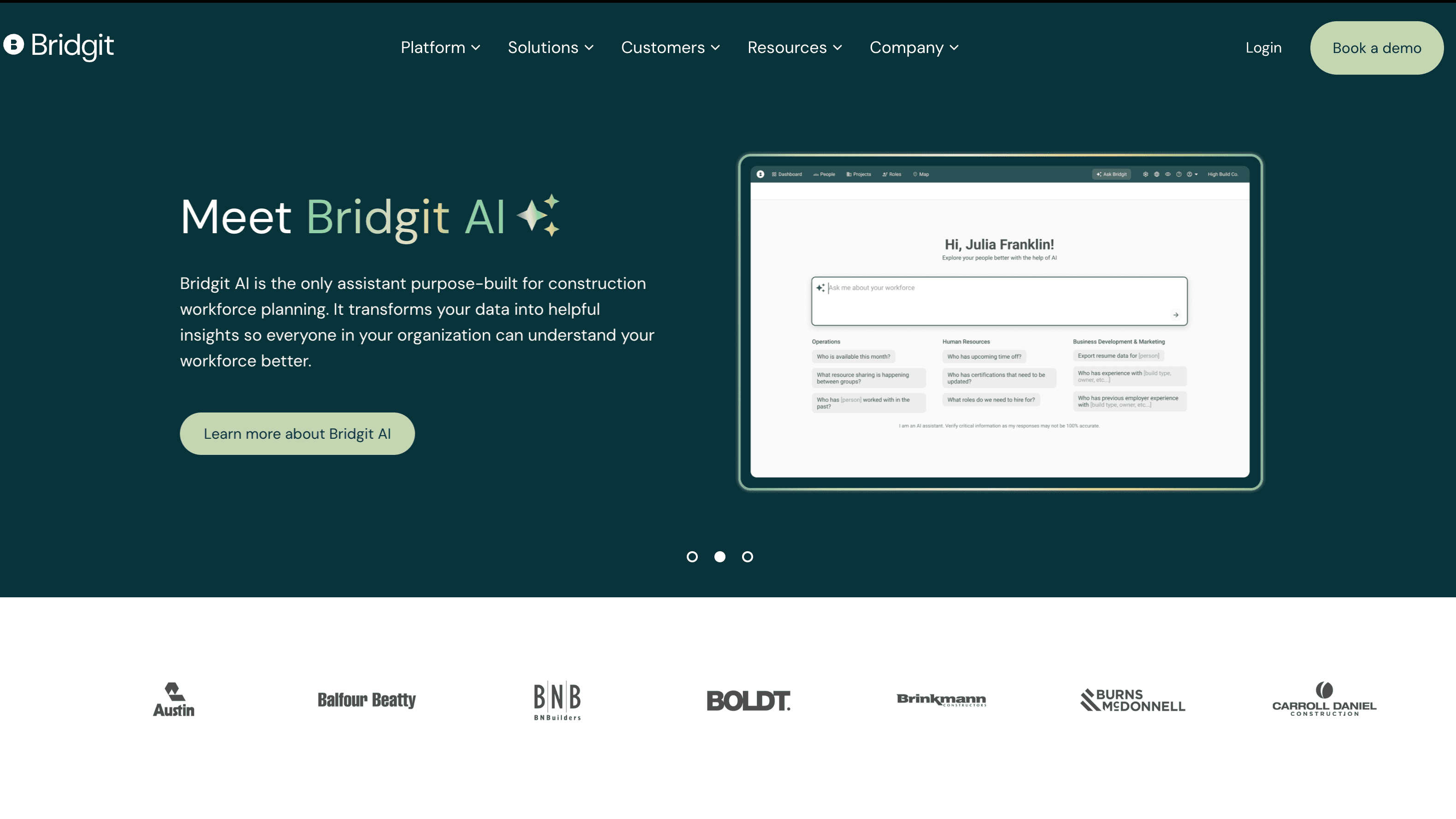
What is Bridgit: Bridgit is a cloud-based workforce planning platform built for general contractors, self-perform contractors, and subcontractors. It consolidates employee profiles, including skills, certifications, availability, location, and past project history, into a single roster and maps that roster against active projects, open roles, and pipeline pursuits. Contractors use it to staff projects, forecast capacity gaps, and run scenario models up to five years out.
How to integrate Bridgit with Datagrid
Use this integration to pull the documented workforce data channels from Bridgit Bench into Datagrid. The setup follows four steps: prepare access, configure the integration, authenticate Bridgit, and select sync channels.
Prepare access
Before configuration, prepare a Bridgit Bench service account with admin permissions for API access. Bridgit API access is not self-serve. You need to contact Bridgit for an invite and create a service account with admin permissions before configuring Datagrid. Bridgit operates separate API instances for North America/Australia/New Zealand and UK/EU, so confirm which regional endpoint your account targets.
Configure the integration
Open the Datagrid Bridgit integration docs.
Review the available Bridgit data channels and integration requirements.
Configure the connection in Datagrid using the Bridgit account details required for your environment.
Select the data channels you want to sync.
Save the configuration to activate the sync.
Authenticate Bridgit
Per Bridgit's REST API documentation, the API uses Bearer token authentication. The public API documentation describes credentials submitted to the /auth/signin endpoint, followed by access-token and refresh-token handling. Sessions expire after 24 hours of inactivity. Refresh tokens are single-use and valid for 7 days. Bridgit enforces a maximum of 3 active sessions per user or service account, so avoid running multiple integration tools against the same account simultaneously.
Select sync channels
Datagrid exposes the following documented sync channels for Bridgit data:
Certifications — Account Certifications, Bridgit → Datagrid
Certifications ID — Account Certifications, Bridgit → Datagrid
Groupings — Account Groupings, Bridgit → Datagrid
Groupings ID — Account Groupings, Bridgit → Datagrid
Users — Account Users, Bridgit → Datagrid
Users ID — Account Users, Bridgit → Datagrid
With access, authentication, and channel selection in place, Datagrid can start syncing Bridgit workforce data into your workflows.
Why use Bridgit with Datagrid
Bridgit holds workforce planning records. Datagrid routes those records into executed workflows across the rest of your stack.
Automated workforce data extraction: Datagrid pulls the listed people records, certifications, and group assignments from Bridgit Bench without manual CSV exports or copy-paste workflows.
Cross-system resource analysis: Datagrid combines Bridgit workforce data with data from other connected systems for broader analysis.
Certification compliance monitoring: Certification data from Bridgit feeds workflows that check for expiring or missing records against project requirements.
Intelligent routing of workforce data: Synced Bridgit records feed alerts and downstream workflows for the right stakeholders.
Portfolio-wide reporting without spreadsheets: Teams use synced data in Datagrid to assemble recurring workforce summaries across a project portfolio.
What you can build with Bridgit and Datagrid
Once Bridgit workforce data is available in Datagrid, AI agents can execute recurring review and reporting workflows around that data. These examples stay within the documented sync scope: users, certifications, and organizational groupings flowing from Bridgit into Datagrid:
Certification gap detection across active projects: Connect Bridgit's certification data to project requirements stored in another connected system.
Automated workforce summary for executive reviews: Build a Datagrid workflow that runs weekly, pulls current user and grouping data from Bridgit, combines it with data from another connected system, and produces a formatted workforce summary brief for leadership meetings.
New hire onboarding validation: When Bridgit syncs a new user record into Datagrid, workflows validate that the new hire's certifications and groupings are complete, flag incomplete records, and route a notification before the employee's start date.
Multi-office resource grouping analysis: Datagrid workflows analyze Bridgit's grouping data to compare workforce composition by office, identify which groups have capacity versus which are over-committed, and produce a visual breakdown for staffing decisions.
Resources and documentation
Bridgit integrations catalog (pre-built integrations, sync details)
Frequently asked questions
Does Bridgit Bench have an open API Datagrid can connect to?
Yes. Bridgit Bench exposes a RESTful API over HTTPS at bench.gobridgit.com/rp/api/v1/. The API supports JSON request and response bodies. API access is not self-serve. You must contact Bridgit to receive an invite, then create a dedicated service account with admin permissions. The full OpenAPI/Swagger specification is available at bench.gobridgit.com/rp/swagger/index.html after authenticating with valid credentials.
Which authentication method does the Bridgit integration use?
The Bridgit REST API uses OAuth Bearer token authentication. Datagrid accepts dedicated service-account credentials during integration setup, and Bridgit exchanges those credentials into tokens for the API session. Use a dedicated service account for the Datagrid connection to avoid session conflicts.
Which data objects can Datagrid sync from Bridgit Bench?
The Datagrid Bridgit integration page currently lists six channels: Certifications, Certifications ID, Groupings, Groupings ID, Users, and Users ID. Bridgit's API documentation describes additional workforce planning objects, including Projects, People/Persons, Roles, and nested Allocations. Contact Datagrid to confirm availability of additional data channels beyond those listed.
Does Bridgit support regional API instances?
Yes. Bridgit operates separate deployments for North America/Australia/New Zealand and UK/EU. The Bridgit status dashboard tracks both instances independently. Confirm which regional endpoint your Bridgit account uses before configuring the Datagrid integration.
Is Bridgit Bench available as an on-premise deployment?
No. Bridgit Bench is a multi-tenant, cloud-native SaaS platform with no on-premise option. The platform is SOC 2 and GDPR compliant and supports SSO, customizable roles, and permissions. All data access through the Datagrid integration occurs over HTTPS to Bridgit's cloud API.
Similar integrations
Procore: Procore is often integrated with Bridgit to sync project dates, roles, and pipeline data for workforce planning and embedded Bridgit app workflows.
BIM 360 Build: BIM 360 Build supplies project and BIM data to Bridgit for coordinating staffing against model-based schedules and phases.
BuildingConnected: BuildingConnected exchanges preconstruction opportunity and bid pipeline data with Bridgit to inform staffing forecasts and scenario planning.
CMiC: CMiC connects financials and payroll with Bridgit so labor costs and vendor data inform workforce cost forecasting.
Fieldwire: Fieldwire provides field issue and form data Bridgit can use to validate allocations and adjust staffing in real time.
Smartsheet: Smartsheet is a common spreadsheet-based source Bridgit replaces or ingests for initial resource rosters and historical staffing records.
Browse by category
Construction
Projects