
Overview
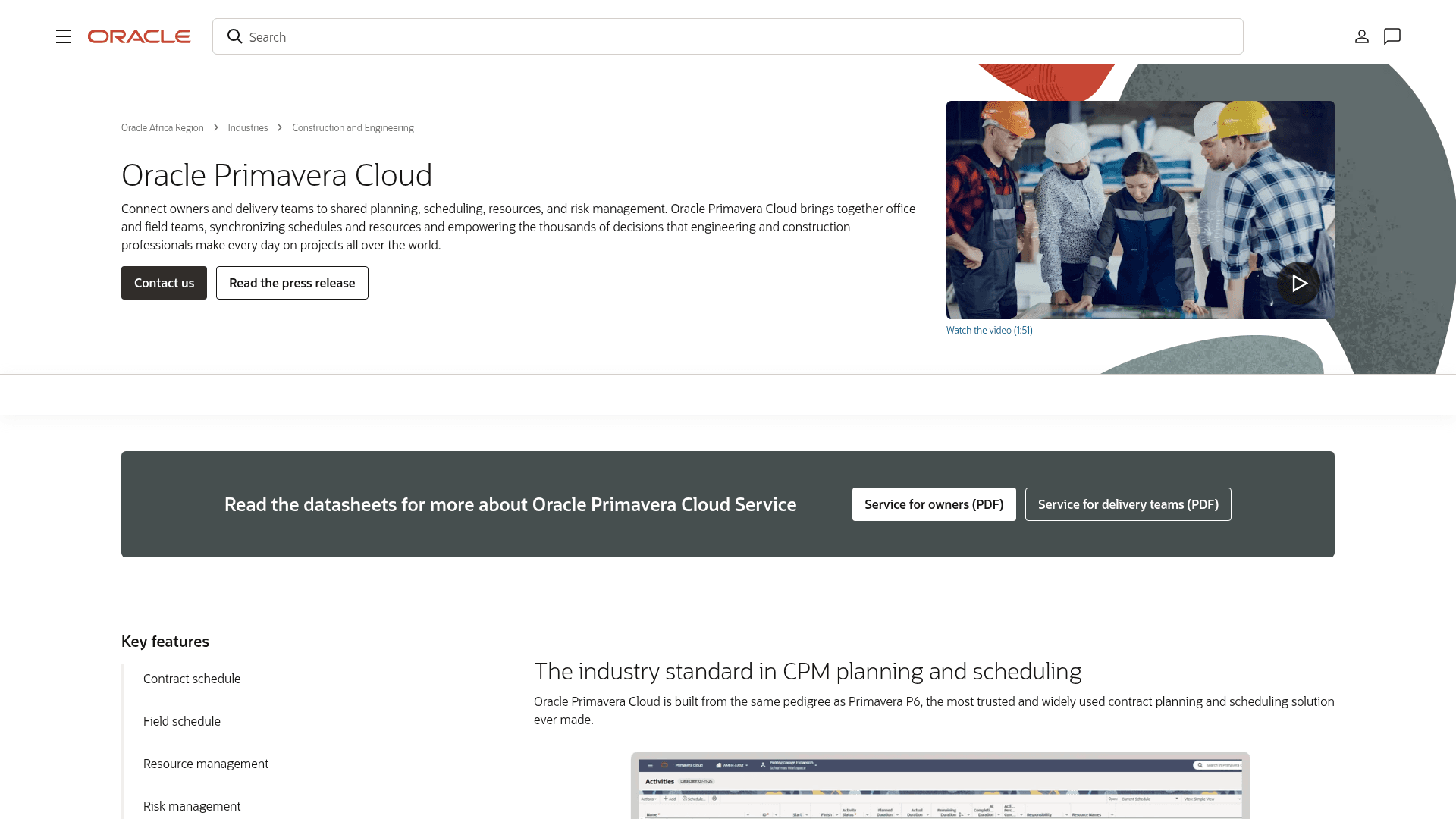
What is Oracle Primavera Cloud (OPC): Oracle Primavera Cloud is a cloud-first planning and scheduling platform from Oracle's Construction and Engineering Global Business Unit. OPC combines CPM contract scheduling, task management, interactive Gantt charts, portfolio management, centralized resource pools, and Monte Carlo risk simulation, and is used by built-world and industrial project teams across engineering and construction, aerospace and defense, utilities, oil and gas, and manufacturing.
How to integrate Oracle Primavera Cloud (OPC) with Datagrid
Datagrid ingests OPC project data, such as activities, WBS structures, resource assignments, and risk records, for transformation, enabling agents to perform variance detection and automated reporting. The primary data flow runs one way, from OPC into Datagrid; agents cross-check that data against project files in connected field, cost, and document-control systems such as Oracle Aconex. Set up the integration by confirming API access, configuring OAuth authentication and then selecting OPC data for sync.
Confirm API access
Use these steps to prepare OPC and Datagrid before the first scheduled pull.
In OPC, confirm API access for your integration user. Application administrators assign API access through the Integration app on a per-user, per-IP address, or all-users basis.
Register an OAuth client in the Engineering Lobby to obtain a Client ID. This produces the Client ID, which is stored in the integration configuration.
In Datagrid, open Integrations and select Oracle Primavera Cloud (OPC).
Enter your OPC credentials and authorize the connection.
Select the projects and data objects you want Datagrid to ingest.
A Datagrid integration configuration uses the same fields that project teams confirm during setup:
integration: Oracle Primavera Cloud (OPC)
authentication: OAuth 2.0 Bearer
client_id: "<Client ID from the Engineering Lobby>"
access_scope: "API access assigned through the Integration app"
selected_projects:
  - "<OPC project>"
selected_objects:
  - activities
  - WBS structures
  - resource assignments
  - risk records
sync_direction: "OPC to Datagrid"
sync_mode: "scheduled pull"
Configure OAuth authentication
OPC uses OAuth 2.0 Bearer authentication, with Primavera Cloud acting as the authorization server. Oracle documents two integration types: a non-interactive integration that uses a signed JWT assertion (RS256), and a web server application that uses the Authorization Code flow, as detailed in the OPC OAuth 2.0 documentation. Use Basic Authentication only to generate an OAuth token, then use the generated token for endpoint calls.
Use this structure to map the Oracle authentication choice into Datagrid:
oauth:
  token_type: Bearer
  authorization_server: Primavera Cloud
  integration_type_options:
    - "non-interactive integration with signed JWT assertion (RS256)"
    - "web server application with Authorization Code flow"
  client_id: "<Client ID>"
  bearer_token: "<OAuth token generated for API calls>"
Select OPC data for sync
For this integration, Datagrid reads activities, WBS nodes, projects, resource assignments, budgets, actuals, risk objects, and relationships.
This normalized Datagrid-ingested record shape shows a scheduled activity and risk sync:
{
  "integration": "Oracle Primavera Cloud (OPC)",
  "sync_direction": "OPC to Datagrid",
  "sync_mode": "scheduled pull",
  "project": "selected OPC project",
  "records": [
    {
      "object_type": "activity",
      "activity_id": "OPC activity",
      "wbs_node": "WBS structure",
      "planned_progress": "planned value from OPC",
      "actual_progress": "actual value from OPC",
      "relationships": ["related activity"]
    },
    {
      "object_type": "risk",
      "risk_id": "OPC risk record",
      "affected_activity": "OPC activity",
      "status": "new or escalating"
    }
  ],
  "datagrid_next_step": "compare progress, flag variance, and assemble the scheduled report"
}
Why use Oracle Primavera Cloud (OPC) with Datagrid
Datagrid agents use OPC schedule data to run recurring project controls checks across connected systems.
Automated schedule extraction: Agents pull schedule objects through the OPC REST API, including activity and WBS records with assignment data, replacing routine CSV handoffs and re-keying.
Variance detection without spreadsheet work: Agents check progress across projects and flag schedule variances before they compound.
Risk flagging at portfolio scale: Agents read the OPC risk register and cross-check it against schedule data, surfacing threats that project controls teams would otherwise find late.
Cross-platform reconciliation: Agents connect OPC schedules to field logs, RFIs, cost data, and document-control systems.
Reporting pipelines that run themselves: Agents pull activity records with budgets and actuals on a schedule, apply EVM calculations, and deliver refreshed reports to the team.
Time back for exception handling: Agents handle recurring extraction and reconciliation, so schedulers focus on judgment calls instead of exports.
What you can build with Oracle Primavera Cloud (OPC) Datagrid integration
These workflows show how Datagrid's AI agents combine OPC schedule data with records from connected project systems.
A delay-warning workflow: Agents pull OPC schedule activities daily, compare reported progress against field documentation from connected platforms, and flag activities trending late. A project controls lead gets a ranked list of at-risk activities for review outside Gantt charts.
An automated project controls report: Agents extract activities with budgets and actuals from OPC, calculate schedule and cost variance, and assemble a weekly portfolio report on a schedule instead of a full day of exports and formulas.
A cross-system reconciliation check: Agents match OPC activities against cost items and field RFIs, including document transmittals in Oracle Aconex, then flag mismatches between the schedule and what the field reports.
A risk register monitor: Agents watch the OPC risk register for new or escalating risks, cross-reference affected activities and their float, and route alerts to the responsible PM, replacing monthly risk review surprises with early identification.
Resources and documentation
OPC REST API: Oracle's REST API documentation for the OPC objects Datagrid can ingest.
OPC Data Service: Data Service endpoints for OPC data access.
OPC OAuth setup: Oracle's OAuth guidance for Bearer authentication and integration types.
OPC Integration Guide: Oracle's setup guidance for getting started with OPC integration.
OPC API access: Oracle's permission terminology for API, Gateway, and Data Service settings.
Frequently asked questions
What authentication does the Datagrid OPC connection use?
The connection uses OAuth 2.0 Bearer tokens. Oracle documents a non-interactive integration flow using a signed JWT assertion for service accounts, as well as a web server Authorization Code flow. Use Basic Authentication only to generate a token.
What OPC data can Datagrid ingest?
The Datagrid OPC integration covers Primavera project data, such as activities and risks. The underlying OPC REST API also exposes WBS, resource assignments, budgets, actuals, and relationships; the Activity REST endpoints reference covers activity endpoints.
Does OPC support webhooks for real-time triggers?
OPC provides real-time event notifications over WebSocket rather than outbound HTTP webhooks. Subscribable entities include ApiEntityProject, ApiEntityActivity, and ApiEntityWBS. Cascade-deleted objects do not trigger delete events.
Do I need a special setup in OPC before connecting?
Yes. Complete the Integration app permission setup in OPC before the first scheduled pull, and register OAuth clients through the Oracle Construction and Engineering Lobby.
Can Datagrid connect to both OPC and Primavera P6?
Yes. Datagrid maintains a separate P6 Primavera Data Service integration alongside the OPC integration. The two APIs differ; Oracle's migration guide notes that the actual operations available might not be identical between P6 EPPM and Primavera Cloud, per the P6 EPPM migration guide.
Similar integrations
Procore: Syncs field logs and RFIs with OPC schedules, then brings cost items into progress and financial reconciliation across office and site workflows.
Oracle Aconex: Links engineering documents and transmittals to OPC schedule data, so that submittals and approvals can feed into EVM calculations.
SYNCHRO 4D Pro: Combines 4D construction simulation with OPC schedules for model-based sequencing, clash visualization, and delay analysis.
PlanGrid: Aligns field markups and jobsite documentation to OPC activities for progress verification alongside schedule data.
Sage 300 Cloud: Adds ERP job costs, invoice records, and actuals to Datagrid workflows, enabling teams to compare cost records against OPC schedule data for cost forecasting and EVM review.
Autodesk Construction Cloud (ACC): Ties BIM and drawings to OPC schedules, with document-control context for model coordination and change traceability.