
Overview
What is Revizto: Revizto is an integrated BIM collaboration software platform that serves as a central hub for all project members, connecting architecture, engineering, and construction throughout the entire project lifecycle. It allows users to view the entire project by federating all intelligent BIM data, including reality capture, into a centralized user-friendly location, keeping all teams in sync. With its real-time issue tracker, users can easily standardize the way data moves through the project and effectively communicate model-based tasks with the team.
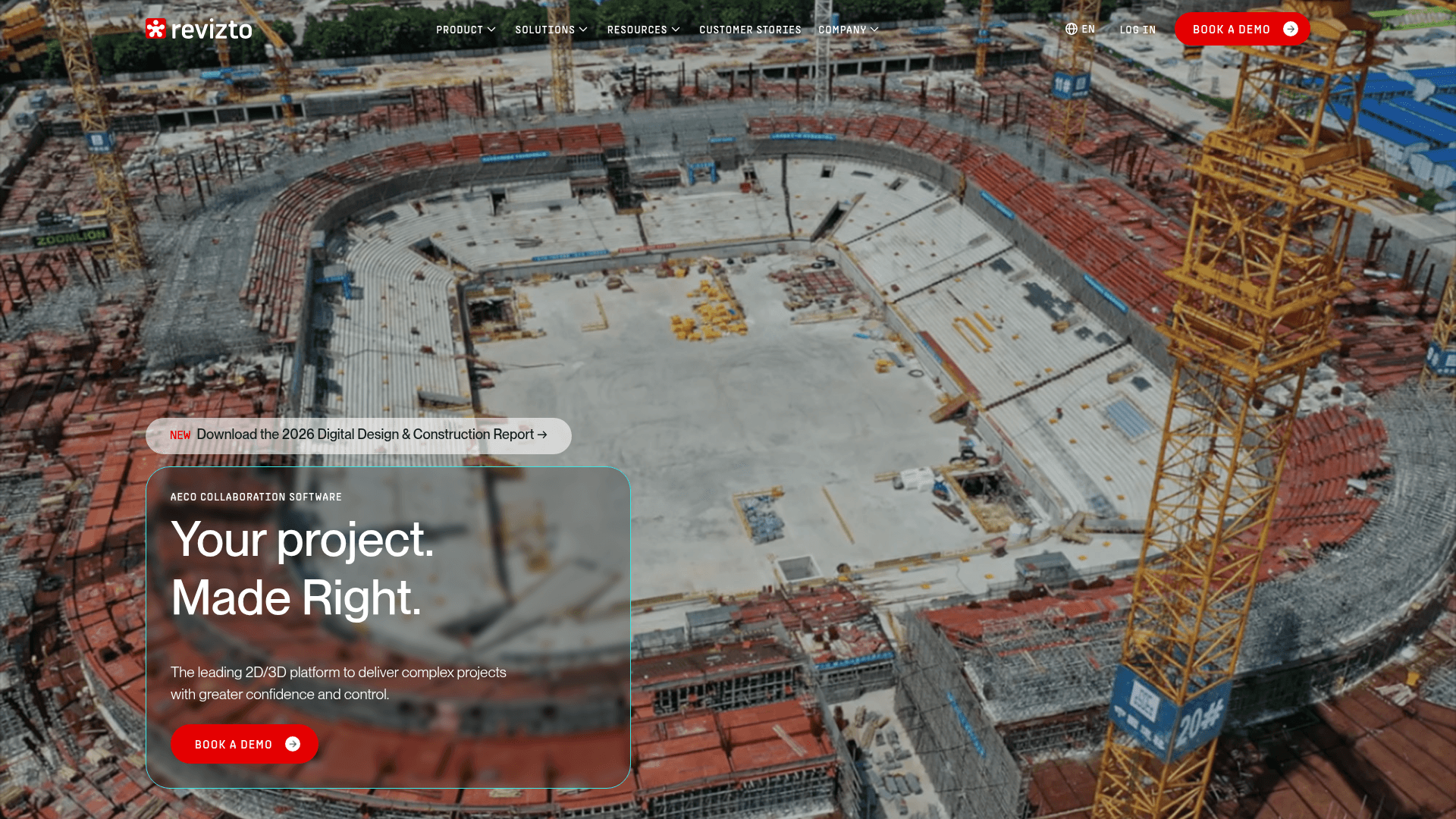
Revizto provides you with the following features:
Centralized Hub for All Models: Federate all intelligent BIM data, including reality capture, into a centralized user-friendly location to keep all teams in sync.
Real-time Issue Tracker: Standardize the way data moves through the project and effectively communicate model-based tasks with the team.
2D/3D Model Synergy: Leverage a unique 2D/3D combined view to easily compare 2D sheets and work with live CDE documentation seamlessly from inside Revizto.
VR Immersive Experience: Explore real-model data and coordination issues by leveraging Revizto’s immersive, true-to-scale VR experience within seconds.
Clash-Free Projects: Use an integrated solution that combines clash detection, grouping, workflow building, and issue tracking into a single environment.
How to integrate Revizto with Datagrid
This setup is for project teams that want Revizto issue activity to trigger downstream workflows in Datagrid without manual re-entry. Datagrid gives project teams read and write access to Revizto issues, comments, projects, members, and roles. Setup follows three parts in order: create the connection in Datagrid, authenticate with Revizto using a browser-generated access code, and configure incremental sync behavior for poll-based data pulls.
Set up the connection
The Revizto integration includes endpoint-specific fields for incremental sync and can be configured from within a Datagrid Workflow.
Open your Datagrid Workflow and click Connectors in the left side panel.
Under the built world & BIM header, find Revizto and click Setup Integration.
Click Create a Connection.
Enter your Connector Name, select your Revizto API Region, and optionally paste your Access code (generated from the Revizto browser login).
Click Validate Configuration. A green "Validation Successful" message confirms the connection. Invalid fields are highlighted in red.
A typical connection includes the following fields:
Connector Name: Revizto - [Project or Region]
Revizto API Region: [selected region]
Access code: [browser-generated access code]
Setup takes roughly one minute once you have your access code ready.
Data access
Endpoints | HTTP Protocol | Incremental Ingestion | Field for Incremental Ingestion |
Get Issues | GET | Yes | Issue’s Update Date |
Get Deleted Issues | GET | Yes | Issue’s Update Date |
Create Issues | POST | Yes | Issue’s Update Date |
Get Issue Comments | GET | Yes | Comment’s Creation Date |
Add Issue Comments | POST | Yes | Comment’s Creation Date |
Get License Projects | GET | Yes | Project’s Update Date |
Get Project Members | GET | Yes | Project’s Update Date |
Get Project Roles | GET | Yes | Project Role’s ID |
Get Current User Info | GET | Yes | User’s ID |
Don't see the endpoints you are looking for? We're always happy to make new endpoints available. Request an endpoint here!
Authenticate with Revizto
Revizto uses OAuth 2.0 token-based authentication. The initial access code must be obtained through a manual browser login at your region-specific Revizto portal. That code is valid for 15 minutes and is single-use. Datagrid exchanges it for an access token with a 1-hour lifetime and a refresh token with a 1-month lifetime, then refreshes tokens automatically on subsequent syncs.
Tokens are region-locked. If your organization operates Revizto licenses across multiple regions, you need a separate Datagrid connection per region.
Prerequisite: A paid Revizto+ license is required. Standard Revizto licenses do not include API access.
Configure data sync
Revizto sync is poll-based and uses incremental fields by endpoint. The synchronized timestamp parameter controls incremental pulls and returns only records changed since the last sync. Each endpoint pairs a sync direction with the field used to track changes:
Get Issues: Read direction, incremental by Issue Update Date.
Get Deleted Issues: Read direction, incremental by Issue Update Date.
Create Issues: Write direction, incremental by Issue Update Date.
Get Issue Comments: Read direction, incremental by Comment Creation Date.
Add Issue Comments: Write direction, incremental by Comment Creation Date.
Get License Projects: Read direction, incremental by Project Update Date.
Get Project Members: Read direction, incremental by Project Update Date.
Get Project Roles: Read direction, incremental by Project Role ID.
Get Current User Info: Read direction, incremental by User ID.
Revizto does not support webhooks. Additional endpoints can be requested through the connector documentation.
Why use Revizto with Datagrid
Connecting Revizto with Datagrid turns issue activity into executable workflows across the built world stack such as:
Automated issue routing across platforms: Datagrid's AI agents read new Revizto issues, classify them by discipline and severity, and create corresponding records in connected project systems without manual export.
Issue analysis at portfolio scale: Datagrid's AI agents pull issue data with spatial context, identify patterns by zone or trade, and generate prioritized coordination reports for project leadership.
Issue sync with full context: Issues created in Datagrid workflows write back to Revizto with correct spatial metadata, assignees, and status, keeping the BIM coordination hub as the single source of truth.
Cross-project aggregation for program managers: Datagrid connects to multiple Revizto projects simultaneously, aggregating issue data for portfolio-level dashboards, compliance monitoring, and trend analysis across connected project data.
Automated drafting from BIM issues: When a Revizto issue is stamped as needing design clarification, Datagrid's AI agents extract the description, markup, location data, and comment thread, then draft a structured record in a connected document environment.
What you can build with Revizto Datagrid integration
Project teams can turn Revizto issue data into repeatable execution across coordination, reporting, and closeout. The following workflows show common builds:
Cross-platform issue triage for VDC teams: A Datagrid agent monitors new Revizto issues hourly.
Weekly issue intelligence reports for project leadership: Every Monday morning, a Datagrid agent pulls active issues across a project's disciplines from Revizto.
Multi-project compliance dashboard for owners: An owner running six concurrent projects connects all six Revizto licenses to Datagrid.
Structured issue export at project completion: At substantial completion, a Datagrid agent compiles issue records, comments, assignments, and status history from Revizto into a structured handover dataset for downstream reporting and closeout workflows.
Resources and documentation
Frequently asked questions
Does the Revizto integration require a specific license tier?
Yes. API access is restricted to Revizto+ licenses. Standard Revizto subscriptions return error -204 on all API calls. Confirm your license tier before starting integration setup in Datagrid.
What data objects does Datagrid sync from Revizto?
The integration covers nine endpoints for issues (read, create, and deleted), issue comments (read and add), license projects, project members, project roles, and current user info. Each issue includes spatial coordinates, status, assignee, priority, tags, comments, and modification history. Full endpoint details are listed in the Resources and documentation section.
Can Datagrid write issues back into Revizto?
Yes. The integration includes a Create Issues endpoint (POST) that writes new issues into Revizto with assignee, status, priority, tags, title, and other metadata fields. Comments can also be added to existing issues via the Add Issue Comments endpoint. Writable fields are documented in the Revizto API reference.
Similar integrations
Procore: Used alongside Revizto to convert model-linked issues into RFIs, submittals, and project management tasks for built world workflows.
Revit: Primary BIM authoring source whose model geometry and object properties are pushed into Revizto for coordination, clash context, and downstream extraction.
Navisworks: Commonly paired for clash detection; Navisworks clash tests sync bidirectionally with Revizto for automated issue creation and coordination.
BIM 360 Build: As a CDE, BIM 360/ACC integrates with Revizto to centralize model versions, issues, and handoffs between design and built world teams.
Trimble Connect: Facilitates model sharing and coordination alongside Revizto, enabling BIM data exchange and cross-platform collaboration with Trimble tools.
Browse by category
Construction and BIM platforms
Communication and collaboration