
Overview
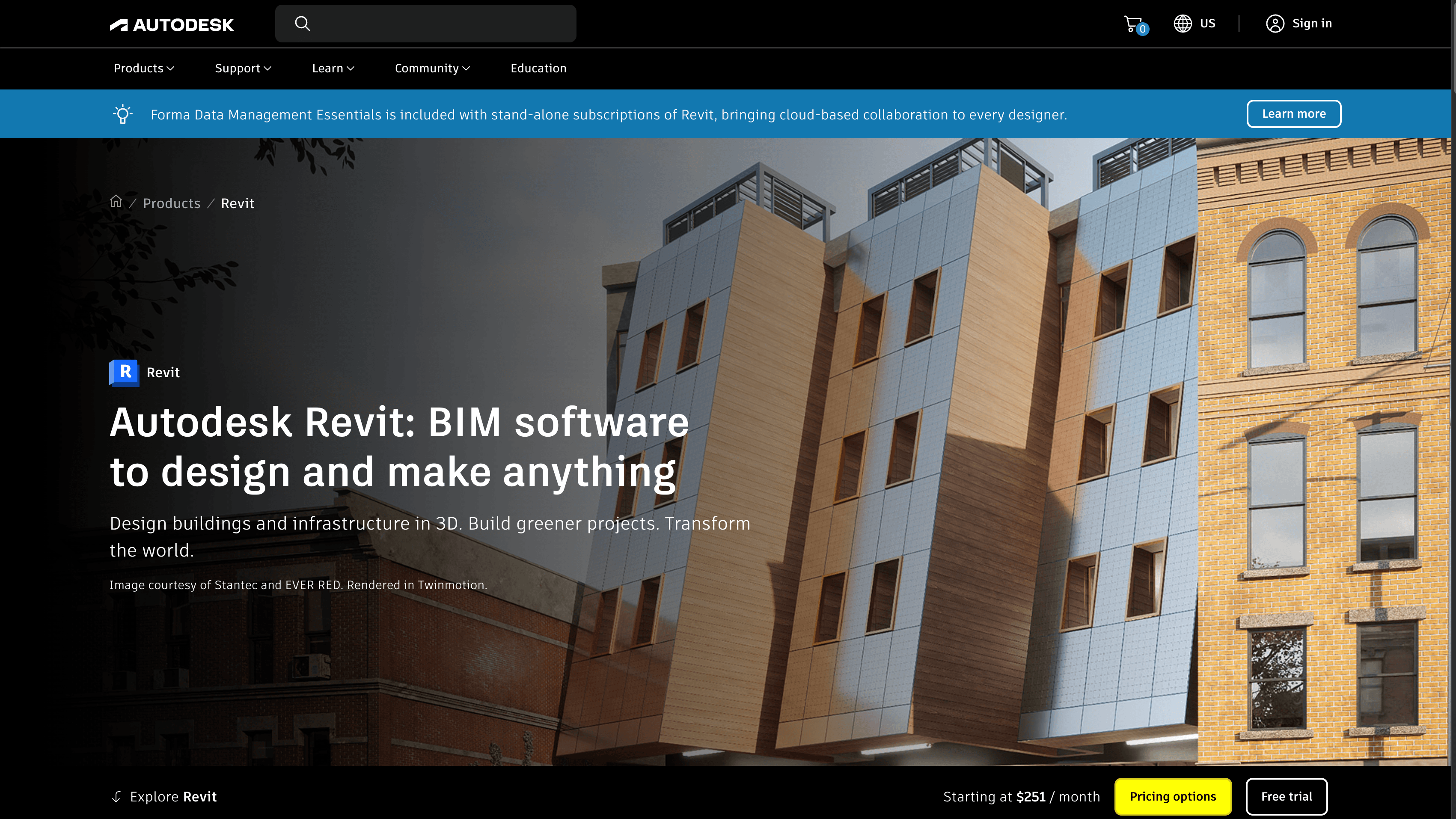
What is Revit: Revit is a BIM software for designing, documenting, and delivering architecture, engineering, and construction projects in 3D. Architects, structural engineers, MEP engineers, and construction professionals use Revit to produce parametric models with discipline-specific toolsets for architecture, structure, and MEP systems.
How to integrate Revit with Datagrid
For operators running mission-critical programs, this workflow starts with the Revit plugin, then workspace authentication, then model selection and sync. The steps below follow that order, so project teams can install the plugin, connect the right Datagrid workspace, and push the model data needed for downstream workflows.
Confirm prerequisites and install the plugin
Use these steps to connect Revit to your Datagrid workspace:
Confirm you have active Datagrid and Revit subscriptions.
Download the Datagrid Plugin for Revit from the Datagrid integration page.
Install the plugin following the configuration guide linked on that page.
Open your Revit project and launch the Datagrid plugin from the Revit ribbon.
Authenticate the Datagrid workspace
After installation, connect the plugin to the correct Datagrid workspace before you sync model data.
Authenticate with your Datagrid workspace credentials.
No separate OAuth configuration or API key setup is required on the Revit side.
The plugin handles the connection between Revit's local model data and Datagrid's cloud platform.
Select and sync model data
Once the workspace is connected, choose the model content you want Datagrid to process and push it into your workspace.
Select the model elements and data categories to sync.
Push model data into your Datagrid workspace.
The synced data set can include the following categories:
Architecture — Walls, doors, windows, floors, ceilings
Structure — Beams, columns, foundations, rebar
Systems — Ducts, pipes, MEP fittings
Sub-elements — Nested component data
Massing and site — Site elements, mass instances
Spaces — MEP spaces with airflow and load data
Material — Material specifications and assignments
Project info — Document metadata, levels, grids
Generic models — Custom family instances
Schedules — Tabular element data, material takeoffs
For teams that want a more concrete view of what a sync can include, the article's supported categories map cleanly into a simple manifest like this:
{
  "source": "Revit plugin",
  "direction": "Revit to Datagrid",
  "file_formats": ["RVT", "IFC"],
  "categories": [
    "Architecture",
    "Structure",
    "Systems",
    "Sub-elements",
    "Massing and site",
    "Spaces",
    "Material",
    "Project info",
    "Generic models",
    "Schedules"
  ]
}
Teams needing additional endpoints beyond the standard set can contact support@datagrid.com to request access.
Why use Revit with Datagrid
For operators running mission-critical programs, the value of this integration is straightforward. Datagrid turns model data into executable workflows across the rest of the project stack. The key workflows unlocked by the Revit integration include:
Non-destructive BIM data transformation: AI agents clean and restructure Revit model data without modifying the source RVT file, preserving your model of record.
Cross-source data joins: Agents combine Revit element parameters with data from built-world systems, ERP systems, and cost databases to produce unified project views.
Automated quantity extraction: Agents parse wall, floor, structural, and MEP element data from Revit schedules and generate formatted quantity takeoffs mapped to cost line items.
Agent-driven compliance validation: AI agents continuously cross-check room dimensions, fire ratings, and egress widths from your Revit model against loaded code rulesets, flagging violations with specific parameter references.
Model analytics for non-Revit users: Project managers, owners, and field teams query model-derived data through Datagrid without opening Revit or reading BIM files directly.
What you can build with Revit and Datagrid
Revit data becomes more useful when project teams route it into repeatable workflows instead of leaving it inside the model. Datagrid's AI agents can execute downstream tasks that depend on current model data, schedules, and element parameters. The examples include the following workflows:
Automated cost estimation from model data: AI agents extract element parameters, material quantities, and schedule data from a Revit model.
Clash detection triage and routing: After ingesting clash report data from Revit or coordination model exports, agents classify each conflict by severity and construction impact.
Submittal and RFI auto-population: Agents extract room data, material specs, and schedules from Revit, then auto-populate submittal packages with model-derived specifications.
Cross-platform progress reporting: Agents pull element counts, material specs, and system parameters from Revit on a scheduled basis.
Resources and documentation
Datagrid integrations index listing all available integrations
Model Derivative API developer's guide for translating RVT files and extracting metadata
AEC Data Model API developer's guide for GraphQL-based access to Revit design data
Revit API developer guide (2024 edition) covering the desktop .NET API
Automate project documentation with BIM360 on the Datagrid blog
Frequently asked questions
What file formats does the Datagrid Revit integration support?
The integration accepts RVT (native Revit) and IFC files. IFC is useful as an interoperability format when exchanging data between Revit and other tools in your project stack. See the Datagrid Revit integration page for the full list of supported data objects.
What data categories can I sync from Revit into Datagrid?
The integration syncs Architecture, Structure, Systems, Sub-elements, Massing and site, Spaces, Material, Project info, Generic models, and Schedules. Teams needing additional endpoints can contact support@datagrid.com.
Does the integration require a Revit plugin or can it work through API credentials alone?
The Datagrid Revit integration uses a dedicated plugin installed inside Revit, not a standard API credential flow. The plugin must be installed alongside active Revit and Datagrid subscriptions.
How does the sync direction work between Revit and Datagrid?
The current integration supports one-way data flow from Revit into Datagrid. Model data is pushed from Revit through the plugin into your Datagrid workspace, where AI agents process, transform, and route it.
Similar integrations
Trimble Connect: Automates BIM coordination workflows and model syncs between Revit and cloud collaboration, enabling unified model sharing and structured data extraction.
Navisworks: Extracts clash detection results and federated model data from Navisworks to triage conflicts discovered in Revit-based coordination workflows.
BIM360 Docs: Automates project file processing, version control, and RFI/submittal triage between Revit models and Autodesk Construction Cloud.
Procore: Syncs Revit-derived quantities, RFIs, and submittal data into construction management and financial workflows for site coordination and reporting.
Revizto: Connects Revit models to issue-tracking and real-time collaboration, enabling automated BIM issue creation and assignment from model changes.
Oracle Primavera Cloud (OPC): Links Revit model progress and schedule-driven data to Primavera Cloud for automated progress analytics and variance detection.
Browse by category
Built world
Data