
Overview
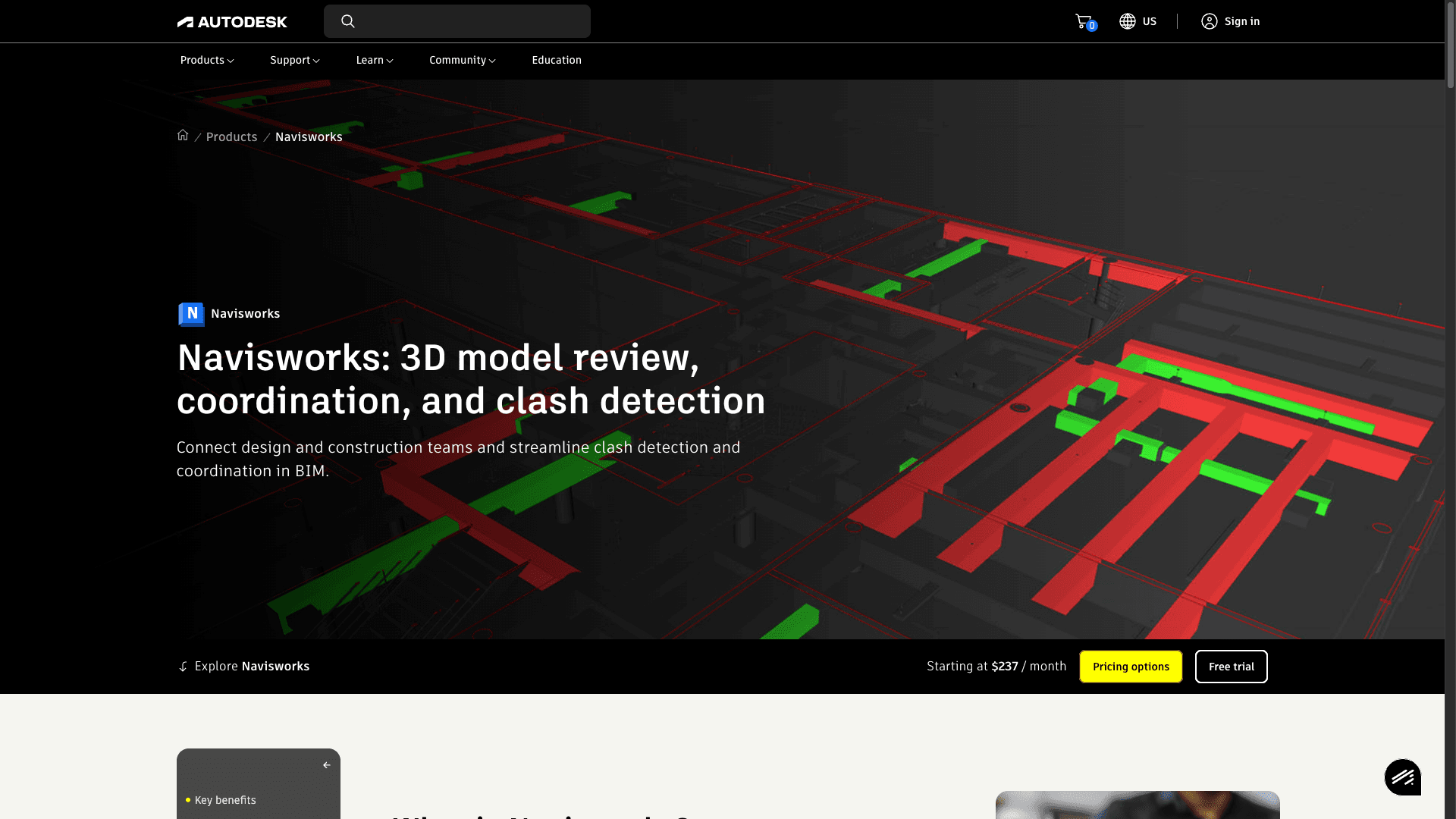
What is Navisworks: Autodesk Navisworks is BIM coordination and project review software for architecture, engineering, and built-world teams. It brings multi-discipline design data into a federated model for clash detection, 4D scheduling, quantification, and review across complex projects.
How to integrate Navisworks with Datagrid
For BIM coordinators and project teams, this integration connects clash and model data from Navisworks to Datagrid for downstream triage, routing, and reporting. The setup follows three parts: install the integration, authenticate the connection, and review the synced data objects.
Install the Navisworks integration
Open your Datagrid workspace in Chrome, Safari, Edge, or Firefox.
Install the Datagrid plugin for Navisworks on the machine running Navisworks Manage or Simulate.
Open your Navisworks project file, either NWD or NWF.
Launch the plugin from within Navisworks and authenticate with your Datagrid account credentials.
Select the data objects to sync: Clash Tests, Clash Result, Model Data, Model Geometry.
Confirm the connection. Navisworks data appears in your Datagrid workspace as a dataset available to AI agents.
To standardize setup across projects, use the same sync object selection each time. This example reflects the objects named in the integration:
{
  "sync_objects": [
    "Clash Tests",
    "Clash Result",
    "Model Data",
    "Model Geometry"
  ],
  "source": "Navisworks",
  "destination": "Datagrid"
}
Alternatively, use Automations in Datagrid to pull Navisworks data on a defined schedule.
Authenticate the Datagrid connection
The integration uses account-based authentication through the Datagrid plugin. Log in with your Datagrid subscription credentials from within the Navisworks plugin interface. No separate API key configuration is required on the Navisworks side.
Review synced Navisworks data
The plugin pushes four data objects from Navisworks into Datagrid:
Clash Tests: Test configurations including Selection A, Selection B, and test parameters sync from Navisworks into Datagrid.
Clash Result: Individual clash records sync with status, assigned engineer, coordinates, and element metadata from Navisworks into Datagrid.
Model Data: Element properties, object hierarchy, discipline metadata, and property sets sync from Navisworks into Datagrid.
Model Geometry: 3D geometry data for model elements syncs from Navisworks into Datagrid.
Within Datagrid, agents query and transform this data, then export results to other connected systems for downstream action. See the Datagrid Navisworks connector documentation for full endpoint details.
Why use Navisworks with Datagrid
Datagrid turns Navisworks coordination data into executable workflows for project teams. Datagrid agents classify, route, and assemble the next action from raw clash and model data.
Automated clash triage by discipline and severity: Agents classify each clash result by discipline pair and priority. This replaces the manual pre-meeting sorting that BIM coordinators typically spend hours on.
Cross-system coordination routing: Agents take clash data from Navisworks and automatically create issues, RFIs, or tasks in connected project management platforms. The loop between detection and resolution closes without manual handoff.
Reusable Dataflows across project versions: Build a data transformation pipeline once, then apply it to every new model version or project. Queries do not need to be rebuilt when the model updates.
BIM data blended with project controls: Combine Navisworks element properties and clash counts with schedule data, cost records, or field reports from other Datagrid integrations in a single dataset.
Dashboard-ready coordination metrics: Agents generate clash counts by trade, resolution rates over time, and coordination cycle metrics, all readable by project executives and owner's representatives who never open Navisworks.
What you can build with Navisworks Datagrid integration
Navisworks data becomes more useful when project teams connect it to the rest of their coordination workflow. Here’s what you can build with the Navisworks + Datagrid integration:
Intelligent clash report routing for coordination meetings: Ingest Clash Detective data through the integration, and configure Datagrid agents to separate critical MEP-structural interferences from low-priority false positives.
Cross-platform project health dashboards: Pull clash test results, element quantities, and coordination cycle timestamps from Navisworks into Datagrid.
Automated compliance cross-checks against specs: Connect Navisworks model data with specification project files stored in a document management system.
4D schedule risk detection from clash and timeline data: Combine TimeLiner schedule data with Clash Detective results.
Resources and documentation
Navisworks API overview on Autodesk Platform Services covers the .NET API, COM API, and plugin development architecture.
Autodesk Navisworks features page details Clash Detective, TimeLiner, Quantification, and edition-specific capabilities.
Navisworks Data Exchange Connector GA announcement documents the bidirectional Data Exchange pathway for Navisworks Manage 2024, 2025, and 2026.
Frequently asked questions
What data does the Datagrid Navisworks integration sync?
The integration syncs four data objects: Clash Tests, Clash Result, Model Data, and Model Geometry. These cover clash detection configurations and results, including status, coordinates, and assigned engineers, plus element-level properties, object hierarchy, and 3D geometry. Data flows one-way from Navisworks into Datagrid.
What Navisworks editions work with the Datagrid integration?
Navisworks Manage provides the full feature set including Clash Detective, which produces the clash test and clash result data that the integration ingests. Navisworks Simulate includes model review and 4D simulation but does not include clash detection. Both editions use the plugin architecture that the integration relies on. Navisworks Freedom is a free viewer only and does not support plugins.
Can Navisworks clash data sync with cloud coordination systems through Datagrid?
Navisworks clash data can be combined with data from other connected systems in Datagrid so agents can cross-reference results and route coordination outputs to project management tools. Datagrid provides the Navisworks integration for this workflow.
Similar integrations
Revit: Primary authoring source for Navisworks models that supplies geometry, element properties, and schedules used for aggregation and clash detection.
Autodesk Construction Cloud (ACC): Cloud model management and automated clash detection that syncs issues and coordination data with Navisworks workflows.
Procore: Project controls and field-management platform for routing Navisworks-derived coordination updates into schedules, RFIs, and cost workflows.
Trimble Connect: Cloud BIM collaboration and CDE that shares models and complements Navisworks coordination and federated model review.
BIM Track: Issue management and cross-tool coordination that triages Navisworks clashes and syncs resulting tasks across design and field teams.
SYNCHRO 4D Pro: 4D scheduling and simulation tools that augment Navisworks TimeLiner for sequencing, risk detection, and construction logistics analysis.