
Overview
What is Mixpanel: Mixpanel is a product analytics platform that tracks behavior across web and mobile applications with an event-based data model. Teams use it to analyze funnels, measure retention by cohort, and run A/B tests with native feature flags.
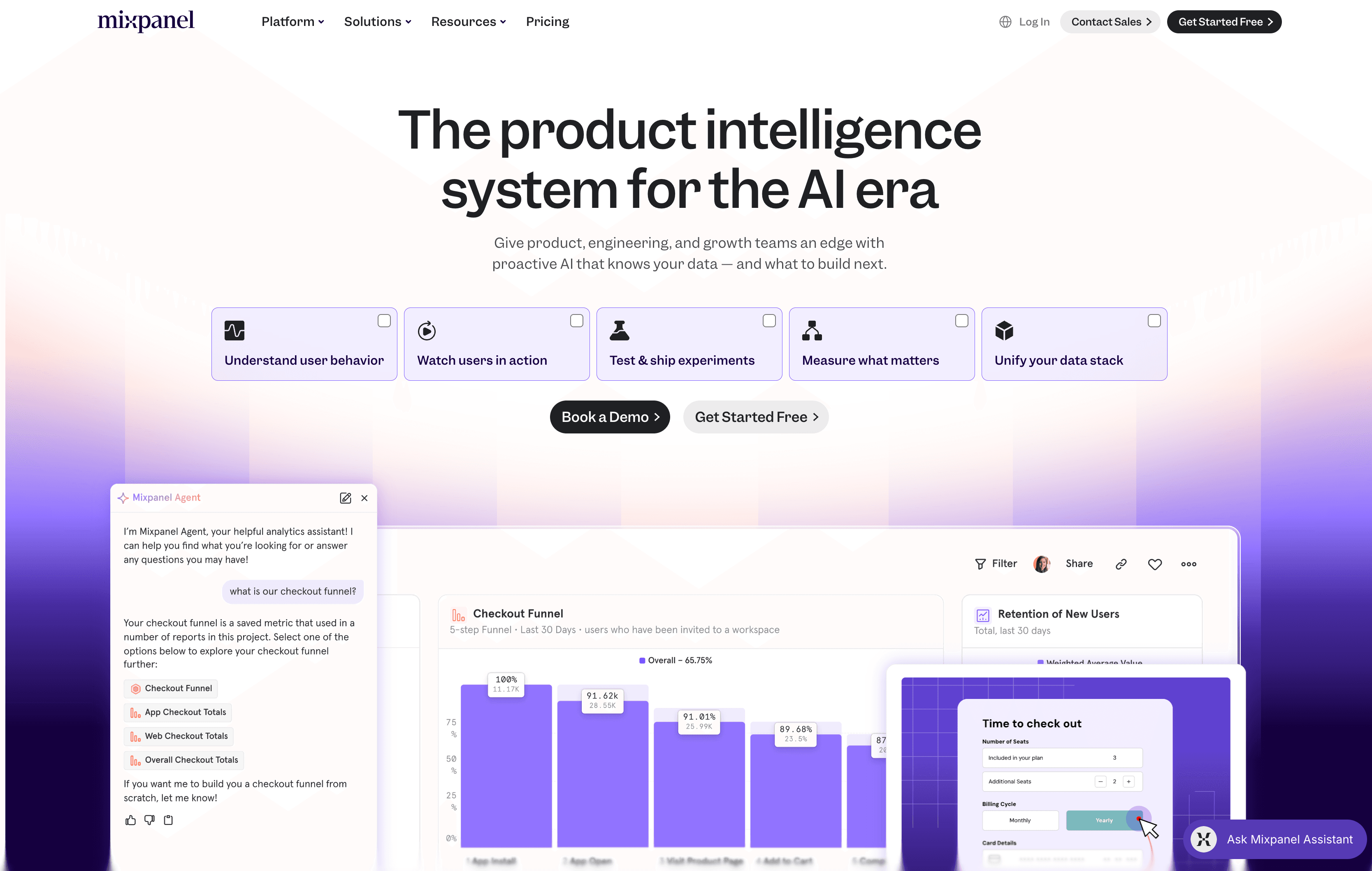
How to integrate Mixpanel with Datagrid
This setup is for teams that need Mixpanel behavior data inside Datagrid workflows without exporting CSVs or maintaining a warehouse. Connect Mixpanel, authenticate the integration, and configure sync behavior in Datagrid.
Connect Mixpanel
Click + Create in the top left of the Datagrid screen.
Select Connect Apps.
Search for the Mixpanel integration from the list.
Enter your Mixpanel API key and API secret. Both are located in your Mixpanel project under Project Settings.
Click Next.
Select the Mixpanel data objects to include in your dataset.
Click Start First Import to begin the initial sync.
Authenticate the integration
Datagrid's current integration documentation requires an API key and API secret from your Mixpanel project under Project Settings for this integration. OAuth is not used for this integration. Follow the credential format in the Datagrid Mixpanel integration setup guide.
Configure sync behavior
To configure a recurring schedule, navigate to your Mixpanel dataset in the left panel. Click ... then Edit Pipeline, then Schedule. Set the frequency (daily, weekly, or monthly), time of day, and optional downtime windows. Click Update to save.
Integration configuration at a glance:
Direction: One-way (Mixpanel to Datagrid)
Authentication: API key + API secret
Synced objects: Events, Users, Groups, Revenue, Funnels, Retention
Schedule options: Daily, weekly, or monthly
Write-back: Not supported
Why use Mixpanel with Datagrid
This integration fits operators who need Mixpanel insight to trigger work across the rest of the business. Here are the reasons to use the integration:
Cross-system data joins without a warehouse: Datagrid's agents combine Mixpanel behavioral data with CRM records, support tickets, and communications in a single workflow. This removes the need for an intermediate data warehouse.
Automated behavioral scoring: Agents monitor Mixpanel event streams for usage milestones and calculate product-qualified lead scores, then write those scores directly to CRM contact records.
Scheduled, hands-off reporting: Configure daily or weekly syncs once, and Datagrid agents generate and distribute product usage reports to stakeholders who do not have Mixpanel access.
Intelligent signal routing: Agents detect patterns in funnel drop-offs, retention changes, and feature adoption spikes, then route alerts to the right team or system automatically.
Six exportable data objects in one integration: Events, Users, Groups, Revenue, Funnels, and Retention flow into Datagrid through a single connection. Together, they cover Mixpanel analytics data.
What you can build with Mixpanel Datagrid integration
Once Mixpanel data is inside Datagrid, agents can execute follow-up workflows across CRM, support, and messaging systems. Here are some examples:
Product-qualified lead scoring with CRM sync: Datagrid agents read Mixpanel Events and Users data to identify accounts that hit behavioral thresholds, such as completing onboarding or activating a core feature multiple times.
Cross-system funnel and ticket analysis: A single Datagrid workflow pulls Mixpanel Funnels data alongside CRM account records and project management tickets.
Churn prevention signal detection: Agents monitor Mixpanel Retention data and event streams for inactivity signals or declining engagement.
Automated revenue data enrichment: Datagrid ingests Mixpanel's Revenue object alongside Users and Events.
Resources and documentation
Mixpanel authentication reference: supported authentication methods, including service accounts and deprecated project secret auth
Mixpanel Raw Data Export API: endpoint details for exporting raw event data in JSONL format
Mixpanel export methods documentation: overview of all available data export paths from Mixpanel
Mixpanel data pipeline SLA: export timing expectations and late-arriving data window
Mixpanel data residency (EU): regional endpoint configuration and residency constraints
Frequently asked questions
What data objects does the Datagrid Mixpanel integration sync?
The integration syncs six objects: Events, Users, Groups, Revenue, Funnels, and Retention. You select which objects to include during setup. Full details are in the Datagrid Mixpanel integration documentation.
What authentication method does the Mixpanel integration use?
Datagrid's current integration documentation specifies a Mixpanel API key and API secret, both found in your Mixpanel project under Project Settings. OAuth is not supported for this integration.
How often does data sync between Mixpanel and Datagrid?
You can configure syncs to run daily, weekly, or monthly. You set the frequency, time of day, and optional downtime windows in the Datagrid pipeline scheduler. Mixpanel's own data pipeline SLA allows up to 24 hours for event availability, with an additional 24-hour window for late-arriving data. This integration supports scheduled batch workflows. It does not support real-time use cases.
Similar integrations
BigQuery: Common Mixpanel warehouse destination for exporting event and funnel data into analytics, ETL, and agentic AI workflows.
Snowflake: Frequently used as Mixpanel's data warehouse target to mirror raw events and enable cross-source joins and advanced analytics.
Databricks: Paired with Mixpanel for large-scale transformation, machine learning, and unified data science workflows on exported event streams.
Salesforce: Often combined with Mixpanel to enrich CRM records with product usage signals and drive sales outreach based on behavioral PQLs.
HubSpot: Used alongside Mixpanel to sync product engagement into marketing and sales workflows for lead scoring and automated outreach.
Intercom: Complementary destination for Mixpanel cohort exports for targeted messaging and personalized outreach based on behavioral segments.