
Overview
What is Intercom: Intercom is a customer communication platform designed to help businesses engage, support, and retain their customers through personalized messaging. It provides a suite of tools for live chat, customer support, and marketing automation, enabling seamless communication across multiple channels.

How to integrate Intercom with Datagrid
Intercom helps teams build stronger relationships with customers by offering targeted, timely, and contextually relevant interactions. By collecting customer interactions, it enhances efficiency and improves the overall customer experience.
Datagrid users can maintain uninterrupted, secure access to customer interaction data by integrating with Intercom, thereby enhancing the efficiency of data transformation. It also gives operators a direct way to pull Intercom records into a structured workflow. You choose the endpoints, authenticate the workspace, and set the sync schedule.
Connect your workspace
Open the Datagrid platform and go to Settings > Integrations > Add New.
Select Intercom from the integration list.
Follow the configuration walkthrough to authenticate your Intercom workspace.
Create a dataset by selecting which Intercom endpoints to include.
Configure a sync schedule to define how often Datagrid pulls fresh data.
Authenticate access
The integration requires Intercom admin permissions. You configure authentication during connection setup. Intercom supports both Access Token for single-workspace connections and OAuth 2.0 flows. Refer to Intercom's authentication guide for token generation and scope configuration.
Configuration Steps
Configuration is the process of setting up your credentials so Datagrid can safely access your data. By configuring an integration, you can create and reuse the same setup across different datasets.
Step 1: Log in to your Datagrid account
Step 2: Search for Intercom integration
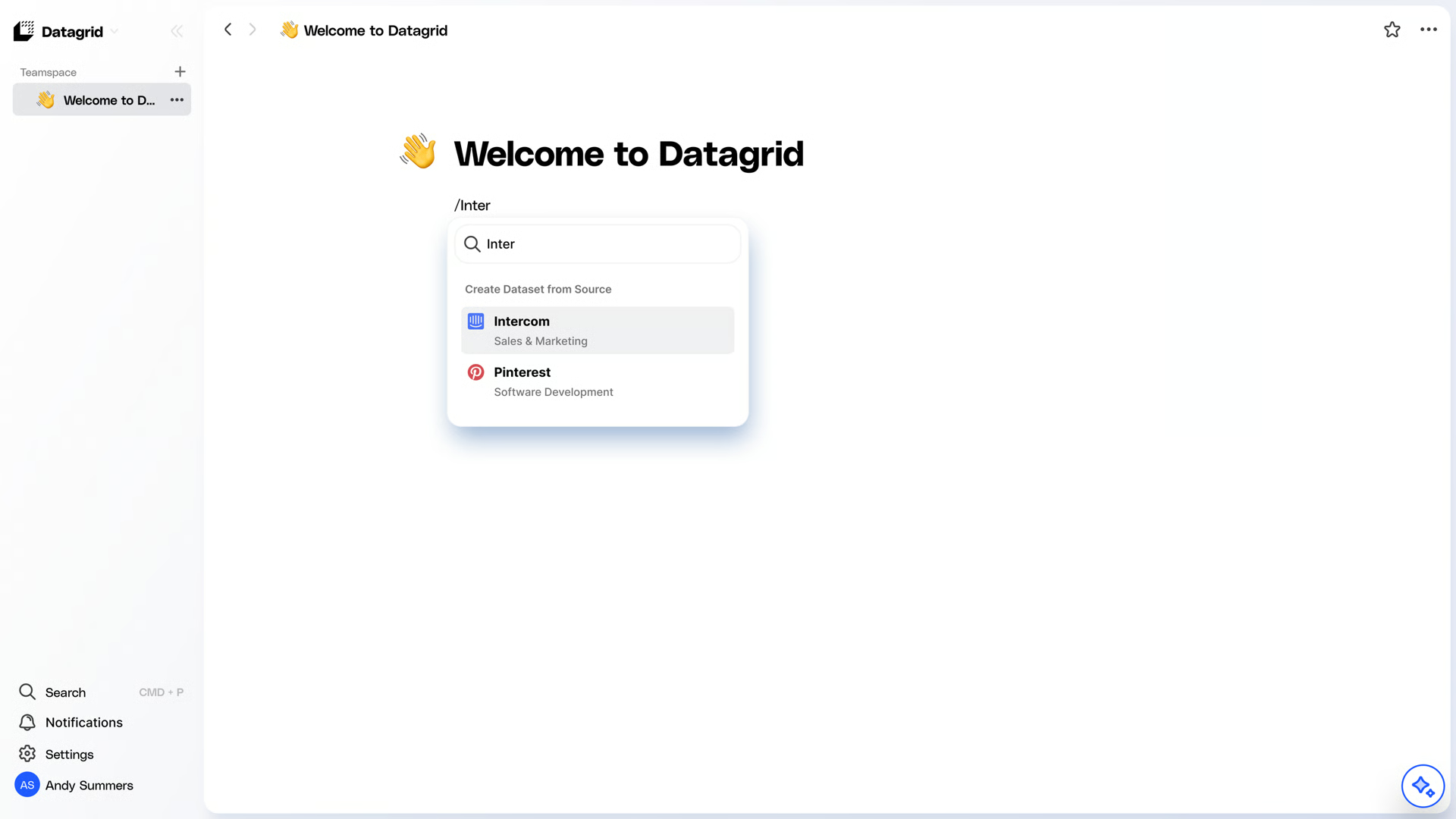
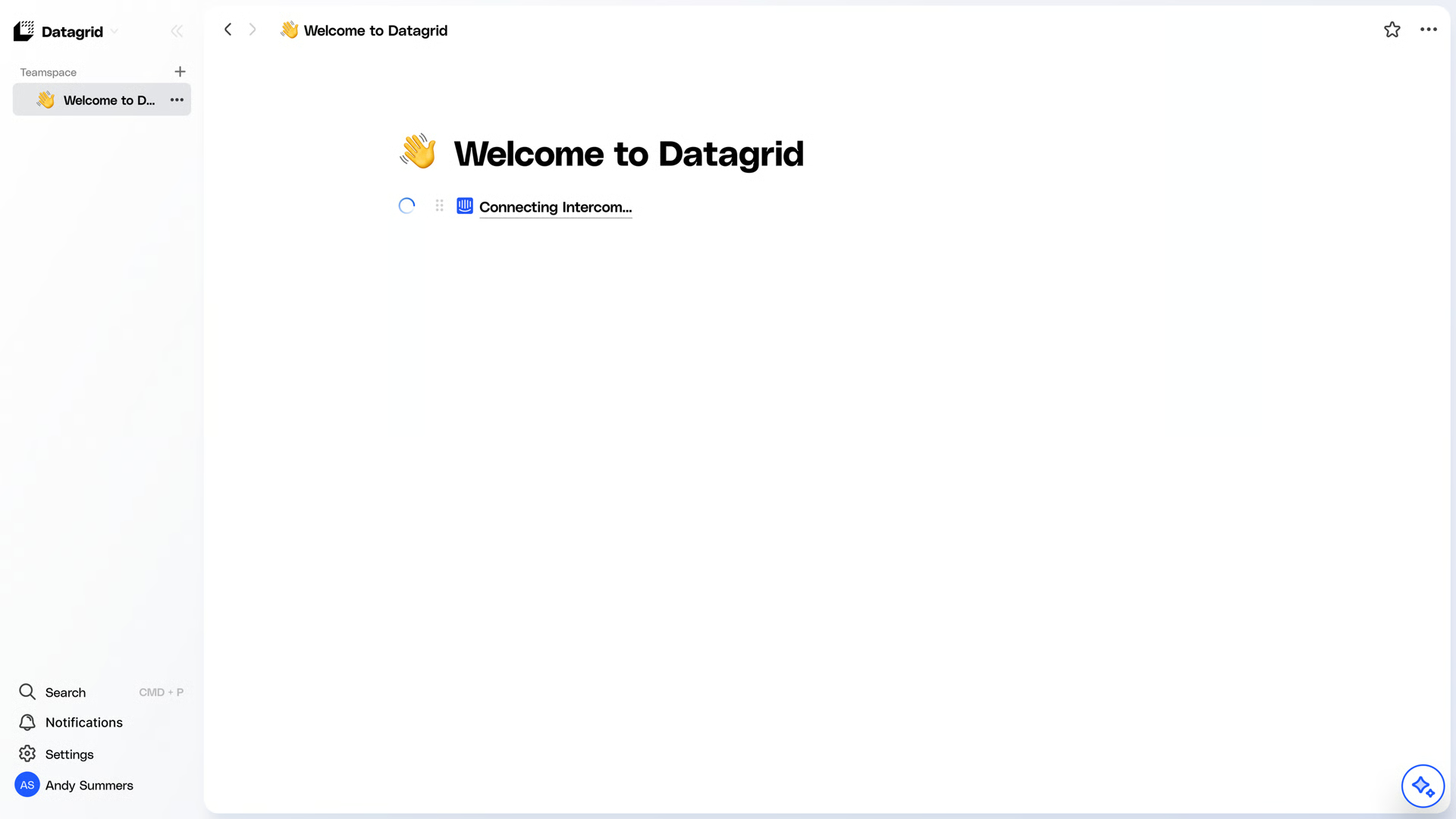
Step 3: Log in to Intercom and validate integration
Step 4: Pick your data to import.
Datagrid ingests data from Intercom via multiple APIs, and we currently support data access to multiple endpoints, including Admins, Teams, Contacts and more. Please reference the data access table for more information.
Create a Dataset
Note: While Salesforce is used as an example, this information is applicable to all integrations.
How to Create a Dataset from an Existing Pipeline
Step 1: Log in to your Datagrid account
Step 2: Search for your integration
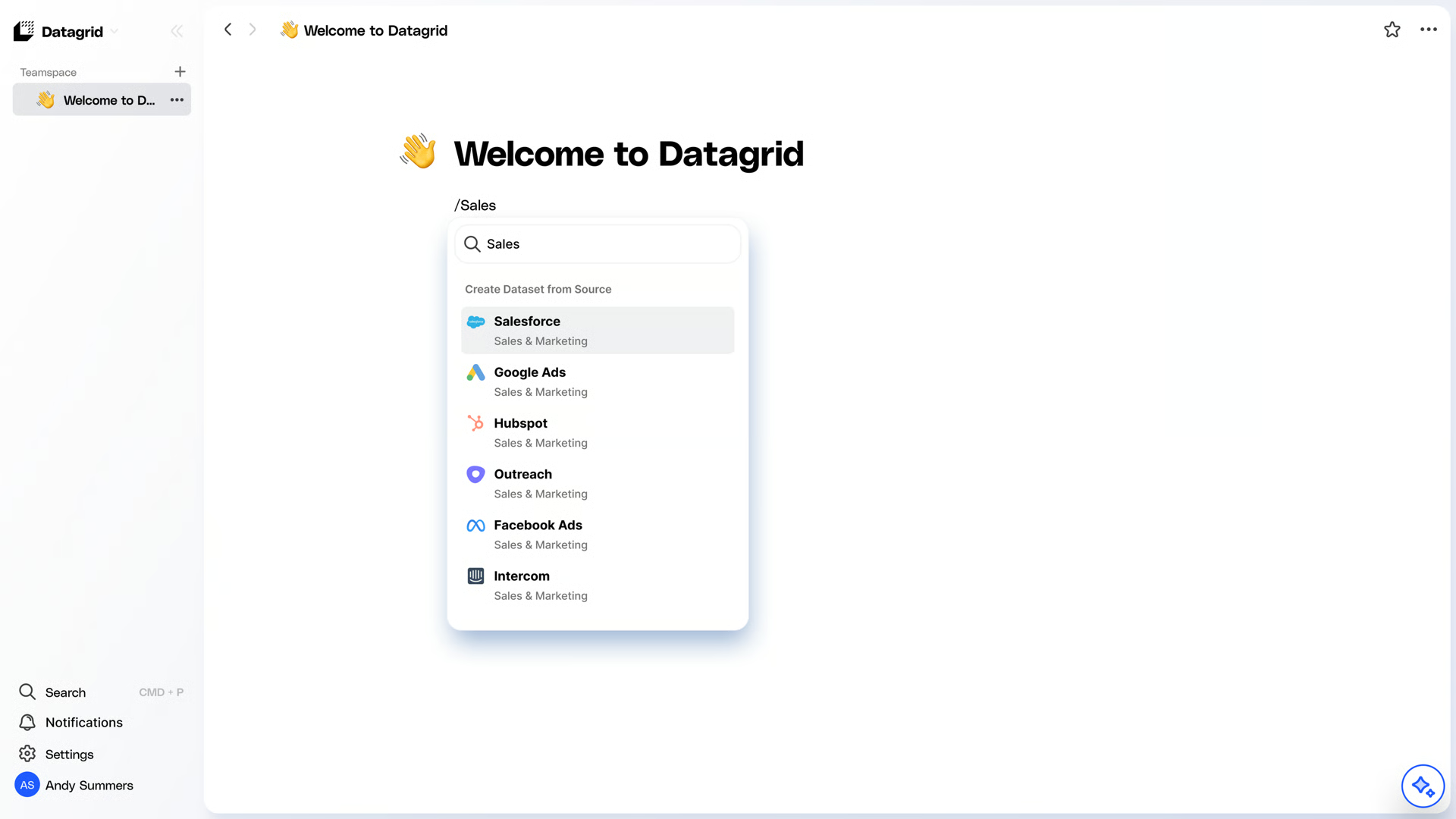
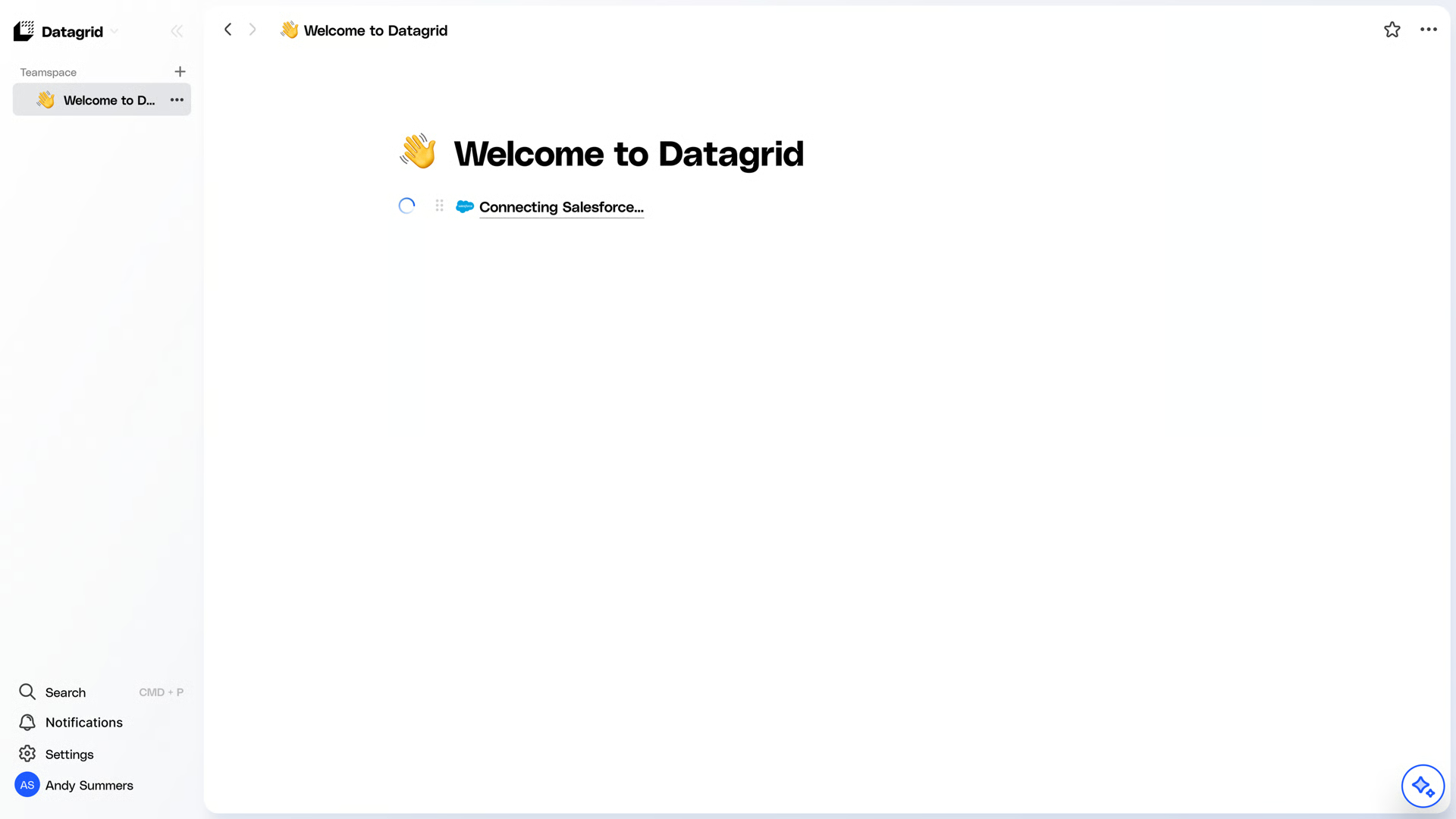
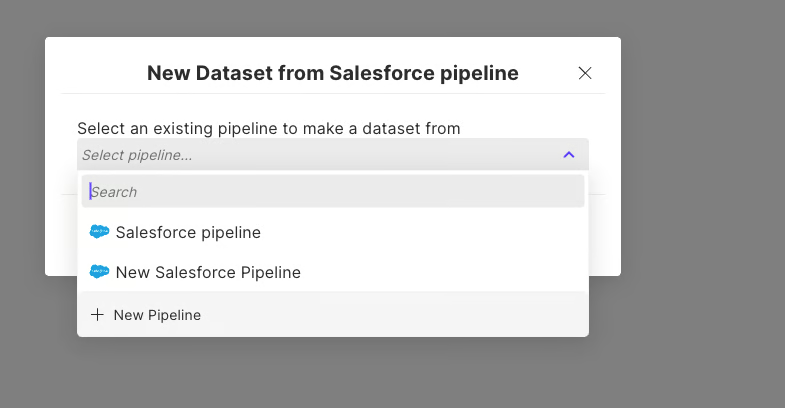
Step 3: Choose an existing pipeline
Set Up a Schedule
The scheduling steps include the following:
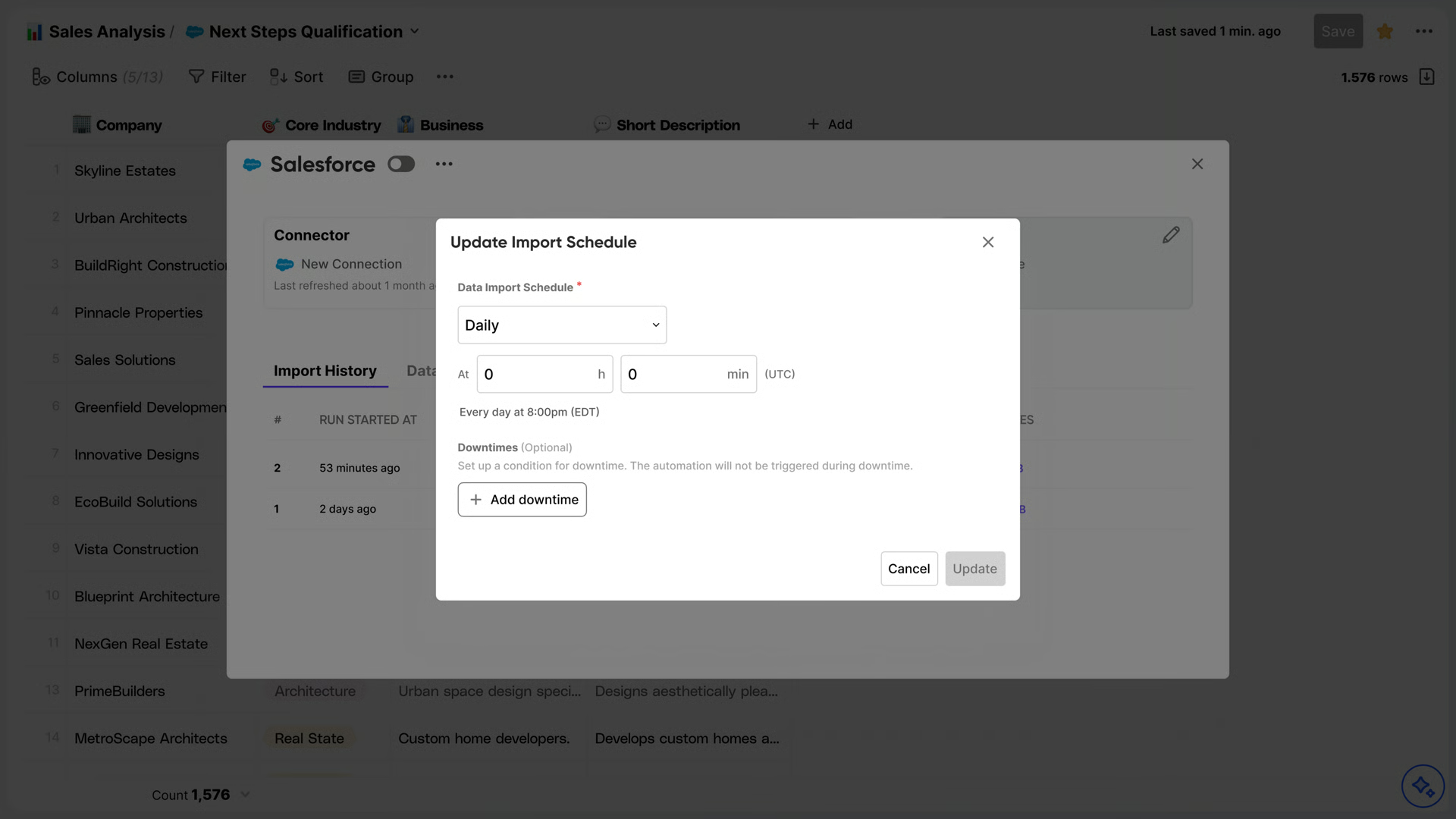
When configuring the schedule, the time is set in UTC (Universal Time Coordinated). You can see your timezone below the scheduler.
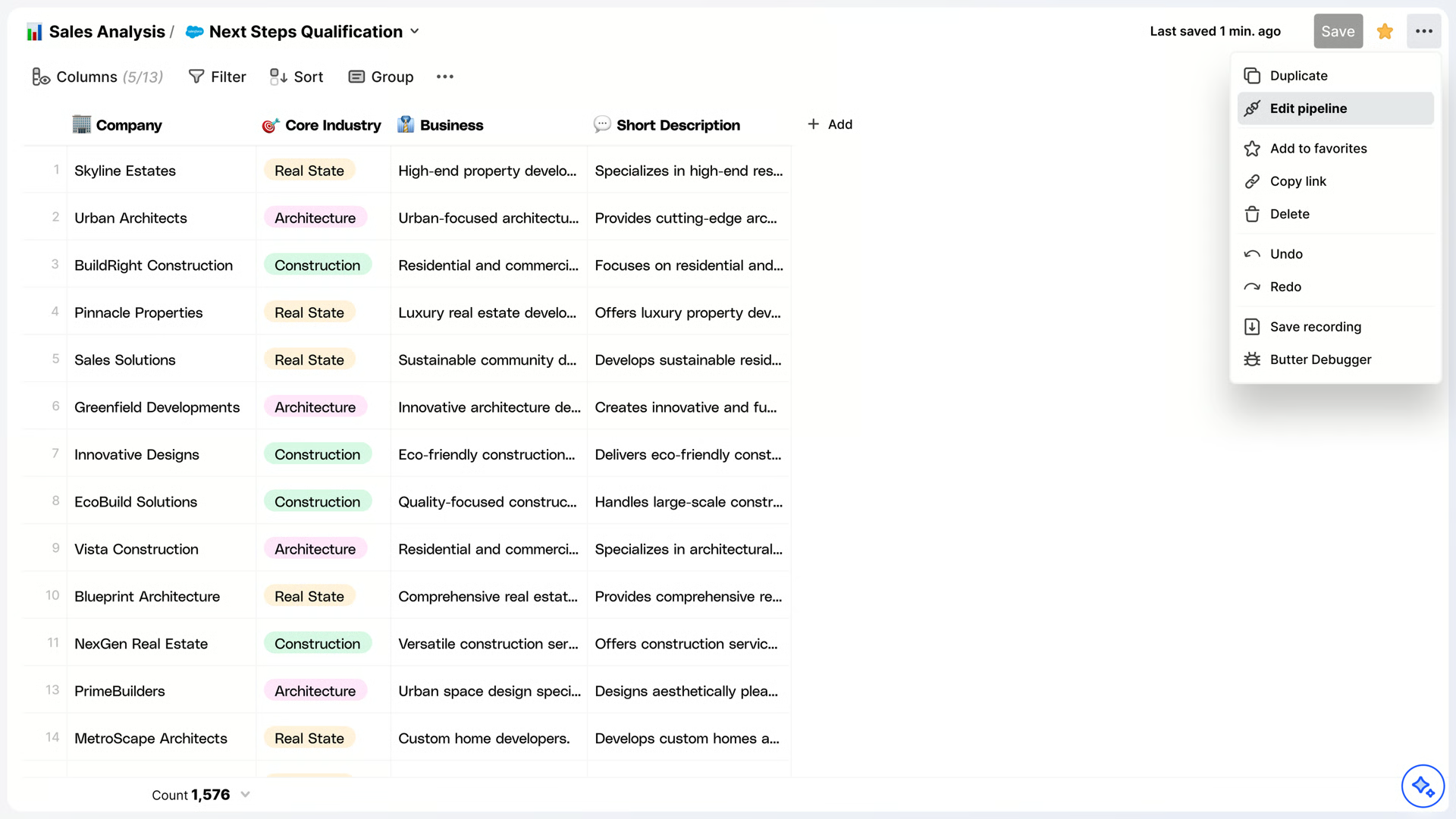
1. Edit Pipeline
Open the overflow menu “...” and select “edit ”
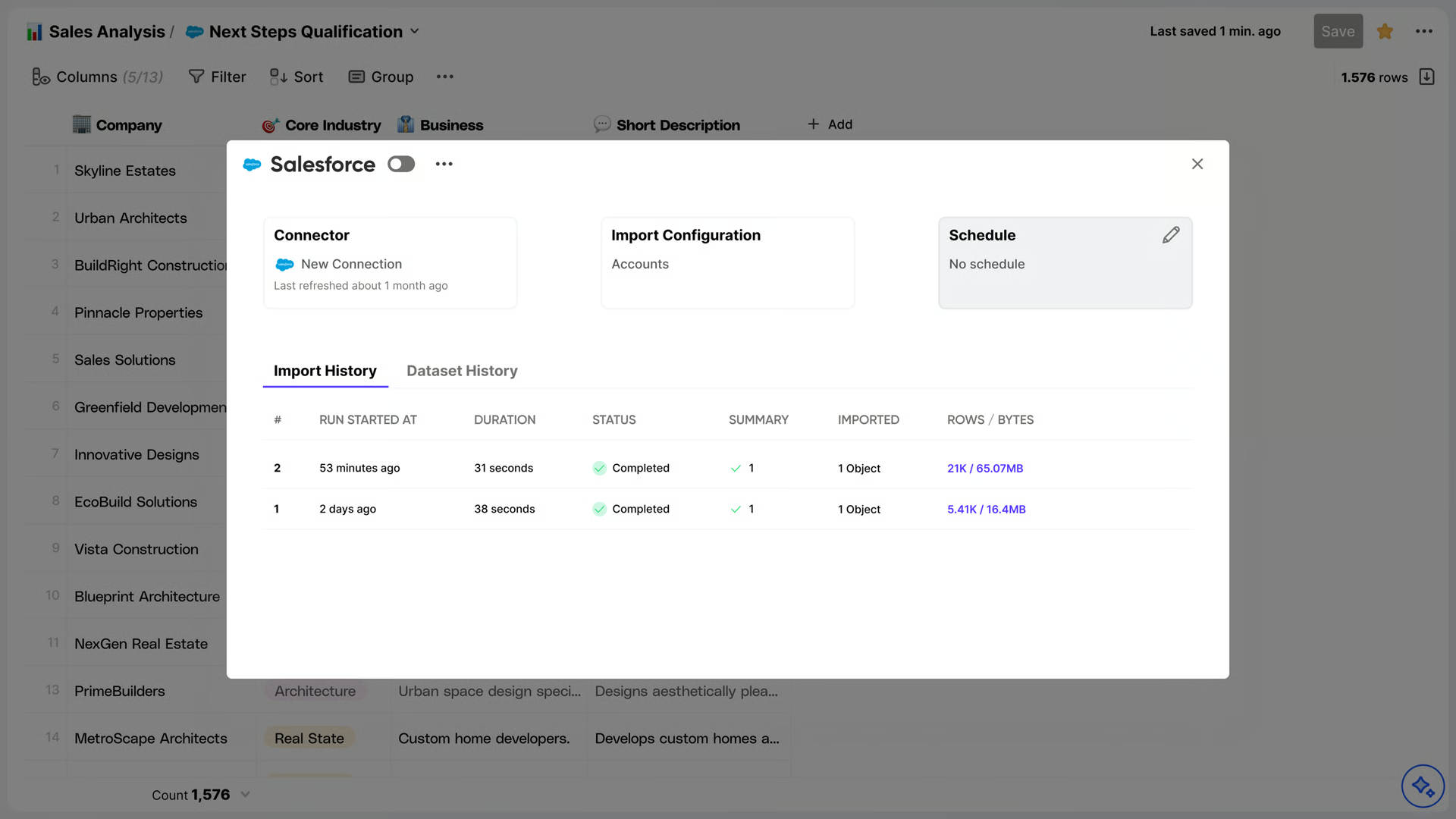
2. Schedule Pipeline
Hover the "Schedule" box and select “Schedule”
Configure the schedule to your preference
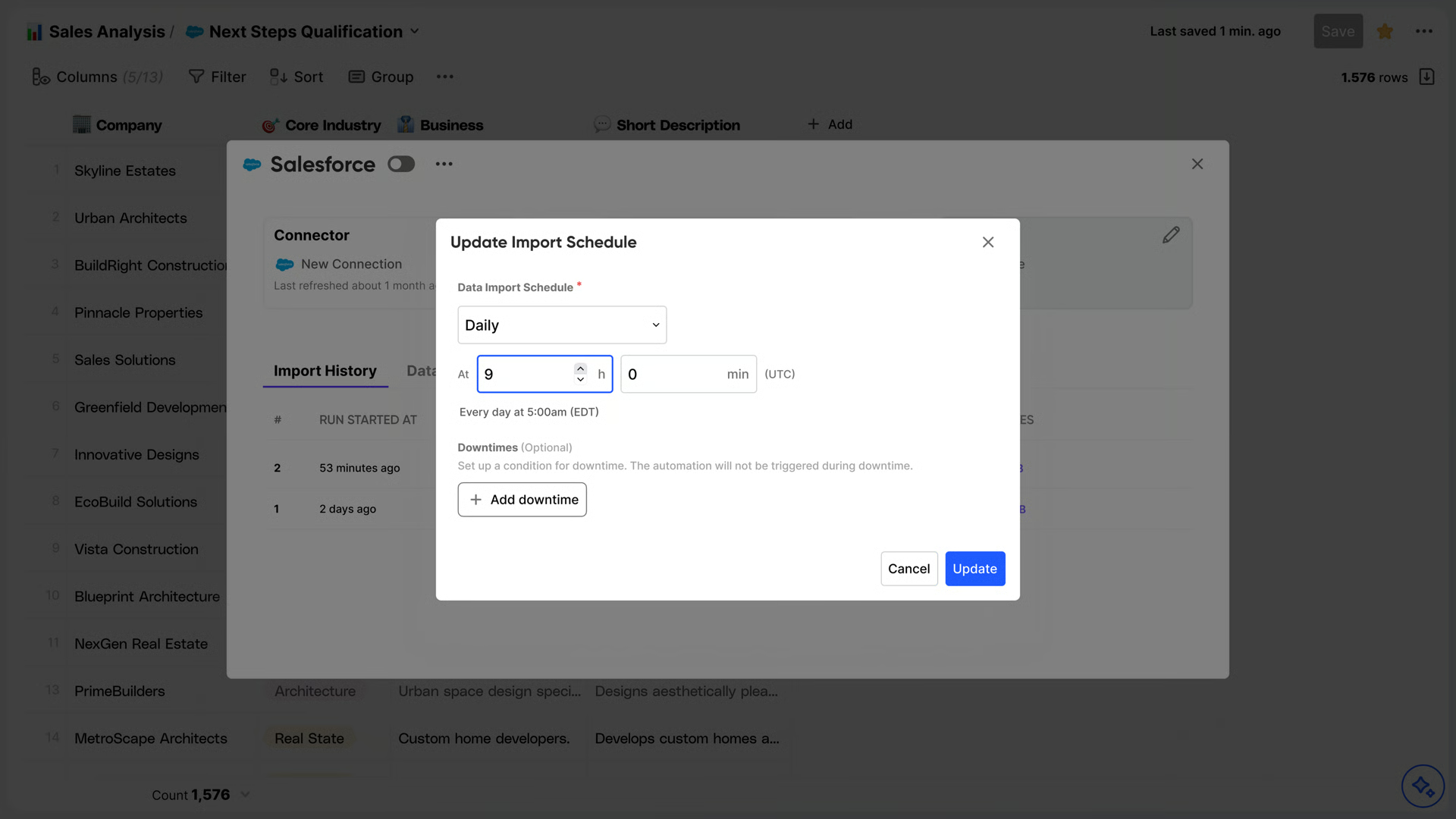
Press “Update” whenever you are done setting up your schedule
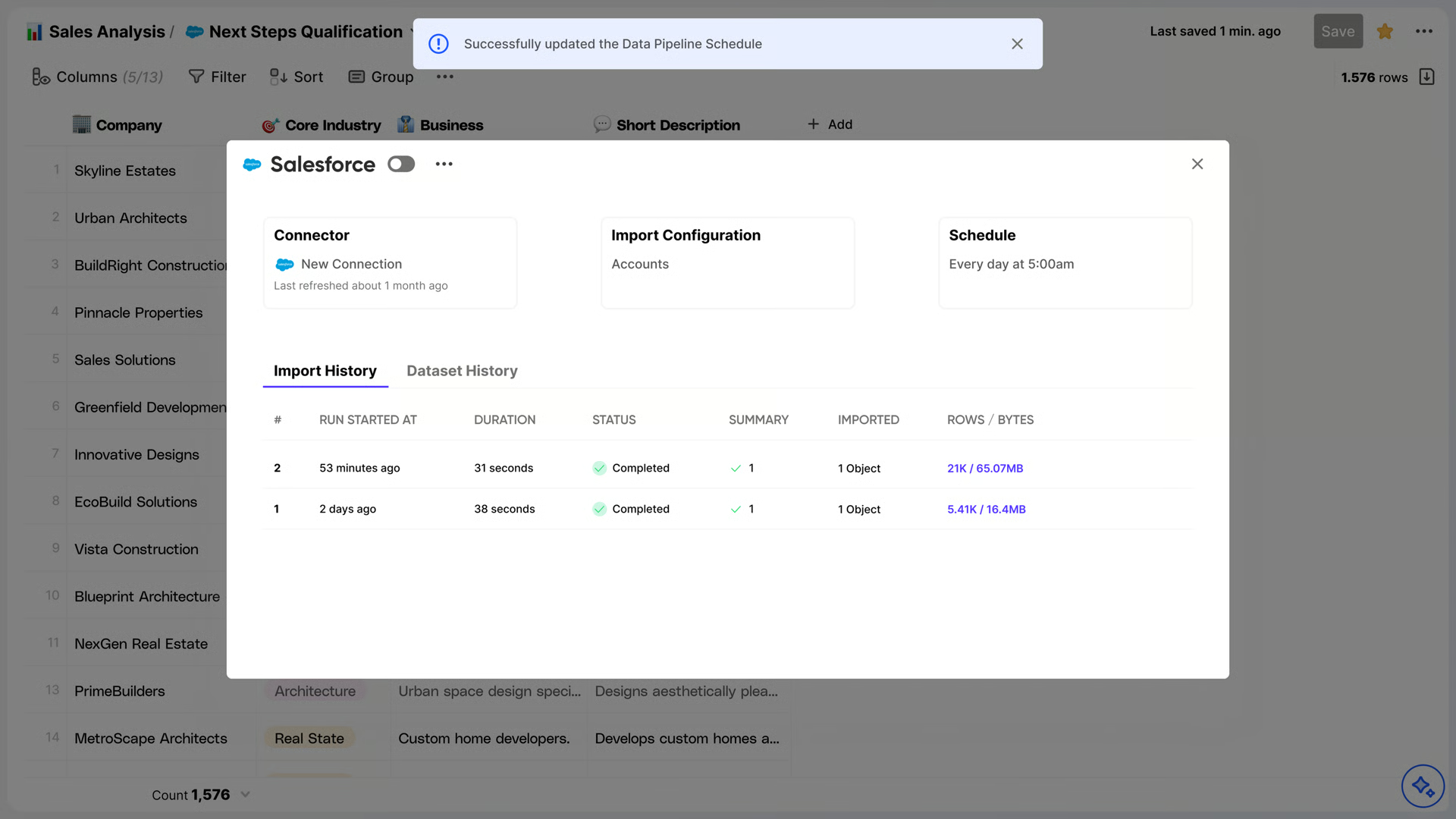
The completed schedule will appear like this:
Configure data sync
Datagrid ingests the following Intercom objects:
Admins — Team members and their roles
Tags — Labels applied to contacts, companies, and conversations
Teams — Internal team groupings
Companies — Company records with custom attributes
Contacts — Users and leads with lifecycle data
Activity Logs — Admin activity history
Segments — Dynamic contact/company groupings (read-only in Intercom)
Company Attributes — Custom attribute schemas on companies
Contact Attributes — Custom attribute schemas on contacts
Conversations — Full conversation records with metadata
Conversation Parts — Individual messages within conversations
Data flows in one direction, from Intercom into Datagrid. You configure sync frequency through the schedule configuration page. If you need an endpoint not listed above, contact support@datagrid.com to request it.
The setup below shows the shape of a typical Intercom dataset configuration in Datagrid, based on the endpoints and scheduling options described on this page:
{
  "connector": "Intercom",
  "access": "read",
  "selected_endpoints": [
    "Contacts",
    "Companies",
    "Conversations",
    "Conversation Parts",
    "Tags",
    "Segments"
  ],
  "schedule": "configurable",
  "sync_direction": "Intercom to Datagrid"
}
This setup gives operators a direct way to bring Intercom records into Datagrid for scheduled, structured workflows.
Why use Intercom with Datagrid
Connecting Intercom to Datagrid gives operators structured records they can query, route, and join with the rest of the business. Here are the reasons to use Intercom with Datagrid:
Structured conversation intelligence: Datagrid's AI agents parse chat transcripts into typed fields such as issue type, product mentioned, customer intent, and urgency.
Cross-platform customer records: Datagrid combines Intercom contact and company data with records from your CRM or data warehouse without manual CSV exports.
Automated data extraction: Datagrid pulls conversation parts, tags, and contact attributes on schedule, without custom API scripts or manual data wrangling.
Routing and classification: AI agents classify conversation data by topic, sentiment, and priority, then route structured outputs to the right team or system.
Full conversation context: Access to Conversation Parts gives AI agents the full transcript for analysis, not just record-level metadata.
Scalable analytics workflows: Datagrid feeds Intercom data into analytics workflows that join support data with revenue and product usage metrics.
What you can build with Intercom Datagrid integration
Once Intercom data is available in Datagrid, operators can turn conversation history, contact records, and company context into repeatable workflows. The examples below use only the endpoints and outputs described on this page:
Conversation-to-structured-record pipeline: Datagrid's AI agents ingest closed Intercom conversations, extract typed fields such as issue category, resolution status, product area, and customer sentiment, and write structured records to a data warehouse.
CRM sync with full conversation context: Datagrid's AI agents pull Intercom contacts, company attributes, and conversation history, then match and merge records with your CRM.
Automated support trend reporting: Datagrid's AI agents run scheduled extractions of conversations, tags, and segments from Intercom.
Contact enrichment and segmentation: Datagrid's AI agents cross-reference Intercom contact records against company data, activity logs, and external sources connected through Datagrid.
Similar integrations
Communication and collaboration: Use related tools in the same category when teams need conversation data inside shared workflows and routing logic.
CRM: Connect conversation records with account, lifecycle, and company data for matching and cross-referencing workflows.
Work management and productivity: Route structured outputs from conversation analysis into operational follow-up workflows.
Databases and data infrastructure: Write extracted and classified Intercom data into structured systems for reporting and downstream use.
Resources and documentation
Datagrid Intercom configuration guide, step-by-step authentication and connection setup
Datagrid dataset creation for Intercom, how to select endpoints and build datasets
Datagrid schedule configuration, sync frequency and scheduling options
Intercom REST API reference, full API documentation for all Intercom data objects
Intercom authentication guide, Access Token and OAuth 2.0 setup details
Intercom OAuth scopes reference, scope-by-scope permissions for API access
Intercom webhook setup guide, configuring event-driven data delivery
Frequently asked questions
What Intercom data can Datagrid access?
Datagrid's Intercom integration exposes 11 endpoints: Admins, Tags, Teams, Companies, Contacts, Activity Logs, Segments, Company Attributes, Contact Attributes, Conversations, and Conversation Parts. The full list is documented on the Datagrid Intercom integration page. If you need an endpoint not listed, you can request it by emailing support@datagrid.com.
What permissions do I need to set up the Intercom integration?
You need Intercom admin permissions to configure the connection. The Datagrid Intercom integration documentation lists this as the prerequisite. For details on Intercom permission levels, refer to the Intercom authentication guide.
Does the integration include full conversation transcripts?
Yes. Datagrid accesses both the Conversations and Conversation Parts endpoints, which contain the message content within each thread. Intercom's bulk export to Amazon S3 does not include message transcripts, so the REST API is the source for full conversation text.
Can I connect Intercom data with other tools through Datagrid?
You can combine Intercom conversation and contact data with records from CRM systems, data warehouses, and team communication tools.
How does Datagrid ingest data from Intercom?
Datagrid ingests Intercom data through Intercom's REST API on a configurable schedule. You define which endpoints to include when creating a dataset, then set the pull frequency through the schedule configuration.