
Overview
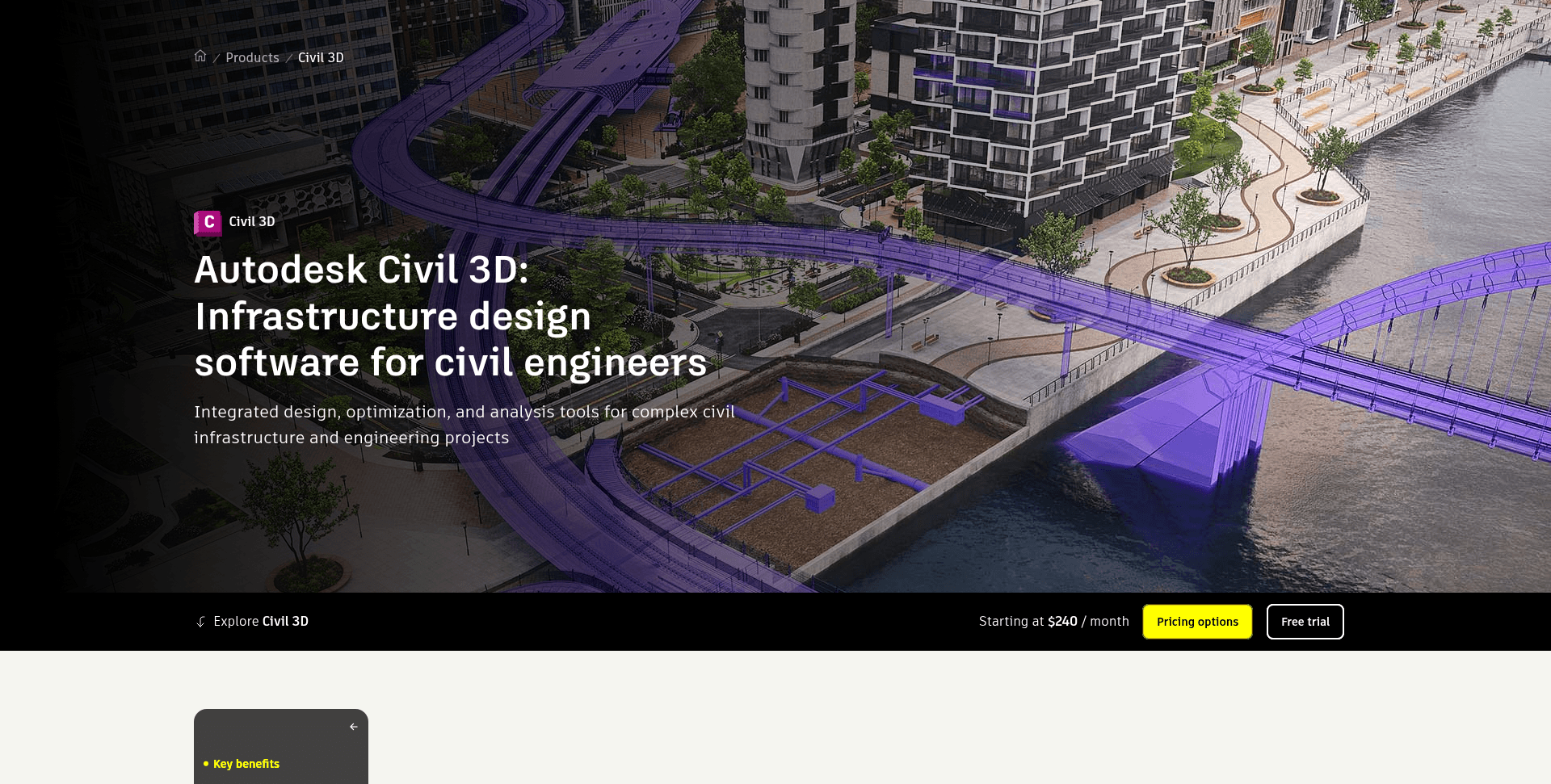
What is Civil 3D: Autodesk Civil 3D is civil infrastructure design software for project teams planning land development, water infrastructure, transportation work, and related civil projects. Civil engineers and infrastructure professionals use its engineering model to produce corridors, TIN surfaces, alignments, profiles, grading, pipe networks, survey workflows, and quantity takeoffs.
How to integrate Civil 3D with Datagrid
Datagrid ingests supported Civil 3D model data as an ingestion source for its agentic AI platform. Once ingested, AI agents clean and transform BIM data, then join it non-destructively with data from project management platforms, scheduling tools, financial systems, and other project sources. Data flows one way: from Civil 3D into Datagrid. Teams either import Civil 3D files directly or use Datagrid's ACC integration to pull project files from Autodesk Construction Cloud. Set up the integration by importing Civil 3D model files, authenticating access to Autodesk projects, and configuring one-way data sync.
Import Civil 3D model files
Open the Datagrid workspace and go to Settings > Integrations > Add New.
Select Civil 3D from the integration list.
Choose whether Datagrid imports the source files directly or pulls them from Autodesk Construction Cloud.
Select the Civil 3D project files for ingestion.
Configure your data flow to define which supported Civil 3D objects the ingestion includes.
Set up automations for recurring ingestion and validation checks that feed downstream reporting.
A typical import job uses this structure:
ingestion_job:
  source_system: Civil_3D
  source_location: direct_file_import_or_autodesk_construction_cloud
  project_file_id: civil_3d_project_file_identifier
  model_version: approved_model_version
  object_groups:
    - surfaces
    - points
    - alignments
    - quantity_takeoffs
  downstream_outputs:
    - validation_checks
    - reporting_tables
Authenticate Autodesk project access
Autodesk Platform Services uses OAuth 2.0 exclusively for API access, and access to Autodesk project data requires appropriate account permissions. A typical Datagrid connection record should confirm the Autodesk account and project, as well as the source location, before ingestion starts.
authentication:
  provider: Autodesk Platform Services
  method: OAuth_2_0
  access:
    autodesk_account_permissions: required
    autodesk_project_access: required
    source_location: direct_file_import_or_autodesk_construction_cloud
Configure one-way data sync
Sync runs in one direction, from Civil 3D to Datagrid; this workflow writes no data back to Civil 3D or Autodesk Construction Cloud. Teams trigger ingestion manually or configure recurring imports for approved model versions. Teams that need additional Civil 3D data endpoints can request new endpoint coverage via the Civil 3D integration page linked in Resources.
A typical Datagrid data-flow configuration uses this structure:
source:
  system: Civil 3D
  location: direct_file_import_or_autodesk_construction_cloud
objects:
  include:
    - surfaces
    - points
    - alignments
    - quantity_takeoffs
    - corridors
    - pipe_networks
sync:
  direction: Civil_3D_to_Datagrid
  frequency: manual_or_recurring
processing:
  on_new_model_version: reapply_business_logic_and_data_processes
Why use Civil 3D with Datagrid
Connecting Civil 3D to Datagrid gives project teams a repeatable way to turn design model data into governed reporting workflows.
Automatic reprocessing on new versions: Datagrid applies the same business logic and data processes each time a new Civil 3D model version is ingested, so design iterations never require repeated manual extraction.
Cross-source data joins: Agents connect Civil 3D surfaces, alignments, corridors, and quantity takeoffs with data from project management platforms, scheduling tools, financial systems, and other project sources.
Non-destructive transformation: AI agents clean and transform Civil 3D data, then join it with other sources without altering source models.
Custom dashboards and reports: Datagrid turns processed BIM data into dashboards and reports with custom branding, dropdowns, legends, and filters, directly from Civil 3D design data.
Full AEC stack coverage: Datagrid connects to Civil 3D, Revit, Navisworks, Autodesk Construction Cloud, and BIM 360, so agents work across the full AEC stack on a single platform.
What you can build with Civil 3D Datagrid integration
Project teams can use Civil 3D data in Datagrid to automate quantity and model-version reporting and compliance workflows across connected project systems.
Quantity and cut/fill reporting: Datagrid ingests corridor models and surface comparisons to extract cut/fill volumes and material quantities, captures alignment lengths, and formats reports for estimating teams against the current design, eliminating manual re-extraction after each iteration.
Cost tracking against design progression: Datagrid joins Civil 3D quantities and alignments with project management and financial data, connecting to Procore project data and other project systems to support automated cost tracking and budget forecasting tied to design progression milestones.
Submittal compliance review: Datagrid's Summary Spec Submittal Agent reviews submittals against applicable specification sections and generates a compliance summary and checklist. Pair it with Civil 3D design data so reviews reference the current model version; the transmittal vs. submittal guide covers this workflow in detail.
Version-controlled processing pipeline: Teams build a pipeline that ingests approved Civil 3D versions, applies processing rules, and refreshes dashboards. Engineers create the linework, calculations, and model; Datagrid agents process, validate, join, and report on the ingested model data for the engineer of record to review.
Resources and documentation
Civil 3D API: Covers .NET and COM APIs, as well as Custom Draw APIs.
Developer's Guide: Covers surfaces, alignments, profiles, pipe networks, corridors, and points.
Data Management API: Covers cloud file access across Autodesk Forma and BIM 360 Docs, plus OSS.
Frequently asked questions
What Civil 3D data can Datagrid ingest?
Datagrid ingests the supported Civil 3D object types defined in your data-flow configuration through documented workflows. Teams needing objects beyond the default configuration can request expanded endpoint coverage.
How does authentication work for the Civil 3D integration?
Datagrid follows Autodesk's OAuth 2.0 API access model and uses the project permissions granted to the connected Autodesk account.
Do older Civil 3D file versions cause problems?
Version awareness matters. Civil 3D 2018 through 2026 share the AC1032 DWG container format, but Civil 3D objects within the file remain version-specific. A file can open successfully and still contain damaged objects, per the Civil 3D Compatibility Matrix. Confirm your model versions before building automated pipelines.
Similar integrations
Autodesk Construction Cloud (ACC): Pull Civil 3D model versions hosted in ACC for automated ingestion and versioning for downstream reporting.
Navisworks: Use Navisworks clash and coordination outputs alongside Civil 3D model data to enable automated clash triage and multidisciplinary coordination workflows.
BIM 360 Build: Connect BIM 360 Build's RFIs and submittals with field records and Civil 3D design data to automate submittal review and project tracking.
Procore: Join Civil 3D quantities and alignments with Procore's project and financial data for automated cost tracking and schedule-linked reporting.
Trimble Connect: Connect survey points and TIN surfaces, using Civil 3D and Trimble Connect as sources, and add alignment data to reduce manual steps in as-built integration and surveying workflows.