
Overview
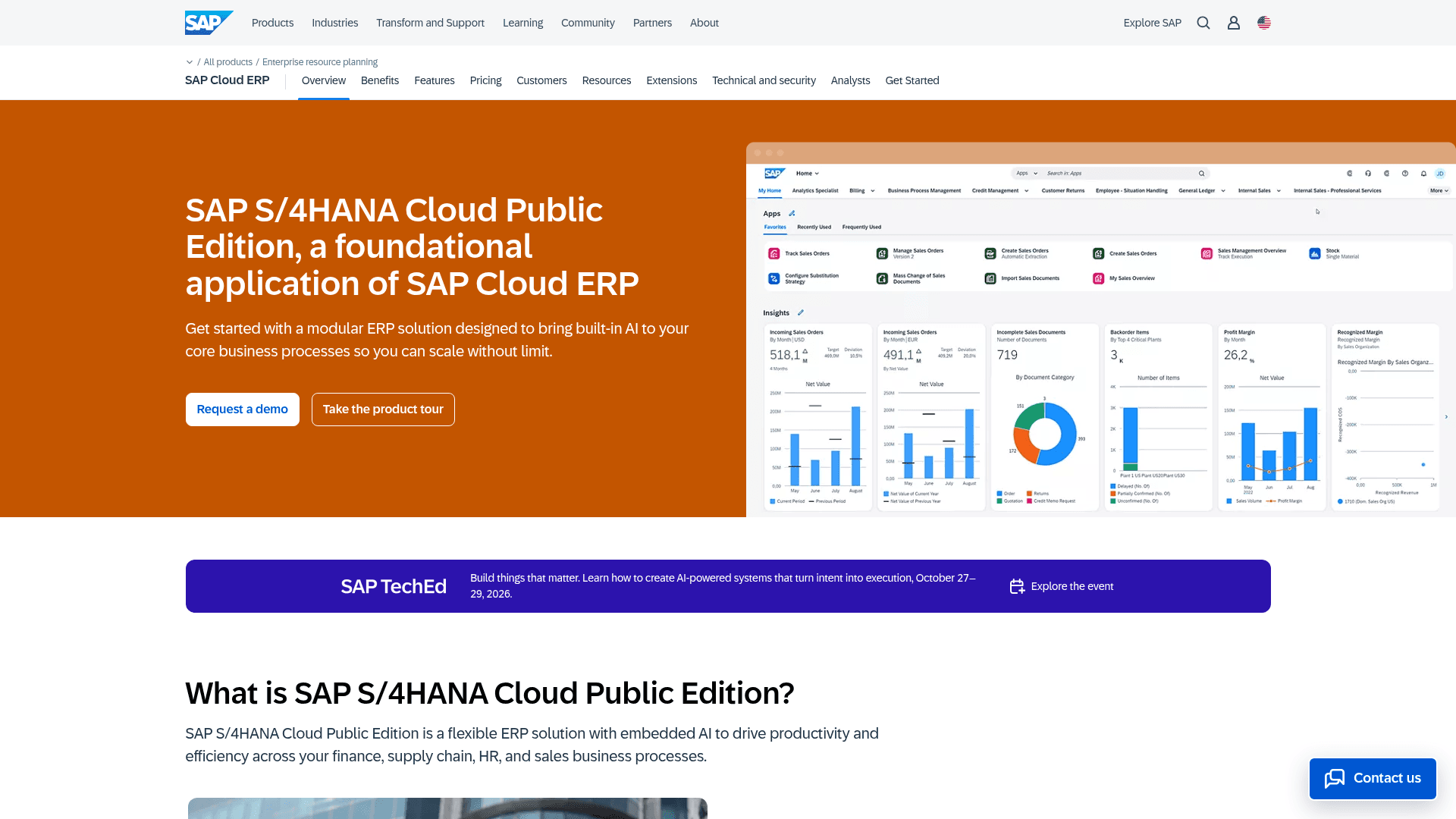
What is SAP S/4HANA: SAP S/4HANA is SAP SE's ERP suite and the successor to SAP ECC. Built on the in-memory SAP HANA database, it runs four core workflows: procure-to-pay, order-to-cash, record-to-report, and hire-to-retire. Three editions ship: Cloud Public Edition, Cloud Private Edition, and on-premises. Finance and project teams use S/4HANA for cost control, AP, procurement, manufacturing, sales, and supply chain workflows.
How to integrate SAP S/4HANA with Datagrid
Datagrid connects to SAP S/4HANA through SAP-released APIs cataloged on the SAP Business Accelerator Hub, over OData V2, OData V4, and SOAP. The APIs expose business objects for reads such as business partners, purchase orders, billing documents, and journal entry items, and for writes such as posting supplier invoices, creating sales orders, and updating business partner master data; available reads and writes depend on the business object, the SAP edition, and the integration configuration. SAP APIs support data flows in both directions, and in Cloud Public Edition access runs through whitelisted APIs with SAP stability contracts across quarterly releases. Follow this setup order: configure SAP communication access, choose an authentication method, then define data sync behavior for the required business objects.
Configure SAP communication access
SAP's released APIs cover business partners, sales orders, purchase orders, product master, supplier invoices, billing documents, and journal entries. In Cloud Public Edition, SAP-side setup uses the Communication Arrangement framework. Cloud Private Edition systems require edition-specific API activation and network configuration and typically route API calls through the SAP BTP Cloud Connector. On-premise systems require edition-specific API activation and network configuration.
Complete these steps for Cloud Public Edition:
Create a Communication User in the Maintain Communication Users app. Set a password.
Create a Communication System in the Communication Systems app. Enter the external host and assign the Communication User.
Create a Communication Arrangement in the Communication Arrangements app for each API scenario. Use SAP_COM_0008 for Business Partner or SAP_COM_0109 for Sales Order. This step switches on the API.
Confirm the SAP S/4HANA integration is available for the workspace and verify its supported objects and operations.
Supply the OData service URL and supported credentials through the integration's configuration.
Scope the connection to the business objects the configured integration should read or write.
A representative connection input map looks like this; use the field names returned for the workspace integration:
edition: Cloud Public Edition
odata_service_url: <ODATA_SERVICE_URL>
authentication_method: <Basic Authentication | X.509 client certificate | OAuth 2.0 SAML Bearer Assertion>
business_objects:
  - API_BUSINESS_PARTNER
  - API_SALES_ORDER_SRV
  - API_PURCHASEORDER_PROCESS_SRV
Choose an authentication method
For Cloud Public Edition inbound access, S/4HANA accepts Basic Authentication and X.509 client certificates for communication users over HTTP and SOAP. SAP recommends client certificates over basic authentication.
OAuth 2.0 SAML Bearer Assertion works for OData services only. Retrieve the Client Key, Token Service User, and Token Service URL from the Communication Arrangement's OAuth 2.0 Details. Custom CDS view External APIs accept Basic Authentication only.
Use the credential inputs that match the selected method:
basic_authentication:
  communication_user: <COMMUNICATION_USER>
  password: <COMMUNICATION_USER_PASSWORD>

x509_client_certificate:
  communication_user: <COMMUNICATION_USER>
  client_certificate: <CLIENT_CERTIFICATE>

oauth2_saml_bearer_assertion_for_odata:
  client_key: <CLIENT_KEY>
  token_service_user: <TOKEN_SERVICE_USER>
  token_service_url: <TOKEN_SERVICE_URL>
Define data sync behavior
The following table describes SAP API capabilities. Inbound means Datagrid sends a create or update request to SAP S/4HANA. Read or outbound means Datagrid retrieves data from SAP S/4HANA. Actual Datagrid support for each object and operation depends on the integration configuration.
Business Object | API / Protocol | Direction |
|---|---|---|
Business Partner / Customer / Supplier | API_BUSINESS_PARTNER (OData V2) | Bidirectional |
Sales Order | API_SALES_ORDER_SRV (OData V2, V4 available) | Inbound + read |
Purchase Order | API_PURCHASEORDER_PROCESS_SRV (OData V2) | Inbound + read |
Product Master | API_PRODUCT_SRV (OData V2) | Inbound + read |
Supplier Invoice | API_SUPPLIERINVOICE_PROCESS_SRV (OData V2) | Inbound (confirmed for Cloud Private Edition) |
Billing Document | API_BILLING_DOCUMENT_SRV (OData V2) | Read / outbound; cancel operation |
Journal Entry | SOAP (Post, Change, Clear) | Inbound |
Journal Entry Item | A2X OData | Read / outbound |
Cost Center | OData V4 (RAP) | Inbound |
A representative business partner read uses the configured service URL:
GET <BUSINESS_PARTNER_ODATA_SERVICE_URL>
Accept: application/json
The Datagrid SAP S/4HANA integration can run reads on a configurable polling schedule when its object implementation supports polling. For near-real-time triggers, S/4HANA publishes CloudEvents via Enterprise Event Enablement to SAP Event Mesh. When the Datagrid deployment consumes events from the subscribed SAP Event Mesh queue, its agents can react.
A representative subscribed-queue event uses these values:
event: BusinessPartner/Created
queue: <SAP_EVENT_MESH_QUEUE>
consumer: Datagrid deployment
Several service constraints affect sync behavior. The OData V4 sales order service treats processing type P and SD category I as read-only and blocks multi-order changesets. SAP recommends API_PRODUCT_SRV for text entities; use Product (Version 2) elsewhere. Cloud Public Edition releases quarterly, so check the Business Accelerator Hub for the current API catalog.
Why use SAP S/4HANA with Datagrid
The integration provides finance and project teams with an execution layer spanning ERP records and related project files. Agents perform matching, validation, routing, and posting tasks, while operators retain control over exceptions.
Finance teams execute against live ERP data: Datagrid's AI agents match invoices to purchase orders, post journal entries in S/4HANA, and flag anomalies without requiring spreadsheet exports.
Master data teams correct records at the source: API_BUSINESS_PARTNER exposes full CRUD, so an agent can read customer and supplier records and patch incomplete fields.
Operations teams trigger event-driven workflows: CloudEvents from S/4HANA, such as BusinessPartner/Created, initiate agent actions when the Datagrid deployment consumes the relevant event queue.
Project teams connect ERP and project data: Agents combine S/4HANA cost and order data with drawings, schedules, and other project files stored in SharePoint and Box.
What you can build with SAP S/4HANA Datagrid integration
Finance operators can move invoice exceptions, project costs, master data checks, and order monitoring into connected workflows. Datagrid's AI agents execute the cross-system checks and route decisions that still require human review.
Autonomous AP invoice processing: Agents ingest invoices from email or SharePoint and extract the line items. Datagrid's invoice processing agent then runs three-way matching against purchase orders and goods receipts in S/4HANA. In Cloud Private Edition, validated invoices can be posted via API_SUPPLIERINVOICE_PROCESS_SRV when the configured integration supports this operation. Exceptions route to a reviewer, so AP clerks read only the invoices that failed a check.
Project cost reporting across systems: Agents read WBS elements (API_FINWBSELEMENT_SRV), journal entry items, and billing documents. The agent assembles project financial summaries next to project files in SharePoint document libraries, so a single cost picture replaces manual reconciliation between ERP and project systems.
Master data quality enforcement: Agents score business partner and product master records against business rules, detect duplicates, and patch incomplete fields through API_BUSINESS_PARTNER. Agents catch defects before they propagate into spend analytics.
Order-to-cash monitoring and dispute handling: Agents subscribe to delivery and business partner events, cross-check billing documents, and detect mismatches or denied payments. Operators review the mismatches and denied payments the agent detects.
Resources and documentation
Business Accelerator Hub tutorial: Explains how to find released SAP APIs.
SAP authentication documentation: Covers inbound protocol and credential options.
SAP Communication Arrangement documentation: Explains how to activate an integration scenario.
Business Partner API: Documents the business partner service.
OAuth SAML tutorial: Covers OAuth 2.0 SAML Bearer Assertion setup for OData services.
Frequently asked questions
Which SAP S/4HANA editions work with Datagrid?
All three editions expose OData and SOAP APIs: Cloud Public Edition, Cloud Private Edition, and on-premise. Cloud Public Edition restricts external access to whitelisted, released APIs and blocks direct RFC from external systems. Private Edition and on-premise systems offer full ABAP extensibility and RFC. Compatibility with a specific edition also requires suitable authentication and network configuration.
Which authentication does the integration use?
For Cloud Public Edition inbound APIs, communication users authenticate using Basic Authentication or X.509 client certificates; SAP's documentation recommends X.509 client certificates. OAuth 2.0, SAML and Bearer Assertion are limited to OData endpoints; SOAP services use the other two methods. SAP's documentation lists no API key method.
What do you configure on the SAP side first?
In Cloud Public Edition, each API needs a Communication Arrangement that binds its Communication User to its Communication System. The arrangement activates the API; nothing works without it, and configuring these requires Integration Configuration access in S/4HANA Cloud. Private Edition and on-premise systems use edition-specific API activation and connectivity procedures.
Can agents react to S/4HANA changes in real time?
Yes, if you configure the deployment to consume SAP events. S/4HANA publishes CloudEvents (Created, Updated, Deleted) for business objects via Enterprise Event Enablement. In Cloud Public Edition, configure it with Communication Arrangement scenario SAP_COM_0092. External consumers read from a queue in SAP Event Mesh after creating a messaging service instance.
Does the integration rely on ODP-RFC extraction?
No. Third parties cannot use ODP-RFC to access on-premises and private cloud ABAP sources, and ODP-RFC does not apply to Cloud Public Edition at all. A Datagrid implementation uses released SAP APIs, which sit outside that prohibition.
Similar integrations
Oracle NetSuite: Often paired with SAP S/4HANA in multi-ERP landscapes for cross-entity financial consolidation and synchronized master data.
Acumatica: Appears in hybrid ERP deployments where Acumatica handles regional operations and synchronizes data with S/4HANA for consolidated reporting.
Sage 300 Cloud: Complements finance-focused subsidiaries by connecting invoice, purchase-order, and GL synchronization with S/4HANA.
MS Dynamics 365 NAV: Handles retail or CRM workflows while S/4HANA runs core finance and manufacturing, with master-data sync between the two.
Snowflake: Cloud data warehouse destination for S/4HANA financial and operational extracts used in cross-system analytics and BI.