
Overview
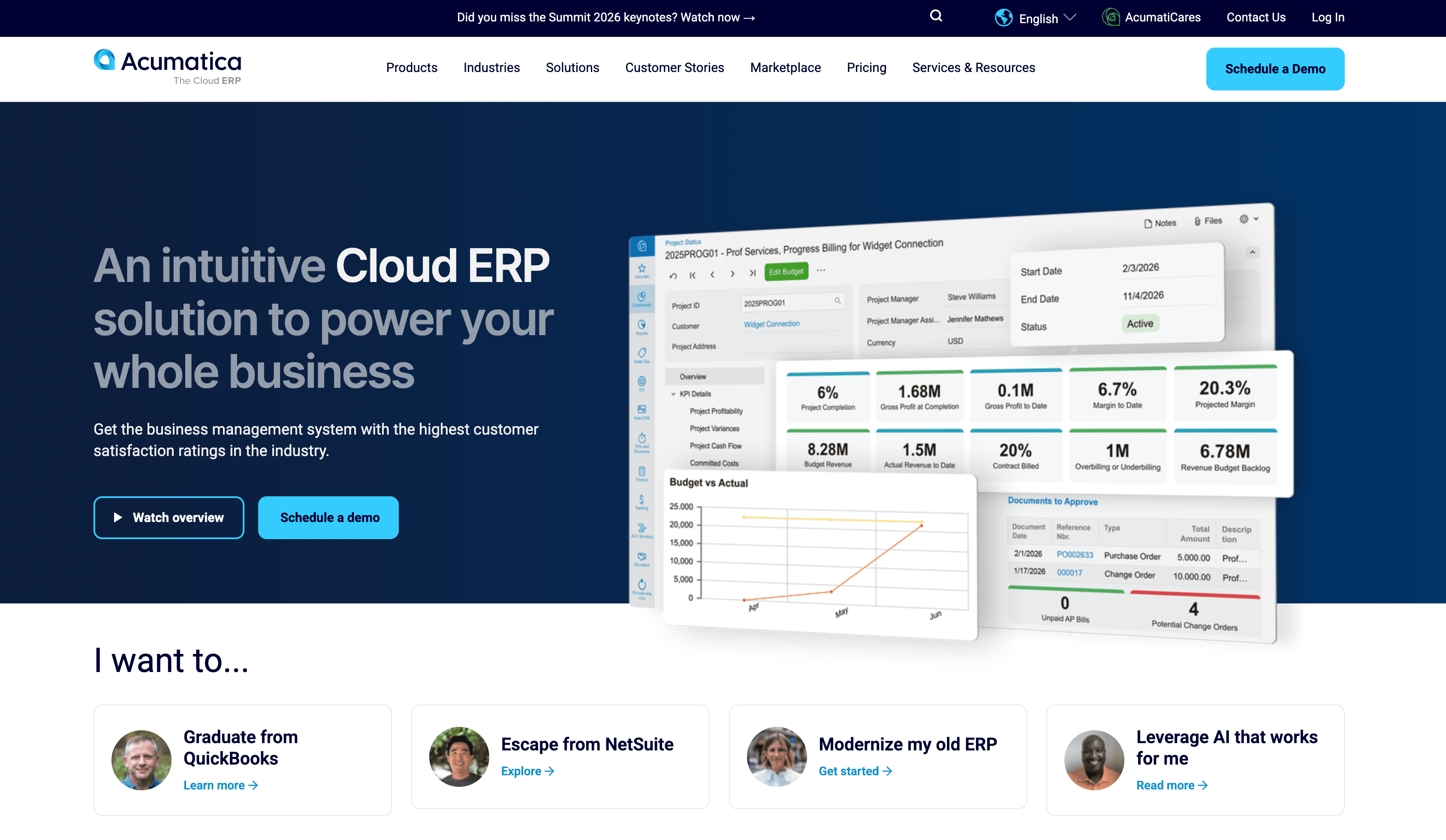
What is Acumatica: Acumatica is an enterprise resource planning (ERP) solution that provides a comprehensive suite of functionalities, including financial management, inventory management, sales and customer management, purchasing, project accounting, and more.
How to integrate Acumatica with Datagrid
Acumatica holds your financial records, inventory levels, sales orders, and project data. Datagrid's AI agents connect directly to that data, extract it, cross-reference it, and act on it without manual exports or copy-paste workflows.
Here’s how to integrate Acumatica with Datagrid:
Connect Acumatica App
Set up the Acumatica integration inside your Datagrid workspace by selecting the environment, authentication method, and data endpoints you want to sync:
Open your Datagrid workspace and go to Settings > Connectors > Add New.
Select Acumatica from the integration list.
Enter your Acumatica instance URL. Each deployment operates at its own unique URL, so you need the specific address for your environment.
Configure authentication credentials (see below). Acumatica may prompt you to authorize Datagrid's access to your data. Grant the necessary permissions to proceed.
Click "Next" to continue.
Pick your Data:
Select the data endpoints you want to sync, such as Customer, Invoice, Vendor, Payment, or BillOfMaterial.
Set your sync schedule (on-demand or scheduled intervals).
Save the connection and verify data is pulling correctly in the workspace.
These steps establish the base connection and define which records Datagrid can retrieve from your Acumatica environment.
Prerequisites
To configure the Acumatica integration, you need:
An active Acumatica instance with the necessary user permissions to access the financial, customer, vendor, and manufacturing data you want to import into Datagrid.
OAuth 2.0 authentication configured through the Connected Applications screen (SM303010) inside Acumatica.
The specific URL for your Acumatica deployment (there is no central API gateway).
For multi-tenant environments, separate Connected Application credentials (client ID and client secret) per tenant.
The list of data endpoints you want to import into Datagrid.
The authenticated user's Acumatica access rights govern what the integration can read, so Datagrid can only operate on the records exposed to the authenticated Acumatica user.
Authenticate with OAuth 2.0
Datagrid authenticates through OAuth 2.0, configured through the Connected Applications screen (SM303010) inside Acumatica. Three OAuth flows are supported:
Authorization Code for user-facing applications
Resource Owner Password Credentials (ROPC) for server-to-server connections
Implicit for specific use cases
After authentication, the access token is passed as Authorization: Bearer <access_token>. The authenticated user's Acumatica access rights govern what the integration can read or write, so OAuth does not bypass permission boundaries. Refresh tokens are available on instances running Acumatica build 23R2 or later with the offline_access scope enabled. See the Acumatica OAuth documentation for the referenced authentication details.
This permission model matters because Datagrid can operate only on records exposed to the authenticated Acumatica user.
Data Access
Datagrid can read (Retrieve) the following endpoints:
API
Account
BillOfMaterial
Customer
Invoice
Ledger
Payment
Vendor
Configure your data sync settings
The current Acumatica integration is documented as a one-way sync from Acumatica into Datagrid. You can control which supported endpoints Datagrid retrieves and how often it checks for changes. The sync behavior is summarized below.
Data objects: Account, BillOfMaterial, Customer, Invoice, Ledger, Payment, Vendor
Sync direction: One-way (Acumatica → Datagrid) for all currently documented endpoints
Frequency: Configurable on-demand or scheduled intervals
Incremental sync: Can be configured using
LastModifiedDateTimefilters to pull only changed recordsScheduling: Control when syncs run using Datagrid's scheduling options
Currently supported endpoints (retrieve/read):
Accountfor GL account recordsBillOfMaterialfor manufacturing BOMs, operations, and materialsCustomerfor customer master records with billing/shipping contactsInvoicefor accounts receivable invoicesLedgerfor general ledger recordsPaymentfor payment transaction recordsVendorfor vendor master records
You can use the following configuration pattern when setting up the integration in Datagrid:
{
  "source": "Acumatica",
  "objects": ["Account", "BillOfMaterial", "Customer", "Invoice", "Ledger", "Payment", "Vendor"],
  "sync_direction": "one-way",
  "frequency": "on-demand | scheduled",
  "incremental_sync": true
}
Additional endpoints can be requested. Acumatica's REST API exposes additional entity types across financial, distribution, CRM, manufacturing, and project accounting modules, but the current Datagrid integration documentation lists seven read endpoints today.
These settings define the operational boundaries of the integration before you build workflows on top of the imported data.
Why use Acumatica with Datagrid
Teams that need answers and action, not admin, use this integration to move ERP data into workflows that validate records, detect exceptions, and coordinate work across systems. Datagrid's agentic AI agents execute the data movement and analysis so finance and operations teams can focus on approvals, judgment calls, and follow-up actions.
Autonomous document processing for AP workflows: Datagrid's AI agents extract vendor names, line items, and PO references from incoming invoices and validate them against Acumatica's AP records before data enters the ERP, which reduces manual corrections inside the system.
Cross-system data blending: Datagrid pulls Acumatica financial and inventory data alongside records from project systems, design and operations tools, and 50+ other integrations into a single workspace for unified analysis.
GL anomaly detection at scale: Datagrid's AI agents monitor ledger records flowing through Acumatica's General Ledger, flagging statistical outliers and duplicate payments before period close. Transaction-level monitoring may require additional endpoints beyond the seven currently documented.
No per-user cost penalty: Acumatica's consumption-based licensing means connecting Datagrid does not add per-seat fees, so the integration runs within your existing resource allocation.
Agentic workflow execution: Datagrid's AI agents do more than surface data. They cross-check, validate, route exceptions, and generate structured outputs while executing multi-step workflows outside Acumatica's native forms-based engine.
Manufacturing data access with broader API expansion available: Datagrid currently documents support for
BillOfMaterial, and Acumatica's API architecture also includes separate manufacturing and project-accounting capabilities that can support expanded integration patterns over time.
What you can build with Acumatica and Datagrid
This integration fits operators running mission-critical programs who need Acumatica data to move beyond record storage and into repeatable execution. The following workflows show where Datagrid's AI agents can apply ERP data inside finance and operations.
(Some of these workflows require additional Acumatica endpoints beyond the seven currently documented in the Datagrid integration, which can be requested.)
Automated AP invoice validation and routing: Invoices arrive via email or file upload in mixed formats.
Proactive GL transaction monitoring before period close: Datagrid agents regularly pull ledger data from Acumatica, apply pattern recognition to flag unusual amounts, duplicate postings, or out-of-pattern expenses, and surface exception reports to the accounting team before the books close.
Demand-driven inventory replenishment: Datagrid's AI agents ingest historical sales order data, current inventory levels, and supplier lead times from Acumatica.
Unstructured sales order intake and validation: Customer purchase orders and RFQs arrive as PDFs, emails, or EDI files.
Resources and documentation
Acumatica Integration Development Guide (Help Wiki) - always-current official guide covering REST API architecture, entity contracts, and examples
Acumatica REST API endpoint and contract reference - entity definitions and contract specifications
Acumatica REST API best practices - official guidance on endpoint configuration, custom fields, and query patterns
Acumatica Open University integration courses - training modules for REST API data retrieval and manipulation
Acumatica REST API Client for C# - official client library with endpoint model generator
For Datagrid support, you can use the email: support@datagrid.com
Website: https://www.datagrid.ai
Request an endpoint here: Don't see endpoints you're looking for? We're always happy to make new endpoints available.
Frequently asked questions
What authentication method does the Acumatica integration use?
Acumatica's recommended method is OAuth 2.0, configured through the Connected Applications screen (SM303010) inside your Acumatica instance. Three flows are supported: Authorization Code, Resource Owner Password Credentials (ROPC), and Implicit. The Authorization Code flow is the most secure option for production integrations. After authentication, the access token passes as a Bearer token in the request header. The authenticated user's Acumatica permissions govern what the integration can access. See the referenced Acumatica OAuth 2.0 authorization documentation.
What data can Datagrid pull from Acumatica?
The Datagrid integration currently supports seven endpoints: Account, BillOfMaterial, Customer, Invoice, Ledger, Payment, and Vendor. These cover core financial, customer, vendor, and manufacturing BOM data. Acumatica's REST API exposes additional entities across distribution, CRM, manufacturing, and project accounting, and additional endpoints can be added to the integration.
Does the integration support bidirectional sync?
The current Datagrid Acumatica integration is documented for retrieve (read) operations only. Acumatica's REST API does support bidirectional operations for many entities at the platform level, but those write capabilities are not part of the currently documented Datagrid integration. (Acumatica Integration Development Guide)
Does Acumatica support real-time data sync via webhooks?
Acumatica supports webhook- and event-based integration patterns for near-real-time change handling. Push Notifications can track record changes, and Webhooks can be used for inbound data submission. Implementation behavior can vary by entity and validation requirements, so teams should test webhook flows against their specific objects and processes.
Do I need a specific Acumatica instance URL to connect?
Yes. Each Acumatica deployment runs at its own unique URL, and there is no central API gateway. You must provide the exact URL of your Acumatica instance when configuring the Datagrid integration. Multi-tenant environments require separate Connected Application credentials (client ID and client secret) per tenant.
Similar integrations
Finance & Accounting integrations: Related financial systems and workflows for teams centralizing accounting and ERP data.
ERP integrations: Relevant for organizations standardizing operational data access across multiple enterprise resource planning systems.
Browse by category
Finance & Accounting
E-commerce
CRM