
Overview
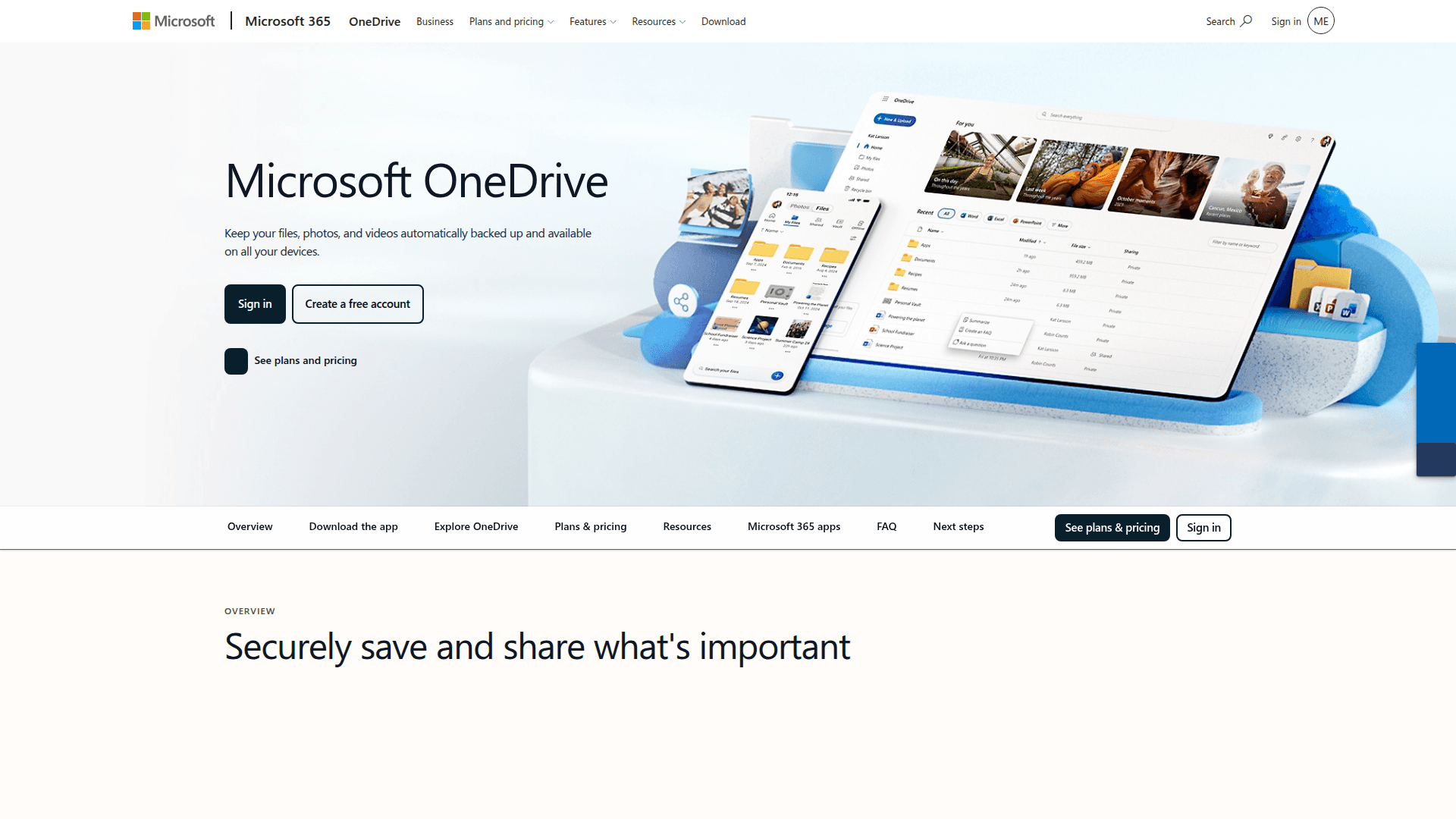
What is OneDrive: Microsoft OneDrive is the cloud file storage and synchronization service within the Microsoft 365 ecosystem. It backs up files, photos, and project files across devices and acts as the files hub in Microsoft 365, connecting content across Microsoft 365 services.
How to integrate OneDrive with Datagrid
This setup is built for project teams running scheduled imports from OneDrive into Datagrid, followed by structured extraction from project files and business records. The process covers three parts: connect your OneDrive account, authenticate with Microsoft OAuth, and configure the sync schedule and imported objects.
Connect your OneDrive account
Follow these steps to create the connection and start the first import.
Click + Create on the top left of the screen.
Select Connect Apps.
Search for the OneDrive connector from the list.
Log in with your Microsoft account and authorize Datagrid's access by granting the required permissions.
Click Next.
Pick the OneDrive data to include in your dataset (files, folders, metadata, or specific data objects).
Click Start First Import to begin syncing.
The first import creates the dataset Datagrid uses for scheduled OneDrive imports.
Authenticate with Microsoft OAuth
Datagrid uses Microsoft account OAuth. You sign in with your Microsoft credentials and grant Datagrid permission to access your OneDrive data. The underlying Microsoft Graph API supports both delegated access (acting on behalf of a signed-in user) and app-only access for background services.
Before connecting, project teams should confirm three prerequisites are in place:
A Microsoft account with access to OneDrive.
Permissions to access the files and folders you want to import.
A clear picture of which data objects are needed in Datagrid.
With these permissions in place, the connector can authenticate and import the selected OneDrive objects.
Configure the sync schedule
After authentication, configure how often Datagrid imports data and which OneDrive objects to sync. The integration runs one-way scheduled imports from OneDrive into Datagrid, on a daily, weekly, or monthly cadence.
To set the schedule, go to your OneDrive dataset, click ..., then Edit Pipeline, then Schedule. Set your preferred frequency, time of day, and optional downtime windows, then click Update.
A typical schedule configuration can look like this:
{
  "source": "OneDrive",
  "direction": "one-way import",
  "frequency": "daily",
  "objects": [
    "Drive",
    "DriveItem",
    "List",
    "ListItem",
    "Site",
    "User",
    "Group"
  ]
}
The connector syncs seven object types that cover files, folders, lists, and identity data:
Drive: logical container, such as a user's OneDrive or a document library.
DriveItem: any item within a drive, including documents, photos, videos, and folders.
List: list associated with the connected site.
ListItem: individual item within a list.
Site: site associated with the OneDrive account.
User: user identity and profile information.
Group: group membership and identity data.
Once this pipeline is live, Datagrid imports OneDrive content on the selected schedule and makes it available for downstream extraction and routing workflows.
Why use OneDrive with Datagrid
Connecting OneDrive to Datagrid turns stored project files into structured workflow data that moves into downstream systems. This integration is built for project teams and operations leaders managing high document volume across Microsoft 365.
Extract fields from stored project files: AI agents read PDFs, Word files, and Excel spreadsheets in OneDrive and extract structured data like vendor names, dates, amounts, and line items into Datagrid datasets for operations teams managing high document volume.
Run scheduled imports without manual exports: Configure daily, weekly, or monthly imports so Datagrid datasets reflect the latest OneDrive content without anyone downloading or uploading files by hand.
Execute workflows from synced files: Datagrid turns passive file storage into active workflows, letting documents trigger extraction, classification, and routing the moment they sync.
Route extracted data into downstream systems: Datagrid closes the gap between file storage and operational systems for project teams by turning file content into structured records ready for action in accounting, ERP, or compliance tools.
Cover connected Microsoft 365 content: Related Site, List, and ListItem objects let project teams working across document libraries, project sites, and shared lists keep document processing in one pipeline rather than fragmented across Microsoft 365 surfaces.
What you can build with OneDrive Datagrid integration
Project teams can turn OneDrive folders and file metadata into repeatable workflows inside Datagrid. Here are some examples:
Invoice processing pipeline: PDFs uploaded to a designated OneDrive folder sync into Datagrid on a daily schedule.
Contract metadata extraction and classification: Word documents and PDFs containing contracts, compliance filings, or policy documents sync from OneDrive into Datagrid.
Cross-platform data consolidation: Project teams storing files across OneDrive and other cloud storage platforms connect them to Datagrid.
Knowledge base grounded in OneDrive files: Technical specifications, research reports, and policy documents stored in OneDrive sync into Datagrid as a continuously updated knowledge layer.
Resources and documentation
Microsoft Graph API: OneDrive file storage overview: conceptual guide covering file access, metadata, webhooks, and the DriveItem resource model.
Microsoft Graph API: DriveItem resource reference: complete property catalog and operations table for files, folders, and bundles.
Microsoft Graph authentication and authorization: delegated vs. app-only access models, app registration requirements, and permission scopes.
Frequently asked questions
What types of data can I import from OneDrive into Datagrid?
The connector syncs Drive, DriveItem, List, ListItem, Site, User, and Group objects. This covers files, folders, metadata, lists, and organizational identity data. For file content specifically, Datagrid's AI agents process PDFs, Word documents, and Excel spreadsheets to extract structured fields. See the full supported data objects list in Datagrid's connector documentation.
How often does OneDrive data sync with Datagrid?
You can schedule imports on a daily, weekly, or monthly basis. Within the dataset settings, click ..., then Edit Pipeline, then Schedule to set your preferred frequency, time of day, and downtime windows.
What authentication method does the OneDrive integration use?
Datagrid uses Microsoft account OAuth. You sign in with your Microsoft credentials and grant the required permissions during setup. The underlying Microsoft Graph API supports both delegated access (user-context) and application-level access. Microsoft's authentication and authorization guide covers both models and their permission scopes.
Similar integrations
SharePoint: SharePoint is architecturally linked to OneDrive and complements it for team document libraries, site lists, and cross-platform document workflows.
Google Drive: Google Drive is a common alternative storage provider, useful when consolidating cloud files from multiple ecosystems for unified AI processing.
Dropbox: Dropbox is another popular cloud file store often coexisting with OneDrive for cross-platform file sync and metadata normalization workflows.
Box: Box offers enterprise content governance and compliance features, complementing OneDrive for regulated document workflows and security-focused processing.
Azure Blob Storage: Azure Blob Storage pairs with OneDrive when ingesting large binary datasets, archives, or backups into AI pipelines and data lakes.
Amazon AWS S3: Amazon AWS S3 is a complementary object store used for scale and archival, supporting cross-cloud ingestion alongside OneDrive-sourced files.