
Overview
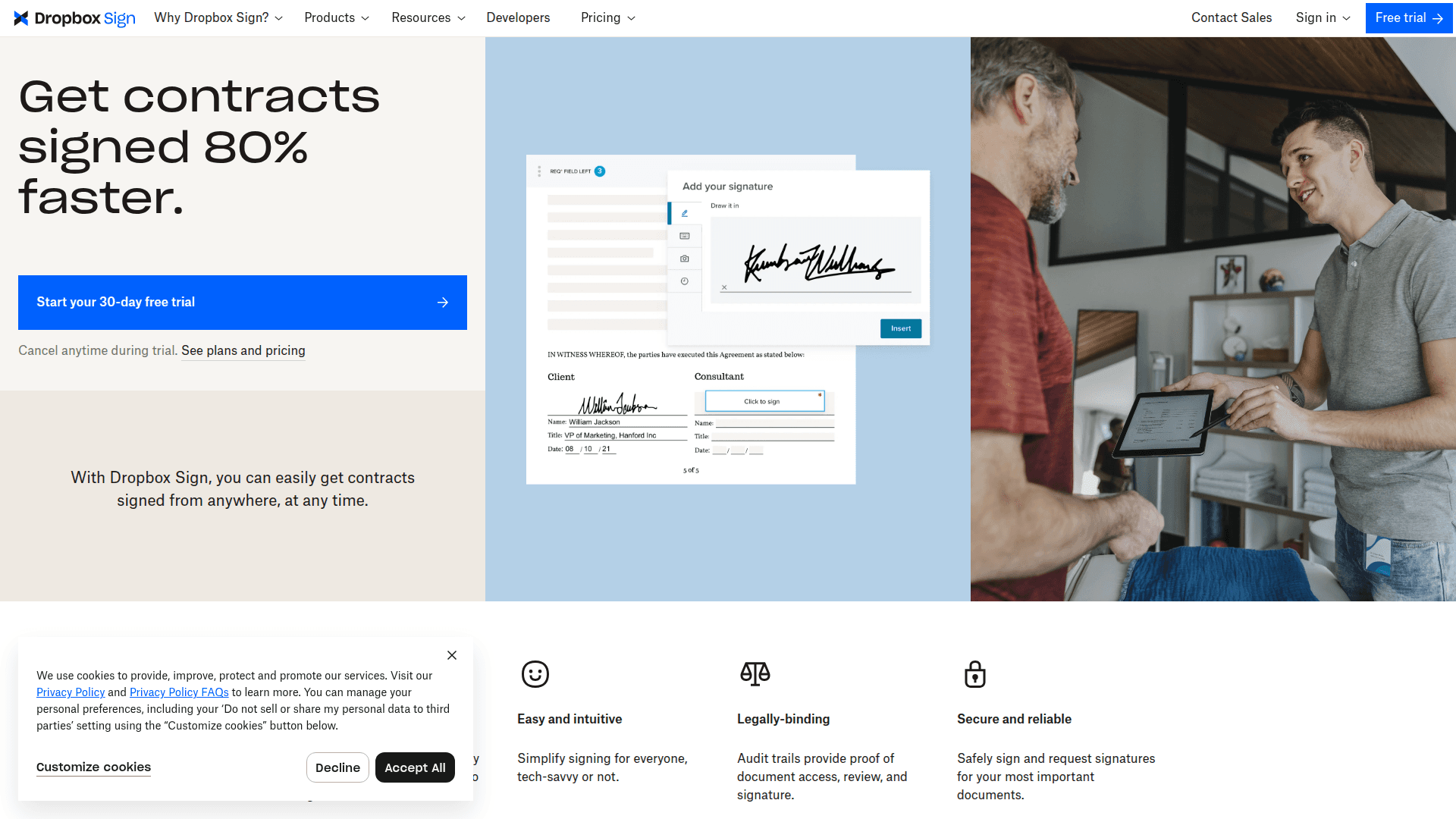
What is HelloSign: Dropbox Sign (previously HelloSign) is an e-signature platform owned by Dropbox, Inc. It provides legally binding digital signatures, reusable document templates, audit trails, bulk sending for up to 250 recipients per batch, and developer tooling through the Dropbox Sign API.
How to integrate HelloSign with Datagrid
Operators running mission-critical programs use this setup to connect HelloSign, authenticate with an API key, choose the data Datagrid should import, and set the sync schedule. The integration runs import-only workflows from HelloSign into Datagrid.
Connect the account
Open the Datagrid dashboard and click + Create, then select Connect Apps.
Search for HelloSign in the connector list. (Datagrid lists this integration under the legacy HelloSign name.)
Log in to your HelloSign account and grant Datagrid access.
Click Next to proceed to data selection.
Authenticate with an API key
The integration uses an API key for authentication. Retrieve the key from the API tab of the API Settings page in your Dropbox Sign dashboard. Each HelloSign account supports up to four active API keys.
A HelloSign API plan is required for production access. Standard, non-API subscriptions and Dropbox-bundled accounts at dropbox.com/signatures do not support API connections. Only standalone accounts at app.hellosign.com with an active API plan will authenticate successfully.
Choose data and sync settings
Configure the data scope and cadence Datagrid imports from HelloSign.
Choose which data types to import: Signature Requests, Templates, Account Information, Signers, Files, Events, or Reports.
Click Start First Import to begin the initial data sync.
Set the sync frequency to daily, weekly, or monthly.
Key sync details for this integration:
Sync direction: One-way (HelloSign to Datagrid).
Sync frequency: Daily, weekly, or monthly.
Data objects imported: Signature requests, templates, account info, signers, files, events, reports.
Key fields:
signature_request_id,response_data(signer-entered values),status_code,signed_at, signer names and emails, template IDs, metadata.
Why use HelloSign with Datagrid
This integration is built for operators who need signed-document workflows to execute without manual copying, status chasing, or rekeying form data across systems:
Contract field extraction for revenue teams: Datagrid agents parse signed PDFs and
response_datafields to pull party names, effective dates, payment terms, and renewal deadlines into structured records without manual data entry.Event-driven follow-up for operations: Datagrid imports event data for every signing action (sent, viewed, signed, declined, expired), and agents use that context to flag stalled agreements and trigger next-step workflows.
Template performance analytics for document owners: Agents analyze which templates generate the highest completion rates and which cause frequent declines, giving operations teams the data to refine document workflows.
Direct routing into systems of record: Extracted contract fields flow into connected systems like Box, Salesforce, and SharePoint so CRM records, compliance archives, and project tools stay current without manual updates.
Audit-ready compliance datasets for risk teams: When bulk-sent policy acknowledgments or consent forms complete, agents aggregate signer data, flag missing completions, and assemble audit-ready compliance datasets.
What you can build with HelloSign Datagrid integration
Signed files, signer-entered fields, and event history move directly into downstream workflows once Datagrid is connected. Datagrid's agents perform follow-up work without requiring operators to manually review every completed document. These build patterns are the most common starting points:
Sales contract closeout to CRM: When a sales contract receives all signatures, a Datagrid agent extracts the contract value, effective date, and renewal terms from the signed document, writes those fields directly to the corresponding Salesforce opportunity record, and sets a renewal reminder.
New hire onboarding packet processing: New hire onboarding packets flow into Datagrid after signing. An agent validates that every required document is complete, extracts employee details, flags any missing signatures, routes the structured data to the HRIS for provisioning, and notifies the hiring manager with completion status.
Statement of Work to project brief: A Datagrid agent monitors for completed Statements of Work.
Decline pattern detection for document senders: When a signer declines a document, a Datagrid agent captures the decline event, identifies which signer declined and at what position in the signing order, and checks for patterns across similar document types.
Resources and documentation
Dropbox Sign signature request reference covers endpoint details, data objects, and field schemas for imported signature request records.
Dropbox Sign API quickstart walks through initial setup and the first API call.
Dropbox Sign events and callbacks overview explains webhook event types and payload structure.
Dropbox Sign templates walkthrough shows template creation and programmatic sending.
Frequently asked questions
What data types does the Datagrid integration import from HelloSign?
The integration imports seven data types: signature requests, templates, account information, signers, files, events, and reports.
Does the integration work with Dropbox-bundled Sign accounts?
No. Dropbox-bundled accounts at dropbox.com/signatures do not support API access and will not authenticate with the Datagrid integration.
Is the data sync bidirectional?
No. The Datagrid integration imports data from HelloSign into Datagrid only. It does not write data back to HelloSign. Sync frequency options are daily, weekly, or monthly.
Why is the integration listed as "HelloSign" in Datagrid?
Dropbox Sign was originally named HelloSign before Dropbox acquired it in 2019 and rebranded the product in 2022. The Datagrid integration retains the HelloSign name. The API base URL (api.hellosign.com/v3/), developer portal (developers.hellosign.com), and SDK repositories (github.com/hellosign) also use the legacy name. The Dropbox Sign rebrand FAQ confirms that HelloSign and Dropbox Sign are the same product.
How do I find my HelloSign API key for the integration?
Log in to your HelloSign account, open the API Settings page, and select the API tab. Your API key is displayed there. Each account supports up to four active API keys. The authentication reference provides full details on API key management and usage.
Similar integrations
Dropbox: Store and sync signed documents and attachments from Dropbox Sign for centralized storage, versioning, and downstream agentic AI document processing.
Google Drive: Ingest signed PDFs and templates from Dropbox Sign for sharing, automated processing, and drive-based workflows.
Box: Automate extraction and metadata tagging of completed agreements stored in Box after Dropbox Sign finalization for compliance and searchability.
SharePoint: Archive signed contracts into SharePoint libraries and trigger compliance or approval workflows post-signature from Dropbox Sign events.
Salesforce: Push signature events and extracted contract fields from Dropbox Sign into Salesforce to update opportunities, contracts, and renewal timelines.
DocuSign: Compare or migrate e-signature workflows and signed document datasets between Dropbox Sign and DocuSign for vendor selection or redundancy.
Browse by category
Document management and file storage