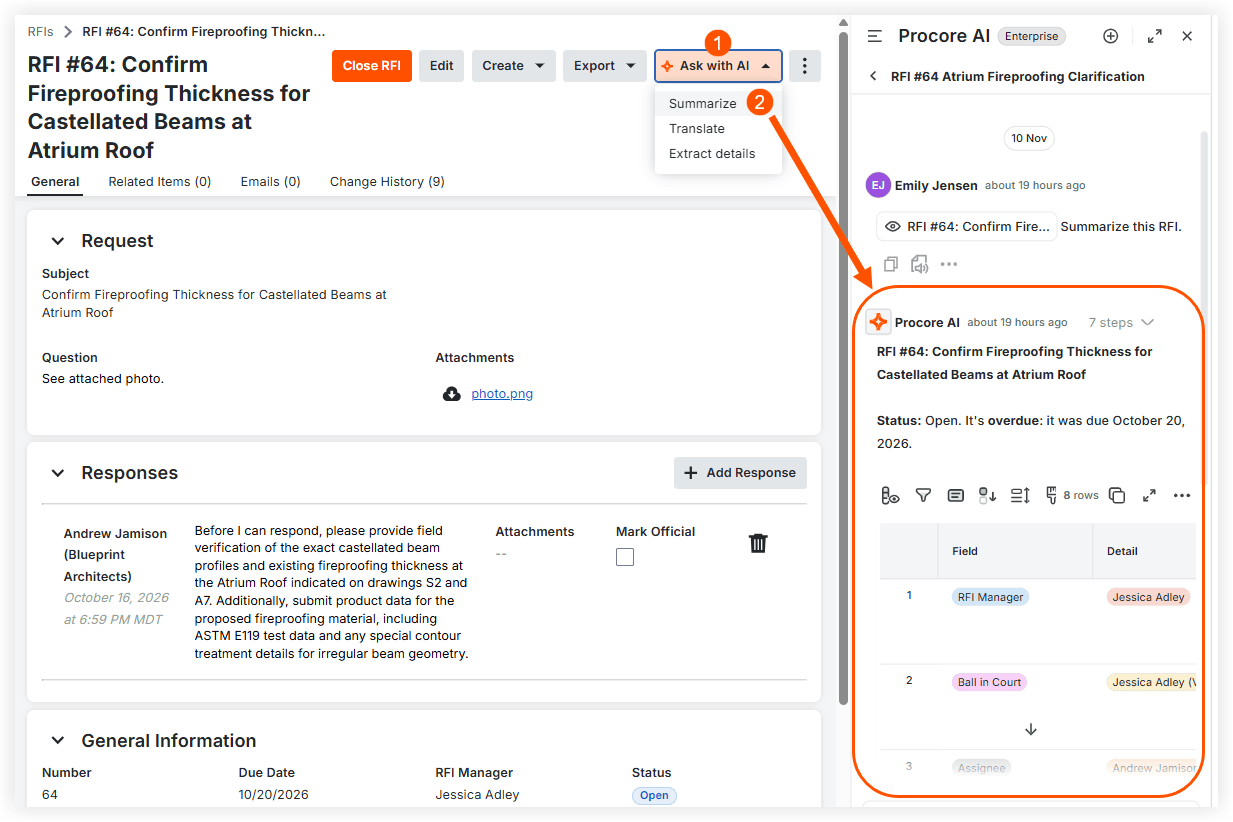
AI Shortcuts help you start common Procore AI requests, such as summarizing or translating, from an RFI, submittal, or daily log, so you don’t have to write the prompt or point Procore AI to the item yourself. Open the item in Procore, click AI Shortcuts, and then click Summarize, Translate, or Extract details. Procore AI opens in the side panel with that item and a prompt already filled in. AI Shortcuts are available on the web to customers with a Digital Coworker package, in projects where Procore AI is enabled. Learn more about AI shortcuts.