
Overview
What is Remarcable: Remarcable is a procurement, material management, and tool tracking platform purpose-built for electrical and specialty trade contractors. The platform covers field material requests, purchase orders, supplier pricing feeds, invoice processing with OCR, automated 3-way matching, and job cost synchronization.
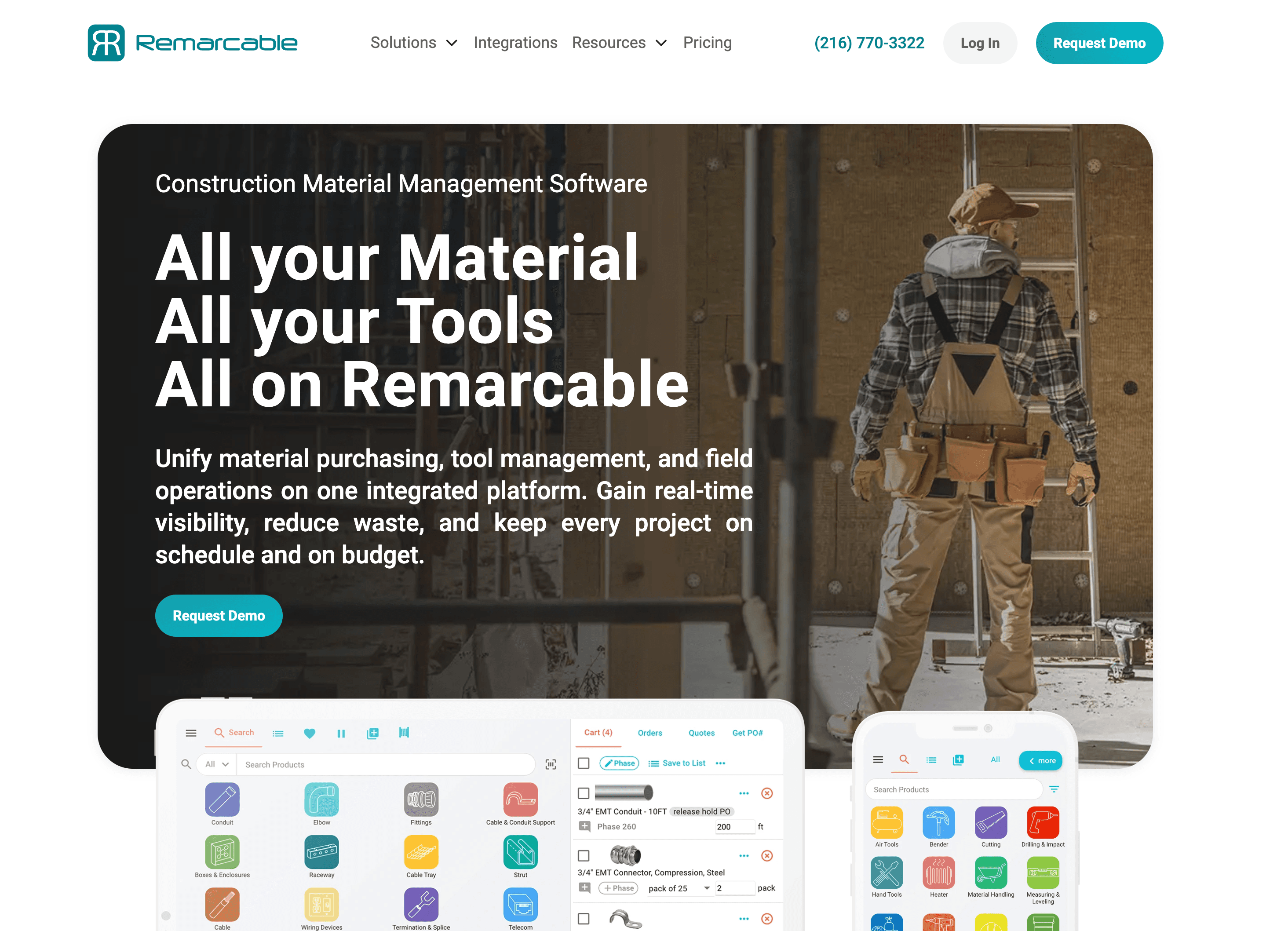
How to integrate Remarcable with Datagrid
Project teams that need procurement data inside Datagrid can use this integration to pull inbound Remarcable records into agentic AI workflows for reconciliation, reporting, and exception handling. The Remarcable integration provides Datagrid with read access to procurement data, including orders, projects, invoices, pricing, and asset requests.
Create the connection
Use these steps to create the integration in Datagrid:
Sign in to Datagrid, and click Integrations in the left panel of the Workflow.
Under the Construction & BIM header, locate the Remarcable thumbnail and click Setup Integration.
Click Create a Connection.
Enter Integration name (a label you choose), plus the email and password for the Remarcable account.
Click Validate Integration. Valid fields turn green. Invalid fields are highlighted red.
Click Add Integration to complete setup.
Setup typically takes only a few minutes. A Datagrid Pro or Enterprise subscription and an active Remarcable account are both required.
Example integration configuration:
{
  "integration": "remarcable",
  "integration_name": "Remarcable Procurement",
  "email": "remarcable-service-account@example.com",
  "password": "your-remarcable-password"
}
Authenticate the account
The integration uses credential-based authentication with an email address and password. No OAuth flow or API key is involved. Because credentials are tied to a Remarcable user account, consider provisioning a dedicated service account in Remarcable for the integration. Password changes in Remarcable require reconfiguration in Datagrid.
Review data sync details
The integration syncs data inbound from Remarcable to Datagrid. The following objects are available through the integration:
Orders: Purchase orders issued through Remarcable
Projects: Job/project records synced from ERP systems
Price Files: Supplier pricing data
Sales Order Items: Line-item detail on sales orders
Invoice Items: Individual line items from processed invoices
Asset Requests: Field-originated material and tool requests
Project PO Total to Date: Cumulative PO spend per project
Order Items: Line-item detail on purchase orders
User Accounts: Remarcable user account records
Workflows can be triggered on a schedule or through Datagrid automation rules. Additional endpoints beyond these can be requested through Datagrid support.
Why use Remarcable with Datagrid
This integration enables project teams to execute procurement workflows across systems, eliminating the need for manual reconciliation and reporting.
Cross-source procurement intelligence: Datagrid AI agents combine Remarcable's PO, invoice, and pricing data with data from other connected systems to produce spend analyses that a single system cannot generate on its own.
Automated invoice exception routing: Agents cross-check Invoice Items and Order Items against delivery records, flag mismatches, and route exceptions to the right reviewer without manual triage.
Supplier performance scoring at scale: Historical data from Orders, Price Files, and Invoice Items can feed agent-generated scorecards that rank vendors on pricing accuracy, delivery reliability, and responsiveness, as described in Datagrid's vendor selection workflow.
Field request triage without bottlenecks: Asset Requests from the field flow into Datagrid, where agents evaluate them against project budgets, warehouse stock, and supplier lead times, then classify each as auto-approve or flag-for-review.
Scheduled variance reporting: Agents compare Project PO Total to Date against budgeted amounts by cost code and distribute automated variance alerts when spend exceeds defined thresholds.
Version tracking for audit trails: Datagrid stores file versions from each sync, allowing teams to compare procurement data snapshots over time and trace changes back to their sources.
What you can build with Remarcable Datagrid integration
Remarcable procurement data becomes more useful when Datagrid combines it with project files, schedule data, and finance records from other systems. Project teams can use the integration to standardize procurement review across built world workflows, such as:
3-way match exception handling across supplier formats: Remarcable's native 3-way matching covers EDI-connected suppliers.
Multi-project demand forecasting with schedule alignment: Datagrid agents analyze historical purchasing patterns from Remarcable's Orders and Asset Requests data, segmented by project type and phase.
Cross-system job cost reconciliation dashboards: Project PO Total to Date and Invoice Items flow from Remarcable into Datagrid, where agents join them with budget data from connected ERP or accounting systems.
Submittal-to-procurement material list generation: Teams can use Datagrid workflows to ingest PDF specifications and submittal documents, extract material types, quantities, and approved manufacturers, then cross-reference extracted data against Remarcable's Price Files pulled through the integration.
Resources and documentation
Use the following resources for setup details, API references, and related Remarcable integration documentation.
Datagrid API quickstart - programmatic access to Datagrid workflows using the Python SDK
Datagrid connections embedding guide - instructions for embedding integration setup in custom applications
Datagrid programmatic integration ID reference - use integration ID
remarcablewhen configuring via APIRemarcable accounting integrations - directory of Remarcable's ERP and accounting integrations
Remarcable accounting solutions overview - details on AutoSync, 3-way matching, and phase code mapping
Remarcable supplier integration overview - EDI, API, and OCR feed types for supplier connectivity
Frequently asked questions
What data objects does the Datagrid Remarcable integration support?
The integration exposes the following objects: Orders, Projects, Price Files, Sales Order Items, Invoice Items, Asset Requests, Project PO Total to Date, Order Items, and User Accounts. Additional endpoints can be requested through the Datagrid contact page.
What authentication method does the Remarcable integration use?
The integration uses credential-based authentication with a Remarcable account email and password. No OAuth or API key flow is involved. Password changes in Remarcable will require reconfiguring the Datagrid integration.
Does Remarcable have a public API that can be used independently of Datagrid?
Remarcable confirms API-based integration across ERP integration pages, but there is no public developer portal, API documentation, or self-service API key provisioning. Datagrid provides a documented integration to access Remarcable's procurement data, whereas Remarcable's native ERP integrations require involvement from its Integration Engineering team.
What is the difference between AutoSync and the Datagrid integration?
AutoSync is Remarcable's native feature that automatically synchronizes job cost data between Remarcable and connected ERP systems. Its scope is limited to job cost data only, as noted on Remarcable's accounting solutions page. The Datagrid integration pulls a broader set of objects, including Orders, Invoice Items, Price Files, and Asset Requests, into Datagrid's agentic AI workflow engine for cross-source analysis and automated processing.
Can Datagrid combine Remarcable data with other construction platforms?
Yes. Datagrid supports blending Remarcable data with other platforms. AI agents can integrate procurement data from Remarcable with data from connected systems to produce outputs such as demand forecasts, cost reconciliation reports, and automated approval workflows.
Similar integrations
Procore: Syncs Remarcable procurement and job cost data with project management for automated spend variance reporting and schedule-linked material planning.
PlanGrid: Turns field RFIs, submittals, and sheet data into procurement triggers and material lists that feed Remarcable requisition workflows.
BIM 360 Build: Provides field issues, RFIs, and forms that enrich Remarcable's purchase decisions and automate three-way match exception routing.
Oracle Primavera Cloud (OPC): Integrates schedule and risk data to drive demand forecasting, procurement lead-time planning, and job cost reconciliation with Remarcable.
Trimble Connect: Extracts BIM model quantities and coordination data to validate material lists and reconcile Remarcable catalog items with as-built models.