
Overview
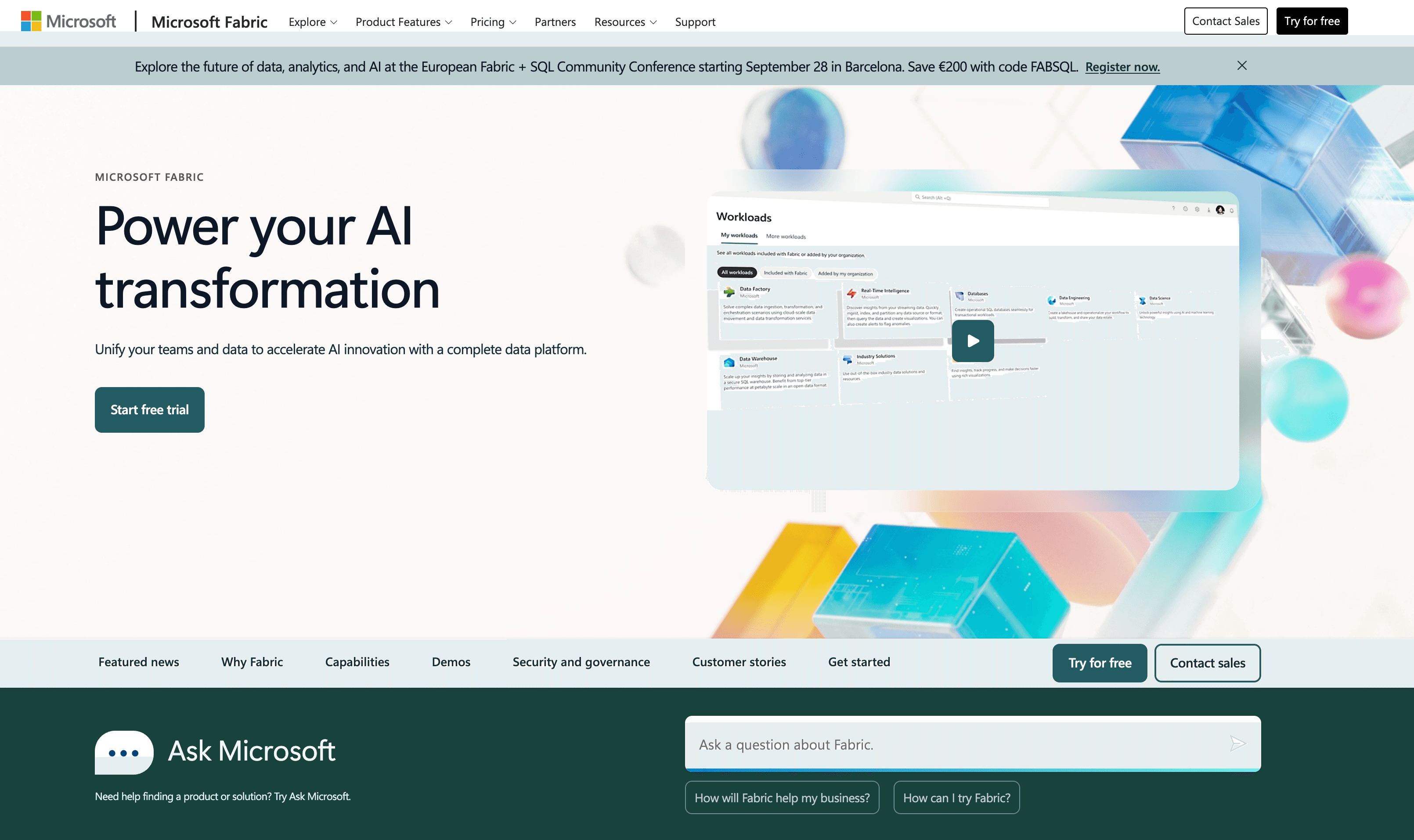
What is Microsoft Fabric: Microsoft Fabric is a SaaS analytics platform from Microsoft. It unifies data ingestion, transformation, real-time stream processing, warehousing, and reporting in one environment built around OneLake.
How to integrate MS Fabric with Datagrid
Use this setup flow to connect Fabric data objects to Datagrid. You will confirm prerequisites, authenticate through Entra ID, connect your Fabric account, and configure the schedule for ongoing reads. Datagrid configures the integration for one-way sync from Fabric into Datagrid so operators running mission-critical workflows can execute downstream work without manual exports.
Confirm prerequisites
Confirm these requirements before starting the connection flow.
You need an active Microsoft Fabric account with permissions to access the projects and data you want to import.
You must have a Microsoft Entra ID app registered with the permissions required to access Fabric APIs.
Your Fabric admin portal must enable the tenant setting for Fabric REST API access under Developer Settings > Tenant Settings.
These requirements establish the app and tenant access Datagrid needs before authentication.
Authenticate with Microsoft Entra ID
MS Fabric uses Microsoft Entra ID (formerly Azure Active Directory) for authentication. Fabric does not use API keys or username/password authentication for its core APIs. Datagrid authenticates through OAuth 2.0 via Entra ID.
A Fabric tenant administrator must enable the Service principals can use Fabric APIs setting in the Fabric Admin Portal before the connection will work. Workspace access is a common failure point. After you register the Entra app and grant permissions, authentication errors can still occur. The App ID also needs explicit Workspace Admin access in the Fabric workspace itself. You need both Entra-level permissions and workspace-level role assignment.
Connect your Fabric account
Follow these steps in Datagrid to authorize Fabric access and start the first import.
Click + Create in the top left of the Datagrid screen.
Select Connect Apps.
Search for the MS Fabric integration.
Log in with your Microsoft Fabric account and grant authorization permissions.
Click Next.
Pick the MS Fabric data to include in your dataset: Lakehouses, Data Warehouses, and KQL Databases.
Click Start First Import to begin syncing.
The first import starts syncing the Fabric objects you selected.
Configure data sync settings
Use the integration to choose which Fabric objects Datagrid should read and how often the sync should run.
Data objects synced: Datagrid reads from Lakehouses, Data Warehouses, and KQL Databases.
Data format: Fabric stores tables in Delta Parquet, its default open format.
Sync direction: The integration runs one-way, from Fabric into Datagrid.
Sync frequency: You can configure daily, weekly, or monthly schedules.
Once the connection is in place, Datagrid reads the selected Fabric data on schedule and routes the output into downstream workflows. After setup, project teams can shift from manual exports to repeatable execution.
Why use MS Fabric with Datagrid
Teams can use this integration to move from Fabric analytics to follow-up work across systems:
Automated data extraction from Lakehouses and Warehouses: Datagrid's AI agents pull structured data from Fabric without manual query writing or CSV exports.
Cross-platform data reconciliation: Agents compare Fabric warehouse records against data from other connected business systems or document management systems connected to Datagrid. They flag mismatches automatically.
Scheduled sync with zero infrastructure: Configure daily, weekly, or monthly data pulls from Fabric through Datagrid's integration interface, with no pipeline code or Spark jobs to maintain.
Classification and enrichment: Agents process raw Fabric data through entity extraction and deduplication workflows that run autonomously after initial configuration.
Unified analytics across data sources: Combine Fabric's warehouse and lakehouse data with information from 100+ other Datagrid-connected platforms for analysis that spans your full data estate.
What you can build with MS Fabric and Datagrid
The examples below show how Datagrid's AI agents execute against Fabric data once the integration is live:
Automated Lakehouse data quality checks: Connect a Fabric Lakehouse containing project records and configure Datagrid agents to scan for duplicate entries and missing or inconsistent fields on a daily schedule.
Cross-system master data validation: Pull customer or vendor master records from a Fabric Data Warehouse and cross-reference them against records in your CRM or accounting system.
Real-time intelligence summaries for project teams: Sync KQL Database data from Fabric's Real-Time Intelligence workload into Datagrid. Agents analyze event patterns and surface anomalies.
Multi-source reporting data assembly: Combine Fabric warehouse metrics with data from document storage and work management platforms.
Resources and documentation
Fabric REST API quickstart: getting started with Entra ID app registration and first API calls.
Fabric service principal configuration: setting up non-interactive authentication for external applications.
Frequently asked questions
How often does data sync between MS Fabric and Datagrid?
You can schedule data pulls on a daily, weekly, or monthly basis. Configure the sync frequency during setup or adjust it later through Datagrid's scheduling interface.
Do I need specific Fabric workspace permissions for the connection to work?
Yes. A workspace administrator must explicitly add the service principal's App ID through Manage access in the Fabric workspace, on top of registering the Entra ID app and granting API permissions. Omitting this step is a common authentication failure when connecting external applications to Fabric.
Does the integration connect Fabric's Real-Time Intelligence data?
Yes. The integration reads KQL Databases, which are the primary data store for Fabric's Real-Time Intelligence workload. This includes data ingested through Eventstreams from sources like Azure Event Hubs, IoT Hub, and CDC feeds.
Similar Integrations
Databricks: Databricks supports lakehouse workflows alongside Fabric through Unity Catalog mirroring and OneLake shortcuts for zero-copy data sharing with Fabric.
Snowflake: Snowflake can mirror data into Fabric. Snowflake is a migration source and competitor for warehouse workloads and data replication into OneLake.
BigQuery: BigQuery is a cloud warehouse counterpart for analytics and cross-cloud data migration into OneLake shortcuts.
Amazon Redshift: Amazon Redshift is an AWS warehouse option for cross-cloud analytics and ETL into OneLake.
Azure Data Lake Storage: Azure Data Lake Storage underpins OneLake; connectors and shortcuts allow Fabric to reference ADLS Gen2 data for zero-copy analytics.