
Overview
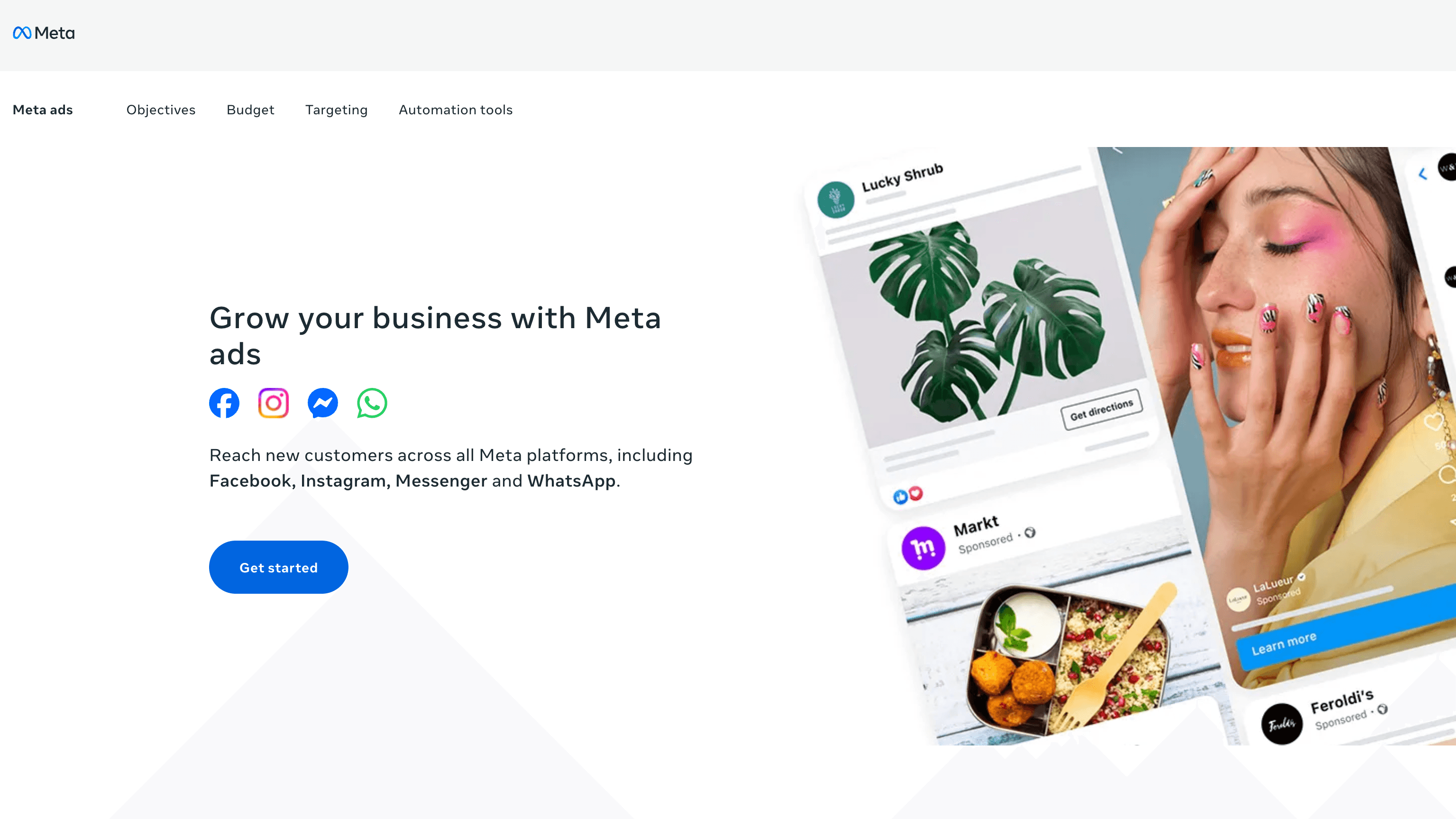
What is Facebook Ads: Facebook Ads (Meta Ads) is a paid social advertising platform operated by Meta Platforms Inc. that delivers ads across Facebook, Instagram, Messenger, WhatsApp, and the Audience Network from a single interface, the Meta Ads Manager, organizing data into campaigns, ad sets, and an ad hierarchy.
How to integrate Facebook Ads with Datagrid
This integration pulls campaign structures, performance metrics, audience data, and creative metadata from your Facebook Ads account into Datagrid. Start by confirming prerequisites, then connect the integration, authorize access, and review sync behavior before your first import runs.
Confirm prerequisites
Before setup, make sure your team has the required access in place:
An active Facebook Ads account with the necessary permissions
A Facebook account that can complete the OAuth authorization flow in Datagrid
For unattended production workflows, a Meta system-user access token may be required
Connect the integration
Use the standard setup flow in Datagrid to authorize access and start your first import:
Click the + Create button in Datagrid
Select Connect Apps
Search for the Facebook Ads integration
Log in with your Facebook account
Authorize Datagrid's access to your ad account data
Click Next
Select the data objects you want to import
Click Start First Import
Authorize access
The integration uses OAuth 2.0 for standard authorization. Datagrid redirects you to Facebook's login dialog, where you grant read access to your ad account. For unattended production integrations, Meta recommends System User access tokens. Standard user tokens can expire, causing pipeline failures if a user changes their password or revokes app permissions.
Review sync behavior
The default setup is one-way from Facebook Ads into Datagrid, with bidirectional workflows available for audience and conversion data. The configuration breaks down as follows:
Sync direction: One-way (Facebook Ads to Datagrid) by default, with bidirectional workflows available for audience and conversion data.
Data objects: Campaigns, Ad Sets, Ads, Insights, Ad Creatives, Audiences, and Custom Conversions.
Schedule options: Daily, weekly, or monthly recurring syncs.
API version: Meta Marketing API.
Insights data is read-only and covers metrics at the account, campaign, ad set, and ad levels, including impressions, clicks, conversions, spend, reach, and cost per result.
Inspect a sample payload
The integration imports structured ad data that agents can use for reporting, lead routing, and performance monitoring. The following example reflects the objects and fields described on this page:
{
  "campaign": "Spring Promotion",
  "ad_set": "Remarketing - 30 Day Visitors",
  "ad": "Carousel Creative A",
  "insights": {
    "impressions": 125000,
    "clicks": 3400,
    "conversions": 126,
    "spend": 4200.50,
    "reach": 86000,
    "cost_per_result": 33.34
  },
  "ad_creative": {
    "headline": "Spring Promotion",
    "cta": "Learn More"
  },
  "audience": "High-intent remarketing",
  "custom_conversion": "Lead Form Submit"
}
For configuration details, use the Datagrid Facebook Ads documentation linked in the resources section below.
Why use Facebook Ads with Datagrid
Datagrid turns Facebook Ads data into an execution layer for follow-up, reporting, and decision-making. Here are reasons to use the integration:
Automated lead routing: Datagrid's AI agents process Facebook campaign and conversion data, then route qualified prospects to your CRM or marketing automation tool without manual CSV exports from Business Manager.
Cross-channel performance reporting: Datagrid normalizes Facebook Ads metrics alongside data from other channels into a single reporting structure for revenue and marketing teams.
Audience sync from CRM data: Agents process first-party customer data and push updated Custom Audience segments back to Facebook, keeping targeting current with every CRM lifecycle event.
Creative fatigue detection: Datagrid's AI agents monitor frequency and CTR trends across your ad library and flag creatives approaching fatigue thresholds before performance degrades.
Conversion signal completeness: Datagrid can route offline conversion events such as deal closures and backend purchases back to Meta's Conversions API, giving ad delivery algorithms accurate optimization signals.
Scheduled, hands-off data pulls: Configure daily, weekly, or monthly syncs while Datagrid manages recurring imports and data normalization for the workflows described here.
What you can build with Facebook Ads Datagrid integration
Once Facebook Ads data is connected, Datagrid's AI agents can execute repeatable workflows across lead handling, reporting, audience management, and creative analysis. The examples below show how teams can move from manual exports to operational workflows that run on schedule:
Lead capture to CRM pipeline: A Datagrid agent scores Facebook leads using campaign and conversion context, then routes high-value prospects to your CRM and others to nurture.
Unified ad spend dashboard: A Datagrid agent normalizes daily spend, CPA, ROAS, and conversion data across ad platforms and writes it to your warehouse for attribution analysis.
Dynamic audience synchronization: When CRM lifecycle events fire, a Datagrid agent segments customers and pushes updated Custom Audience or Lookalike seeds to Facebook.
Ad creative performance analysis: A Datagrid agent pairs creative metadata with CTR, conversion, and frequency data daily, surfacing refresh recommendations when fatigue thresholds hit.
Resources and documentation
Datagrid connectors index for related Datagrid integrations and category browsing.
Meta Marketing API overview for the core API model behind campaigns, ad sets, ads, and related objects.
Meta Marketing API get started guide for initial implementation requirements and setup concepts.
Meta Marketing API authentication reference for access tokens, permissions, and authentication details.
Meta Insights API documentation for reporting objects, metrics, and insight query behavior.
Meta Lead Ads integration guide for lead capture workflows tied to Meta ad campaigns.
Meta Conversions API CRM integration guide for sending CRM and offline conversion data back to Meta.
Meta Custom Audiences guide for audience sync behavior and Custom Audience setup.
Frequently asked questions
What data objects does the Datagrid Facebook Ads connector import?
The integration imports seven objects: Campaigns, Ad Sets, Ads, Insights, Ad Creatives, Audiences, and Custom Conversions. Insights data is read-only and available at the account, campaign, ad set, and ad levels. Full details are in the Datagrid Facebook Ads connector documentation.
What authentication method does the integration use?
The integration authenticates through OAuth 2.0 during standard setup. Datagrid redirects you to Facebook's login dialog to authorize access. For automated, unattended integrations, Meta recommends generating a System User access token through Meta Business Manager. System User tokens do not expire, unlike personal user tokens that can break pipelines silently after a password change.
How often can I schedule data syncs?
The Datagrid Facebook Ads integration supports daily, weekly, or monthly sync schedules. You configure the frequency during the connection setup step. See the Datagrid connector setup guide for configuration details.
Similar integrations
Google Analytics: Combine Facebook Ads performance with website analytics for cross-channel attribution, conversion discrepancy analysis, and unified campaign reporting.
LinkedIn Pages: Import LinkedIn Page analytics alongside Facebook Ads to compare organic and paid social performance for B2B campaign reporting.
HubSpot: Automatically route Facebook lead ad submissions into HubSpot for lead enrichment, scoring, and CRM-driven lifecycle automation.
Salesforce: Sync Facebook lead and conversion data to Salesforce for immediate lead handoff, offline conversion reconciliation, and audience suppression.
Mixpanel: Join Facebook Ads acquisition data with Mixpanel product events to measure campaign-driven retention, activation, and lifetime value.
Google Sheets: Export campaign insights and creative performance to Google Sheets for ad-hoc analysis, reporting, and manual budget change workflows.
Browse by category
Marketing
CRM