
Overview
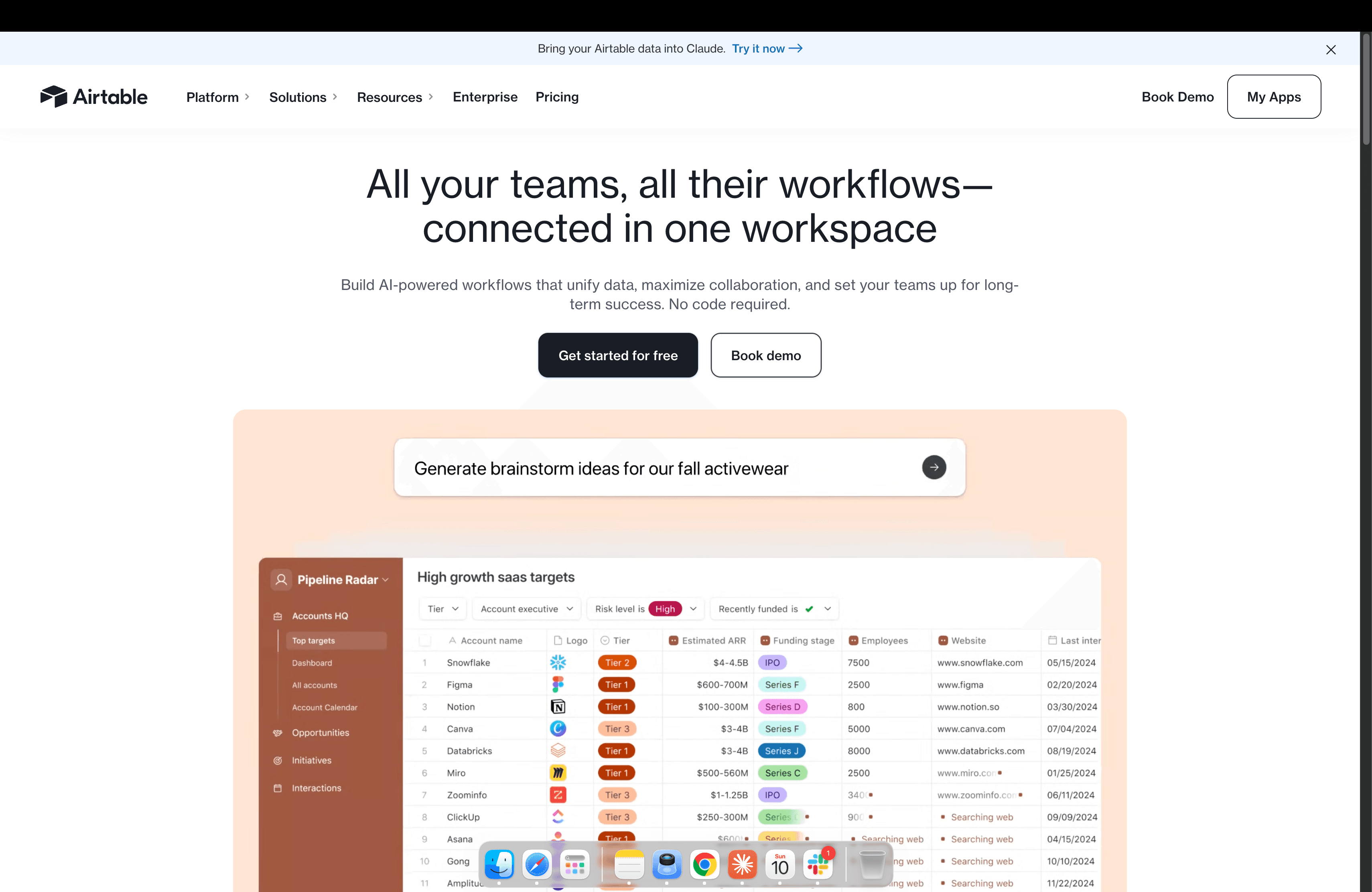
What is Airtable: Airtable is a digital operations platform built on a relational database foundation. Teams use it for product roadmapping, campaign tracking, project management, lead staging, and compliance record-keeping.
How to integrate Airtable with Datagrid
Airtable stores structured data that teams rely on for daily operations, but extracting value from that data often requires repetitive manual work. Datagrid connects to Airtable through its REST API, giving AI agents direct read access to bases. Agents can pull records, run multi-step processing such as classification, extraction, enrichment, and validation, then route results to downstream systems and notification channels.
Here are the ways to integrate Airtable with Datagrid:
Pre-Requisites
For a smooth setup of your Airtable integration, please make sure you have the following ready:
Generate an Airtable API key
Log in to Airtable and follow these steps to set up an Airtable integration:
Navigate to Account Settings
Generate an API Key
You will need this API key to configure Airtable in Datagrid.
Configure the integration
Use these steps to connect Airtable and define the records Datagrid should process.
Open Datagrid and use the Connect Apps flow to add a new Integration
Select Airtable from the Integration list
Enter a Configuration Name to identify this connection
Paste your Airtable API token
Paste your Base ID (find this in the Airtable API documentation for your base)
Enter the Table Names you want Datagrid agents to access
Click Validate Your Configuration to confirm the connection
Create a dataset to define which records Datagrid agents pull
Set up a schedule to automate recurring syncs
After validation, Datagrid can execute repeatable Airtable workflows without manual exports or one-off updates.
A basic configuration looks like this.
Integration: Airtable
configuration_name: RevOps Base
api_token: patxxxxxxxxxxxx
base_id: appXXXXXXXXXXXXXX
table_names:
  - Leads
  - Accounts
This example reflects the same fields shown in the setup steps. It includes a configuration name, an API token, a Base ID, and the table names Datagrid agents can access.
Authenticate with an Airtable API token
Datagrid connects to Airtable using an API token pasted into the Integration configuration. Airtable currently recommends Personal Access Tokens (PATs) as the modern authentication method, and these tokens work in the Datagrid API token field.
To generate a PAT in Airtable.
Log in to Airtable and open Developer Hub
Create a new Personal Access Token
Assign scopes based on what your pipeline needs (at minimum
data.records:readfor record operations)Scope the token to specific bases rather than your entire account
Copy the full token string and paste it into the Datagrid Integration's API token field
PATs are scoped to specific permissions and specific bases, giving you granular control over what Datagrid can access. For team integrations, consider using a service account on Enterprise plans to avoid breaking pipelines when individual team members leave.
Configure your data sync settings
The list below summarizes how the Airtable integration behaves once connected.
Sync direction: Inbound. Datagrid reads Airtable records into a dataset
Primary objects: Records, fields, and tables through schema access, plus attachments through record fields
Sync frequency: Configurable schedule through the pipeline scheduler
Auth method: Airtable API token (PAT recommended)
Why use Airtable with Datagrid
Teams that run mission-critical workflows in Airtable often need more than record storage. They need agentic AI that executes repeatable work across records, attachments, and connected systems while preserving a structured source of truth.
Automated document extraction: AI agents read attachments from Airtable records, including PDFs, contracts, and scanned forms, then extract structured data for downstream processing without manual data entry
Bulk record transformation: Datagrid processes entire tables at scale, running agentic AI classification, categorization, or content generation across large record sets in a single pipeline run
Scheduled compliance scans: Pipelines run on a recurring schedule to flag missing fields, expiring documents, or policy violations, then route alerts and remediation details to the responsible team
Cross-platform orchestration: Datagrid routes Airtable data to connected business systems, notification channels, and team communication tools, connecting your operational database to the rest of your stack
What you can build with Airtable and Datagrid
Airtable becomes more valuable when Datagrid agents execute repeatable workflows across records, attachments, and downstream systems. The examples below show how project teams can use that structure in practice.
AI-powered lead enrichment pipeline: Records in an Airtable lead table feed into a Datagrid dataset. An agent researches each company, pulls recent news, company summaries, and contact intelligence, then generates personalized outreach copy based on the research.
Automated feedback classification and routing: Customer feedback submitted through Airtable forms flows into a Datagrid dataset. Agents classify each entry by sentiment, urgency, and topic.
Bulk product catalog transformation: A product table with raw supplier specs, missing categories, and no marketing copy goes through a Datagrid bulk transformation pipeline.
Scheduled compliance monitoring: Datagrid agents run nightly scans against Airtable-backed datasets holding contracts, vendor records, or audit trails.
Resources and documentation
Airtable Web API introduction: REST API reference and getting started guidance
Airtable Personal Access Token guide: Creating and scoping PATs
Airtable API scopes: Full list of permission scopes
Airtable field type model: Cell value formats and data types
Airtable integration options: Airtable's overview of integration approaches
Frequently asked questions
How does Datagrid authenticate with Airtable?
Datagrid connects using an Airtable API token pasted into the Integration configuration. Airtable currently recommends Personal Access Tokens (PATs) created in the Developer Hub as the modern authentication method. When creating a PAT, assign only the scopes your Datagrid pipelines require. Use data.records:read for standard record operations and schema.bases:read if agents need table schema information.
What Airtable data objects can Datagrid agents access?
Datagrid agents can read records and work with fields and tables through Airtable's schema API. Attachments are accessible through record fields. The Integration pulls this data into a Datagrid dataset for processing by agents.
How do I keep Datagrid pipelines synced with Airtable on a schedule?
Use Datagrid's pipeline scheduler to configure recurring sync intervals. Open the pipeline overflow menu, select Edit and configure the schedule. Each run re-imports the connected dataset.
What happens if Airtable fields are empty in synced records?
Airtable's API omits fields with empty or null values entirely from response objects. They are not returned with a null value. Datagrid pipelines that process Airtable records should account for missing field keys rather than assuming every field will be present in every record.
Similar integrations
Slack: Send Airtable record updates and alerts to Slack channels for real-time team collaboration and automated notifications.
Google Drive: Store and sync Airtable attachments and source documents in Google Drive for automated extraction and archival workflows.
Google Sheets: Import and export spreadsheet data between Airtable and Google Sheets for bulk edits, reporting, and cross-tool analysis.
Notion: Synchronize databases and project notes between Airtable and Notion to unify collaborative knowledge and structured datasets.
Smartsheet: Bridge Smartsheet plans and Airtable records to combine spreadsheet-style project plans with Airtable's relational workflows and automations.
Asana: Sync tasks and project statuses between Airtable and Asana to trigger automations and keep teams aligned across planning tools.
Browse by category
Collaboration
Data