
Overview
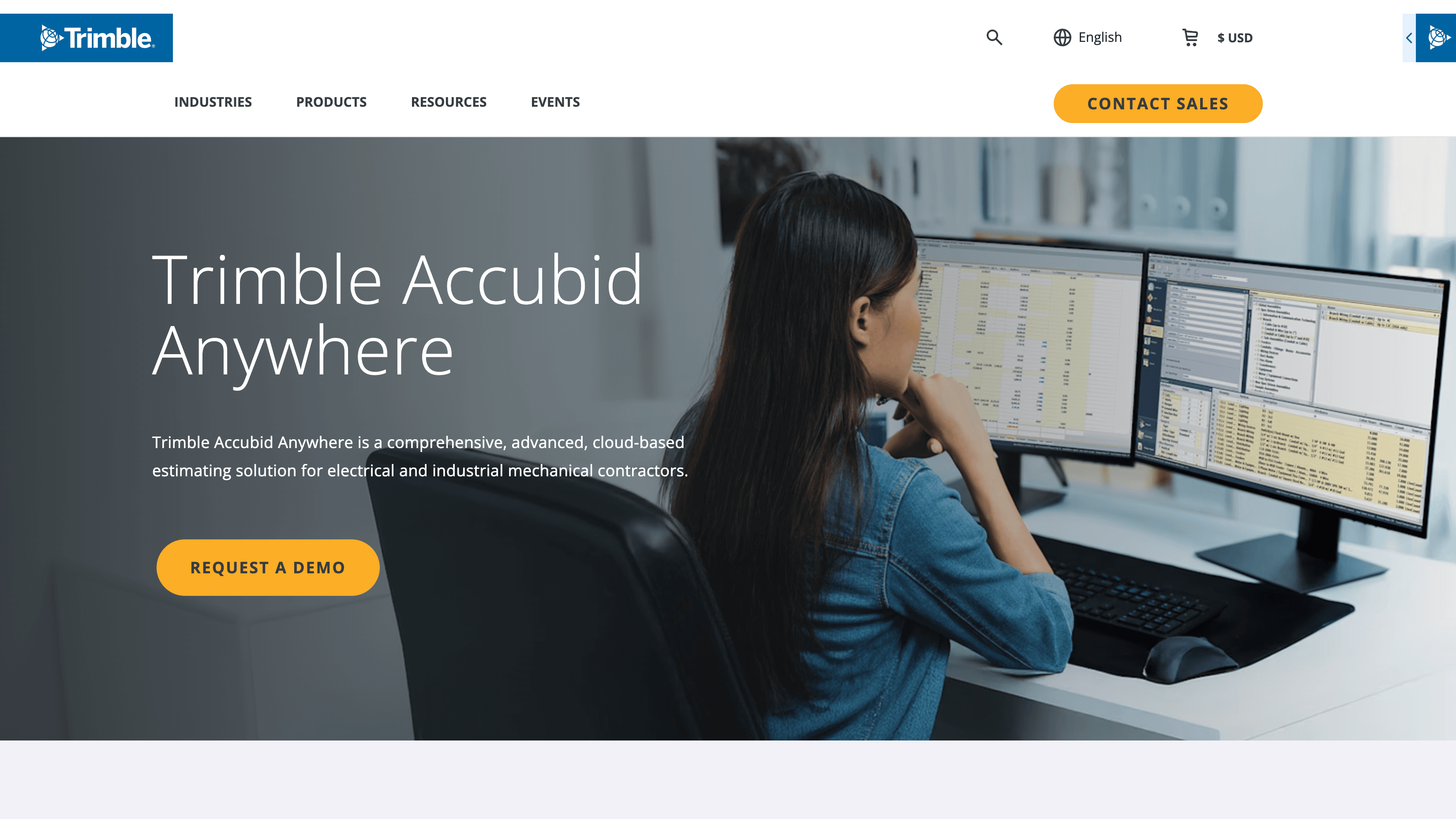
What is Accubid Anywhere: Accubid Anywhere is a cloud-based estimating software that allows users to read estimates and change order data. By connecting Accubid Anywhere to Datagrid, you can seamlessly integrate your estimating data with other business-critical information, enabling enhanced reporting, analysis, and decision-making.
How to integrate Accubid Anywhere with Datagrid
Estimating managers and project teams that store bid data in Accubid Anywhere use this integration to pull estimates, change orders, and project records into Datagrid for cross-project reporting and AI-driven analysis. Once that data is in Datagrid, agentic AI agents compare initial estimates against final prices, flag cost trends in change orders, and generate reporting that combines estimating data with information from ERP and project management systems.
The setup has the following steps:
Prerequisites
To configure the Accubid Anywhere integration, you need:
An active Accubid Anywhere account with the necessary permissions to access the projects and data you want to import into Datagrid
A Trimble ID for authentication
"Full" permission for "API Data Access" set up in Accubid Anywhere Manager
A database token from the Anywhere Database API
API access is not self-serve. You must follow Trimble's access process in the Accubid Anywhere API access guide before the integration will work. Trimble must provision access first, then an administrator must assign the required permission in Accubid Anywhere Manager.
Connect Accubid Anywhere App
Creating a dataset from the Accubid Anywhere integration involves selecting the specific data you want to import:
Click on the "+ Create" Button on the top left of the screen.
Select the "Connect Apps" item.
Search for the Accubid Anywhere integration from the list.
Login with your Trimble ID. Accubid Anywhere may prompt you to authorize Datagrid's access to your data. Grant the necessary permissions to proceed.
Click on the "Next" button.
Pick your Data:
Pick the Accubid Anywhere data you want to include in your dataset (e.g., Estimates, Projects, Change Orders).
Click on the "Start First Import" Button to start syncing your Accubid Anywhere dataset.
Authenticate with Trimble ID
Datagrid authenticates through Trimble Identity (Trimble ID) using OAuth 2.0 Authorization Code with PKCE flow.
When you connect, Datagrid redirects to Trimble's identity service. You log in once, and Datagrid manages token refresh automatically.
Accubid Anywhere's API requires a hierarchical token chain. The Database API returns a database token, which feeds the Project API to return a Project ID. Datagrid then uses that Project ID for subsequent Estimate and Closeout API calls. Datagrid handles this chain internally, so project teams do not need to manage tokens manually.
Set Up a Schedule
Scheduling regular data pulls ensures your Datagrid datasets remain up-to-date with the latest information from Accubid Anywhere. Because Accubid Anywhere's APIs are pull-based and lack webhook support, the integration runs on schedule with one-way imports (Accubid Anywhere → Datagrid) rather than real-time syncs.
Navigate to Accubid Anywhere Dataset:
Go to the left side panel and locate and click on the Accubid Anywhere dataset you created.
Schedule Settings:
Click on the "..." on the top right of the dataset.
Click on "Edit Pipeline" to edit your integration's name.
Click the "Schedule" button on the right, beside the "Import Configuration" button.
Configure Schedule:
Set the desired frequency for data pulls (e.g., daily, weekly, monthly).
Specify the time of day for the data pull to occur.
Specify downtime if needed – when the sync should not happen.
Click the "Update" button to update the new configuration.
Data Access
The following data objects are available for import from Accubid Anywhere into Datagrid:
Database
Estimate
Project
Closeout
ChangeOrder
You can use the following configuration pattern when setting up the integration in Datagrid:
{
"source": "Accubid Anywhere",
"objects": ["Database", "Estimate", "Project", "Closeout", "ChangeOrder"],
"sync_direction": "one-way", "frequency": "daily | weekly | monthly",
"real_time_sync": false
}
Why use Accubid Anywhere with Datagrid
Datagrid gives operators running estimating and project workflows a direct path from estimating records to cross-system reporting. Datagrid's agentic AI agents execute the data movement and analysis so project teams can focus on pricing decisions, exceptions, and next actions.
Automated bid data extraction: Datagrid's agentic AI agents pull bid summaries, labor hours, and material quantities from Accubid Anywhere estimates into reporting dashboards, with no manual CSV exports or spreadsheet assembly.
Cross-project cost analysis: Datagrid aggregates estimate data across multiple projects and time periods, enabling estimating managers to compare bid performance by job type, scope, or geography without manually pulling data from each project.
Initial vs. final price comparison: Accubid Anywhere's Final Price API provides initial estimate and final price data that Datagrid can compare in reporting workflows, where agentic AI agents flag recurring pricing gaps by labor category or material assembly.
Change order trend detection: Datagrid's agentic AI agents analyze change order records over time, identify which project types or scopes generate the most change orders, and show where cost impacts concentrate.
Estimating-to-operations data pipeline: Datagrid routes won-bid data from Accubid Anywhere to connected ERP and project management systems, reducing duplicate manual entry between estimating and operations teams.
What you can build with Accubid Anywhere and Datagrid
Here are practical ways to use Datagrid's agentic AI agents with your historical estimates, awarded jobs, and change orders:
Project Cost Tracking: Track project costs against the original budget, identify potential overruns, and make informed decisions to keep projects on track.
Change Order Analysis: Identify trends in change order data, understand the financial impact of changes, and improve change management processes.
Bid Analysis: Combine estimate data with other data sources in Datagrid to analyze bid performance, identify factors contributing to successful bids, and improve bidding strategies.
Executive Dashboards: Create dashboards that provide executives with a high-level overview of project costs, profitability, and key performance indicators (KPIs).
Resources and documentation
Trimble Accubid Anywhere API access overview - API access requirements and official developer entry point
Accubid Anywhere API quickstart and access guide - authentication flow, hierarchical token structure, and first API call walkthrough
Accubid Anywhere Database API reference - the mandatory first API call that returns the database token required for all other endpoints
Trimble Identity authentication SDK documentation - Android, Java, and JavaScript/TypeScript SDKs for Trimble ID
Accubid Anywhere field definitions (Trimble Analytics) - 19 documented fields for bid breakdown line items, including labor, material, and overhead costs
Accubid Anywhere product page - feature overview, deployment details, and companion product information
Trimble API capabilities announcement (April 2025) - official announcement covering five new APIs and their intended use cases
For Datagrid support, you can use the email: support@datagrid.com
Website: https://www.datagrid.ai
Request an endpoint: Don't see endpoints you're looking for? We're always happy to make new endpoints available.
Frequently asked questions
Does Accubid Anywhere have an API?
Yes. Trimble released five new APIs for Accubid Anywhere in April 2025: Project API, Estimate API, Final Price API, Extension API (bill of materials), and Bid Breakdown API. A sixth, the Database API, is the mandatory first call in the API chain and returns the database token required for the other endpoints. APIs are available to North American subscribers only.
Is real-time sync supported?
No. Accubid Anywhere APIs are pull-based and do not support webhooks, so the integration runs on a configurable schedule with one-way imports from Accubid Anywhere to Datagrid.
Are APIs available outside North America?
No. The Accubid Anywhere APIs are currently available to North American subscribers only.
Similar integrations
These related systems often sit downstream from estimating or alongside project execution workflows.
Trimble Connect: Trimble's BIM collaboration platform for sharing project models and files across teams. It is a natural companion for Accubid Anywhere within the Trimble Construction One ecosystem.
Project management platform: A downstream system for RFIs, submittals, and project execution workflows after bid award.
Construction accounting and ERP system: A financial system that can receive estimate-to-financial-system data transfer after bids are won.
Document management and BIM coordination platform: A cloud platform used alongside estimating tools for drawing and spec access during takeoff.
Construction ERP companion: A construction ERP identified by Trimble as a companion to Accubid Anywhere for estimate-to-procurement and accounting workflows.
Browse by category
Finance & Accounting
Analytics