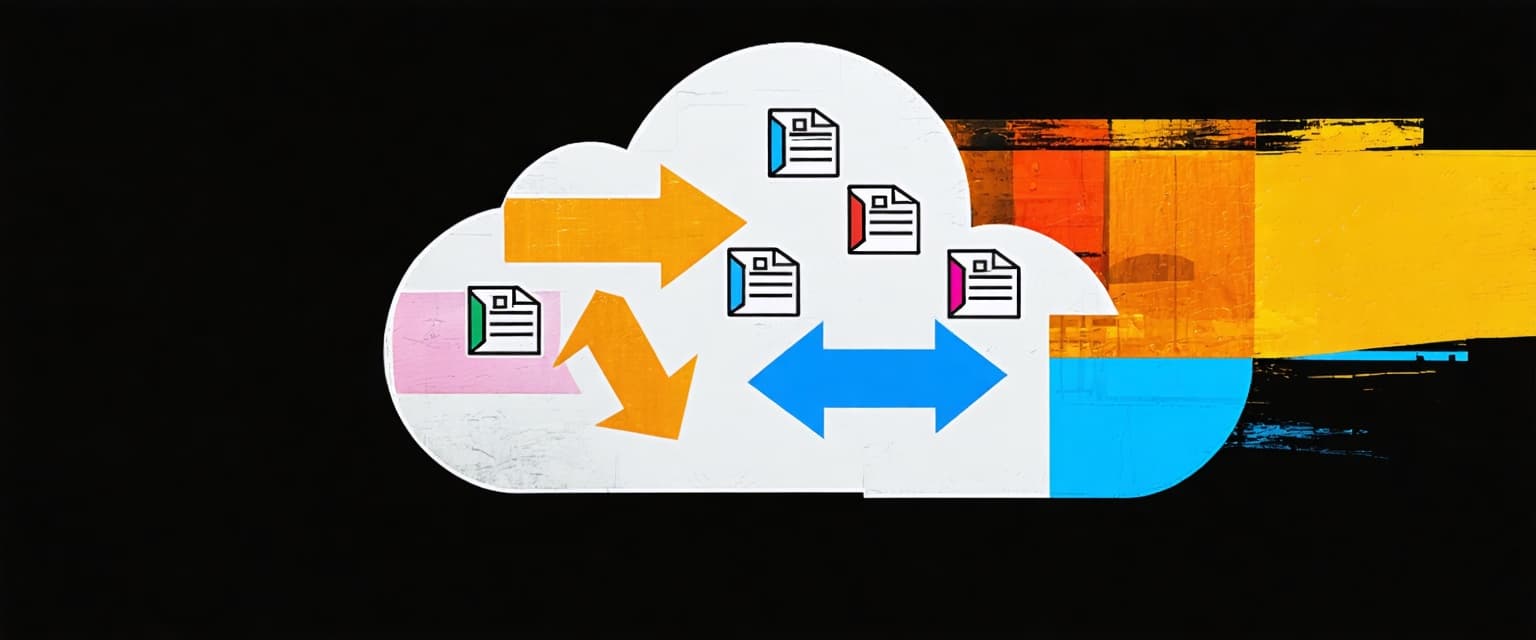
A drawing revision can land in Autodesk Construction Cloud while a field log still points to the older sheet. A simple reflex agent reacts only to that current-state signal, matching a predefined condition-action rule with no memory of earlier versions. It belongs there only when the current project record contains everything required to trigger a safe, predefined action, detecting the mismatch and routing an alert without consulting revision history.
That same reliance on the current record makes fragmented data dangerous. Simple reflex agents can also process submittal routing and trigger compliance alerts, but lagging data across legacy systems becomes bad data that drives poor decisions and rework. API failures, conflicting data formats, and integrations that require custom code compound that risk and threaten ROI. Before deployment, project teams should confirm which system owns each field, how often it refreshes and who reviews an exception when records disagree.
Safe use depends on clear operating boundaries and exception handling. When a decision requires history, missing context, or human confirmation of field truth, move it to a more capable architecture or the responsible project team.
What Is a Simple Reflex Agent?
A simple reflex AI agent reacts to immediate environmental inputs using predefined condition-action rules, without considering past or future data, making it efficient for predictable, structured tasks but limiting where the architecture holds.
Operating Boundary
The simple reflex AI agent model holds only when the current reading or project record is sufficient to determine the correct response. An idealized thermostat illustrates the boundary, turning heating on below a set temperature and off above it. The same distinction applies when a drawing-status alert depends on revision history captured in document control records rather than the exposed sheet metadata.
Key Components of Simple Reflex Agents
A simple reflex AI agent only works when the operating environment exposes everything required for the decision. The five essential components are:
Sensors: Data collection devices that gather real-time inputs
Condition-action rules: Predefined "if-then" logic that determines responses
Processor: Decision engine that matches current conditions to rules
Actuators: Physical or digital components that execute selected actions
Environment: The operational context where the agent functions
In a built-world workflow, sensors may expose a drawing-status field, feeding that snapshot to the processor, which matches it against rules such as "if the recorded drawing revision differs from the current sheet, then escalate the mismatch." You define this rule set during development; the agent never improvises, so it requires complete rule coverage.
Even limited unobservability causes problems because a simple reflex agent has no internal state to reconstruct missing information.
How Simple Reflex Agents Work
A simple reflex AI agent operates through a continuous cycle of perceiving input, evaluating predefined rules, and executing an action, with no memory or retained context.
The Perceive, Match, and Act Cycle
The canonical simple-reflex algorithm interprets the current percept, matches a rule, and returns the action tied to the first matching rule. A drawing-status field, for example, can trigger an alert when it exposes a defined mismatch, but a sensor failure, such as a soil-moisture reading that misses recent rainfall, can still drive an incorrect action.
Once a rule matches, the agent sends signals to actuators, such as a machinery stop command, a project-record update, or a drawing-revision alert. A drawing alert can therefore repeat while a mismatch remains exposed, much like a robotic vacuum re-cleaning a spot it has already covered.
Triggering Actions Across Connected Sources
When a field such as current submittal status or drawing revision determines the next action, a system can monitor connected sources and execute the matched action. For example, operators can instruct the system to "Every Monday, send the project executive's channel a summary of every RFI closed and submittal approved last week in Procore." The Monday schedule is reflex-style, but summarizing the prior week requires history-dependent components that fall outside a purely simple-reflex classification.
Simple Reflex Agents vs Other Agent Types
Choose the least complex AI agent that can make the decision safely: current-input rules suit repetitive, low-risk routing, while project history, changing objectives, or trade-offs require more capable agent types.
Comparison Criteria
Project teams should compare AI agent types using the project record required, exception volume, implementation effort, and impact of a wrong decision:
Agent Type | Decision Basis | Memory or State | Best Fit |
|---|---|---|---|
Simple reflex agent | Matches current input against predefined condition-action rules | None | High-volume, low-risk routing and status alerts, such as RFI triage or drawing-mismatch flags |
Model-based reflex agent | Weighs current input against an internal model of unobserved state | Retains an internal model | Decisions needing earlier drawing versions, prior RFI responses, or other history the current record doesn't expose |
Goal-based agent | Evaluates multiple paths against a defined goal | Retains state and goal criteria | Trade-offs involving cost, schedule, or quality where more than one action could satisfy the rule |
Record needed: Current drawing or submittal metadata suits simple reflex agents; history or trade-offs point to the other two rows above.
Effort vs. exception volume: Rule-based systems are simpler to implement, but track how many items fall outside the rules and need manual review.
Complexity vs. impact: High-volume status alerts rarely need sophisticated agents, while drawing-revision conflicts and strategic decisions can fail under simple rule-based logic.
When that manual review requires pulling the referenced submittal, spec section, or prior RFI from a connected system, Datagrid's Fast Search Agent can surface the answer directly instead of a reviewer searching for it by hand.


Deployment: Integration, Security, and Performance
Putting a simple reflex rule into production means connecting it to the project's other systems, not just defining it. Moving an RFI, submittal, or drawing-revision status between systems such as Procore, Autodesk Construction Cloud, and Microsoft Teams typically calls for cloud APIs and serverless functions combined in single-agent workflows, though safety-critical controls stay local. Before connecting an agent to project records or equipment, encrypt traffic end-to-end, restrict which applications can trigger actions, define who monitors for system malfunctions with input-output guardrails, and keep processing close to the data source to avoid delay.
Benefits and Disadvantages of Simple Reflex Agents
Measurable, repeatable workflows where the current input is complete, and the consequences of a rule match are understood are where simple reflex AI agents fit best. Their speed and predictability are valuable, but their rigid design becomes a liability when project context changes.
Key Advantages of Simple Reflex Agents in Automation
Each advantage below ties to a metric a project team can track directly:
Alert Delivery Time: These agents react directly to sensor inputs with no planning overhead, measurable through RFI routing time or the delay before a drawing-mismatch escalation.
Manual Exception Volume and Rule Coverage: Reflex agents carry less overhead than agents that maintain models or learn, but a high exception rate erases that simplicity. Track manual-review volume, stale-record incidence, and unmatched-rule rate to decide whether to refine the rules or move to a more capable architecture.
Actuator Success Rate: In fully observable conditions, these agents deliver consistent execution through predefined if-then logic, as in industrial safety interlocks, where ISO machinery guidance specifies that opening an interlocked guard while hazardous functions operate must produce a stop command.
Limitations That Affect Performance
That same rigidity surfaces as concrete limitations in practice:
Inability to Learn From Experience: Without memory, these agents remain static despite repeated exposure to similar drawing conflicts or RFI routing errors.
Performance Degradation in Complex Environments: When inputs are incomplete, these agents cannot weigh situations requiring multiple project factors, making them less effective than model-based alternatives.
Inflexible Rule-Based Architecture: These agents can execute only pre-programmed actions and, in partially observable environments, can enter infinite loops, such as a record cycling between routing states without reaching the responsible project team.
Defining Rules and Exceptions
Before deploying an AI agent that labels, routes, or validates high-volume records, name an exception owner first. Rule-based workflows can label incoming field reports by category, such as "Safety Incident" or "Schedule Impact," route them to the right team member, or alert staff and track SLA compliance.
Test rule completeness and input quality before deployment, then route every uncovered case to that owner. Datagrid's Audit Agent, for example, can verify project files against audit requirements and flag compliance gaps outside the rule library's coverage.


Start One Rule-Based Workflow With Datagrid's AI Agents
Datagrid's AI agents can run the reflex-style triggers your team already relies on, so predictable routing and alerts stay consistent across connected systems:
Condition-action monitoring: Watch a current drawing status, submittal field, or RFI threshold across Procore, Autodesk Construction Cloud, and Primavera P6, and trigger the defined action when it matches.
Structured search and lookup: Datagrid's Fast Search Agent can pull quick, structured answers from connected spreadsheets, project files, databases, and web pages, skipping the manual lookup.
Audit and compliance checks: Datagrid's Audit Agent can verify project files against audit requirements and flag compliance gaps for review.
Exception routing: Send any unmatched input to a named project team member rather than letting it sit unresolved.
Rule-coverage tracking: Monitor stale-record incidence, repeated-notification volume, and unmatched-rule rate to tell when a workflow needs new rules or a more capable architecture.
Project teams still confirm field truth, define the rule library, and decide when a workflow has outgrown simple reflex logic.
Get started with Datagrid to put one rule-based workflow into production and track alert time and exception volume against your current manual process.
Frequently Asked Questions About Simple Reflex Agents
Is a Thermostat Always a Simple Reflex Agent?
An idealized thermostat is a simple reflex AI agent when it turns heating on or off using only the current temperature and predefined thresholds; many real thermostats add hysteresis or timing and exceed it.
Can Simple Reflex Agents Work in Changing or Stochastic Environments?
Simple reflex AI agents can work in changing or stochastic environments when the current percept contains everything needed to select the correct action, but they become unreliable when inputs are missing or noisy because they have no internal state to reconstruct them.
What Happens When No Condition-Action Rule Matches the Current Input?
In the pure model, no matched rule means no action. In production, teams should define a safe default, such as logging the event or routing it to a named exception owner, the same escalation path the rule library depends on.
When Should an Enterprise Use a Simple Reflex Agent?
An enterprise should use a simple reflex AI agent for predictable, structured workflows, such as RFI routing, basic submittal validation, or threshold alerts, where current input is sufficient, and speed or consistency matters more than adaptability. Workflows that require history, context, or better outcomes need more capable agents.